- Forgetting to verify power is off. Never trust the switch on the wall. Always turn off the circuit breaker and then confirm with a non-contact voltage tester at the exact location you intend to work.
- Using an incompatible dimmer switch. Pairing an old incandescent-only dimmer with new LED bulbs is the leading cause of dimmer-related flicker. Always buy a dimmer specifically rated for LEDs, often marked with "LED+" or "C-L".
- Overtightening wire nuts. Twisting wire nuts on with excessive force using pliers can break the internal spring, strip the threads, or even snap the conductors. Hand-tight is sufficient to create a secure, lasting connection.
- Ignoring a minor flicker. A flicker is a warning that a connection is unstable. This instability creates resistance and heat. Letting it persist can damage fixtures and, in rare but serious cases, lead to an electrical fire from arcing.
Electrical · Panel or service upgrade
| Project category | Electrical |
|---|---|
| Problem type | Panel or service upgrade |
| Trade required | Electrical |
| Urgency | Planned project |
| Safety risk | High safety risk |
| DIY suitability | Licensed pro only |
| Cost category | High cost |
| Typical timeline | Permit plus utility scheduling, commonly 2–6 weeks |
| Contractor type | Licensed electrician |
Repair option
Add a subpanel when the main service is adequate.
Replacement option
Full service upgrade with utility coordination and permits.
Common causes
- Obsolete or recalled panel brands
- Service capacity too small for added loads
- No room for required AFCI/GFCI breakers
Relevant tools:project cost estimatorcompare quotes
Published April 23, 2026Last updated August 17, 2026
Tools & materials you'll need
Affiliate linksAs an Amazon Associate FixlyGuide earns from qualifying purchases — at no extra cost to you. Prices and availability are accurate as of publication and subject to change.
How it works
A residential electrical circuit is a continuous loop. Power flows from your home's main electrical panel, through a circuit breaker, along a "hot" wire (typically black) to a device like a light fixture or outlet, and returns to the panel along a "neutral" wire (typically white). Flickering lights are a visible symptom of a momentary break or instability in this loop.
When lights in a single room flicker, the problem is isolated to that specific branch circuit. The most common cause is a poor connection. Electricity requires solid, metal-to-metal contact to flow smoothly. A loose light bulb, a worn-out contact inside a switch, or an insecure wire nut introduces a tiny air gap. As 120-volt alternating current (AC) tries to jump this gap, it creates a small electrical arc. This arc is an inconsistent path for the current, causing the light's output to fluctuate rapidly—the flicker you see. This process generates resistance and heat. While often minor, a persistent arc can degrade components and, in a worst-case scenario, become a fire hazard. Dimmer switches add another layer of complexity; they work by rapidly chopping the AC waveform. If the dimmer is not designed for the low power draw of an LED bulb, its electronics can't regulate the power smoothly, resulting in a constant, programmed flicker.
Step-by-Step Fix
Follow these steps in order, from simplest to most complex. Do not skip a step, as the majority of issues are resolved early in the process.
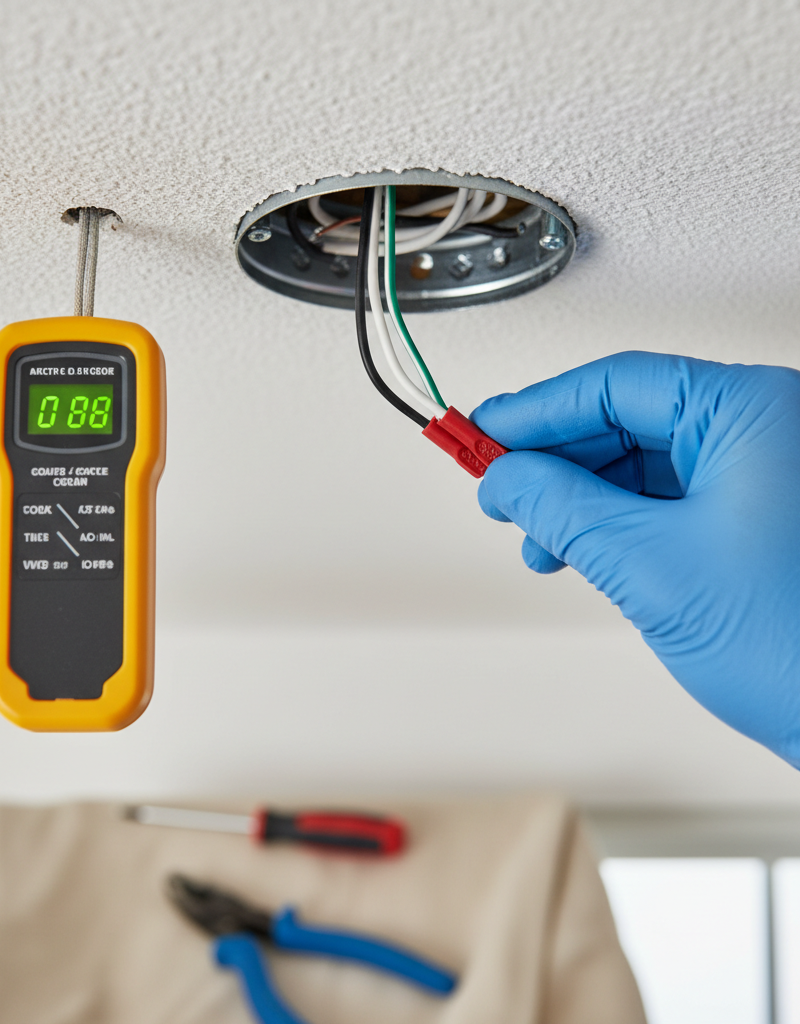
1. Perform a Definitive Safety Check — Go to your main electrical panel and switch off the specific breaker that controls the flickering light. Post a note on the panel door to prevent anyone from turning it back on. Return to the room and flip the light switch on and off to confirm the power is completely dead. For absolute certainty, use a non-contact voltage tester by holding its tip near the switch and then near the light fixture; it should not light up or beep.
- Tool: Non-contact voltage tester.
- Safety: This is the most critical step. Verifying that power is off at the point of work is non-negotiable. Treat every wire as if it were live until you have proven it is not.
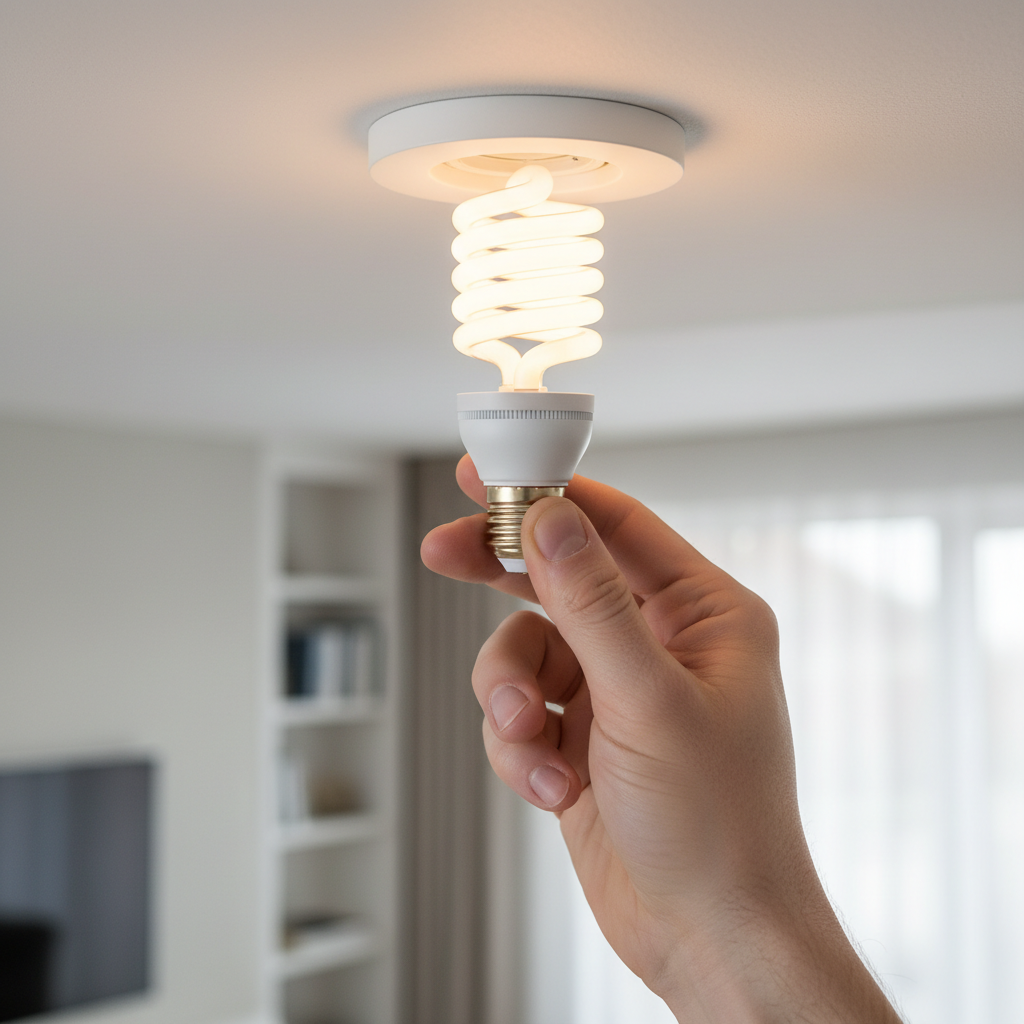
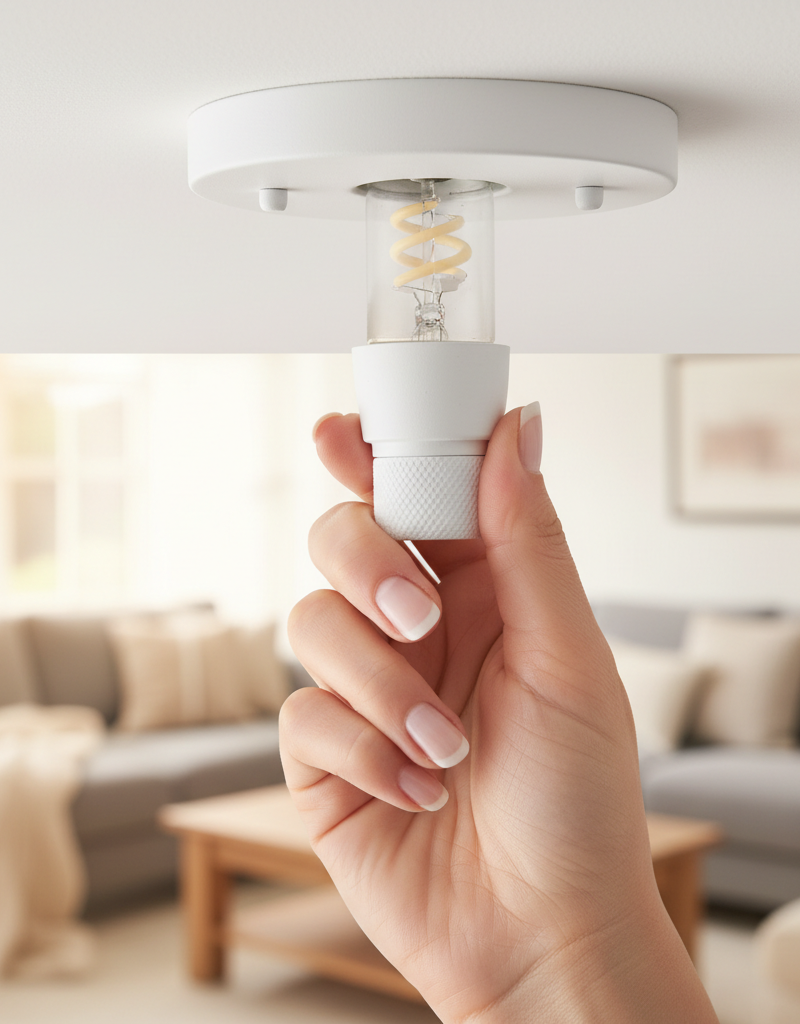
2. Isolate the Bulb as the Variable — The bulb itself is a frequent and simple point of failure. Unscrew the flickering bulb and install it in a known-good lamp in another room. If the flicker follows the bulb, the bulb is faulty. If the lamp now flickers, the bulb is the problem. To confirm, take a known-good bulb from another lamp and install it in the problematic fixture. If the flickering stops, you've confirmed the original bulb was the issue.
- If this resolves the issue: Your work is done. Dispose of the faulty bulb.
- If the flicker remains with the original fixture: The problem lies in the socket, wiring, or switch. Proceed to the next step.
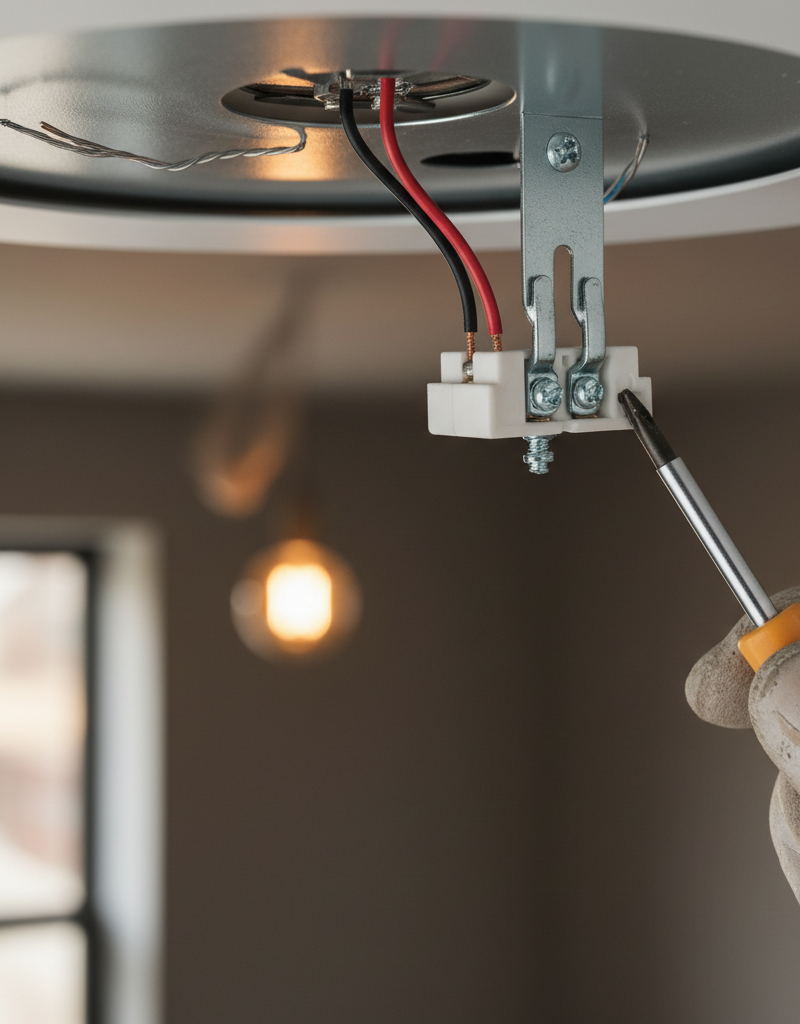
3. Inspect the Light Bulb Socket — With the power off and the bulb removed, look closely inside the socket. At the very bottom is a small, brass-colored metal tab. This is the "hot" contact. Over time, or from overtightening bulbs, this tab can become flattened.
- Tool: Small flat-head screwdriver or a non-conductive tool like a wooden chopstick.
- Instruction: Gently pry the metal tab up by about 1/8 of an inch to ensure it will make firm contact with the bottom of the next bulb. While inspecting, look for any black soot or charring marks inside the socket, which indicate arcing and mean the socket itself should be replaced.
4. Examine Fixture Wiring Connections — Most light fixtures connect to the house wiring inside a metal or plastic junction box, hidden under a decorative canopy flush with the ceiling. Loosen the screws holding the canopy and gently lower the fixture to expose the wiring. You will typically see three sets of wires joined by wire nuts: black to black (hot), white to white (neutral), and bare copper/green to bare copper/green (ground).
- Tool: Phillips or flat-head screwdriver.
- Instruction: Gently tug on each individual wire entering a wire nut. They should all feel completely solid. If any wire pulls out easily, you've found a loose connection. To fix it, remove the old wire nut, ensure the bare copper ends of the wires are twisted together tightly in a clockwise direction, and screw on a new, correctly sized wire nut until it is hand-tight.
5. Assess the Light Switch Type — Look at the switch controlling the light. Is it a simple binary on/off toggle, or is it a slider or rotary dimmer? Dimmer switches, especially older models designed for incandescent bulbs, are notoriously problematic with modern LED bulbs. These "leading-edge" dimmers are incompatible with the low-wattage drivers in LEDs and will often cause strobing or flickering.
- If you have a dimmer: Check if it is marked "C-L" or "LED+," indicating it's compatible with LED and CFL bulbs. If not, this is the most likely culprit.
- If you have a standard switch: While more reliable, the internal contacts can still wear out over time.
6. Test the Switch's Mechanical Integrity — With the light turned on (you will need to restore power at the breaker for this test), gently wiggle the switch's toggle, slider, or knob without fully turning it off. If this slight movement causes the light to flicker, cut out, or change brightness erratically, the switch's internal mechanism is worn and failing. The switch must be replaced. Remember to turn the power off again at the breaker before proceeding.
7. Inspect the Switch Wiring — With the power confirmed off via your voltage tester, unscrew the switch from the wall box and gently pull it out. Look at how the wires are connected. Are they wrapped securely around side screws, or are they pushed into small holes on the back (known as "back-stabs")? Back-stab connections are notoriously unreliable and loosen over time.
- Tool: Screwdriver.
- Instruction: Check that all side screws are tight. If wires are back-stabbed, it is best practice to move them. Release the wire (usually by inserting a small screwdriver into a release slot next to the hole), bend a J-shaped hook on the end of the wire with pliers, and wrap it clockwise around the corresponding side screw. Tighten the screw firmly.
8. Replace the Light Switch — If you've identified a faulty or incompatible switch, replacement is straightforward. Purchase a new switch that matches your needs (e.g., a simple toggle or an LED-compatible dimmer).
- Tools: Screwdriver, wire stripper, needle-nose pliers.
- Instruction: With the power off, transfer the wires from the old switch to the new one, one at a time, to avoid confusion. Connect the hot wire (usually black, connected to the darker-colored screw), the neutral (if present), and the ground wire (bare copper or green) to the corresponding terminals on the new switch. Secure the wires to the side screws, not the back-stab openings.
9. Investigate Upstream Connections — In residential wiring, power often "daisychains" from one device to the next. The outlet or switch before the light fixture in the circuit could have a loose connection that is affecting the light. Think about what else is on the same circuit breaker. If an outlet on the same wall is also on that circuit, the problem could be there.
- Instruction: With the power off, open nearby outlets on the same circuit and perform the same inspection you did on the switch: check for loose side screws or unreliable back-stab connections. Tightening a loose neutral wire on an outlet is a common fix for flickering lights that are downstream.
Common mistakes
- Forgetting to verify power is off. Never trust the switch on the wall. Always turn off the circuit breaker and then confirm with a non-contact voltage tester at the exact location you intend to work.
- Using an incompatible dimmer switch. Pairing an old incandescent-only dimmer with new LED bulbs is the leading cause of dimmer-related flicker. Always buy a dimmer specifically rated for LEDs, often marked with "LED+" or "C-L".
- Trusting back-stab connections. The spring clips in push-in "back-stab" terminals on switches and outlets are a common failure point. Always take the extra two minutes to curl a J-hook on the wire and secure it firmly around the device's side screw terminals.
- Overtightening wire nuts. Twisting wire nuts on with excessive force using pliers can break the internal spring, strip the threads, or even snap the conductors. Hand-tight is sufficient to create a secure, lasting connection.
- Ignoring a minor flicker. A flicker is a warning that a connection is unstable. This instability creates resistance and heat. Letting it persist can damage fixtures and, in rare but serious cases, lead to an electrical fire from arcing.
Cost & time breakdown
| Task | DIY Cost | Pro Cost | Time |
|---|---|---|---|
| Replace Faulty Light Bulb | $5 - $20 | N/A | 5 minutes |
| Replace Standard Light Switch | $3 - $15 | $125 - $250 | 20-30 minutes |
| Replace LED-Compatible Dimmer Switch | $25 - $70 | $150 - $300 | 30-45 minutes |
| Secure Loose Wire in Fixture/Switch Box | <$1 for new wire nut | $100 - $200 | 30-60 minutes |
| Trace and Fix Loose Upstream Connection | <$1 for new wire nut | $200 - $450 | 1-3 hours |
When to call a pro
While localized flickering is often a DIY fix, certain symptoms demand immediate professional attention. Call a licensed electrician if you experience any of the following:
- The flickering occurs in multiple rooms or throughout the entire house. This could indicate a serious problem with your main service line or a failing neutral connection at the panel, which is hazardous.
- You smell burning plastic, ozone, or char near an outlet, switch, or in the vicinity of the breaker panel.
- You hear audible buzzing, cracking, or sizzling sounds from inside a wall, fixture, or switch.
- A switch or outlet faceplate is warm or hot to the touch.
- Flickering is accompanied by frequently tripping circuit breakers.
- Upon opening a junction box, you discover aluminum wiring (dull gray instead of coppery), which requires specialized connectors and expertise to handle safely.
- You have completed the DIY steps and the problem persists, or you feel uncomfortable at any point.
Prevention & maintenance
- Use Quality Components: Invest in bulbs and switches from reputable, UL-listed manufacturers. Off-brand electrical components often use cheaper materials that fail prematurely.
- Match Bulbs and Dimmers: When upgrading to LED lighting, always replace any old dimmer switches with modern, LED-compatible (C-L rated) models to ensure smooth, flicker-free performance.
- Mind Your Circuit Load: Be aware of what is on each circuit. Avoid running multiple high-draw appliances like space heaters, hair dryers, or vacuums on the same circuit as your lights to prevent voltage drops that can cause dimming or flickering.
- Don't Overtighten Bulbs: Screw bulbs in until they are snug, then stop. Overtightening can flatten the socket's hot contact tab or damage the socket itself, creating a poor connection from the start.
- Perform "Feel" Tests: Occasionally and cautiously, touch switch plates in your home. If one ever feels abnormally warm, it's an early warning sign of a poor connection inside that needs to be investigated immediately after turning off the power.
- Address Issues Promptly: Treat flickering not as an annoyance, but as a maintenance task. A flickering light is an early warning system for an electrical problem that will only worsen over time.
Related Articles
Keep troubleshooting with these hand-picked guides from FixlyGuide:
- 1 Flickering Light? It's Probably Not What You Think. — If the lights in a single room are flickering, the problem is usually a simple electrical issue you can often diagnose and fix yourself.
- Why Does Only One Room Have Flickering Lights? The Real Culprit — Flickering lights in a single room often point to a localized electrical issue, frequently a loose connection, easily diagnosed and repaire…
- Why Does Only One Room Have Flickering Lights? The Real Culprit — Flickering lights in a single room often point to loose connections, an overloaded circuit, or a failing light fixture, rather than a whole…
- Why Does Only One Room Have Flickering Lights? The Real Culprit — Flickering lights in a single room often point to a localized electrical issue, not a whole-home problem, making diagnosis and repair simpl…
- Why Does Only One Room Have Flickering Lights? The Real Culprit — Flickering lights in a single room often point to a localized electrical issue, most commonly a loose connection within the circuit.
- One Shower Has No Hot Water? The Hidden Mixing Valve Trick — Before you panic about your water heater, discover the simple shower mixing valve issue that often causes a single shower to lose hot water.
What should this project cost?
Enter your project details for a realistic cost range before you call anyone.
Outlet and switch work usually $150–$400; panel upgrades commonly $1,800–$4,200.
- Regional adjustment
- National average
- Labor share (typical)
- ~$709
- Quotes to collect
- 3 written estimates
Educational estimate based on national averages — not a binding quote. Always confirm with written local estimates.
Fixly Project Decision Box
- DIY difficulty
- Professional Recommended
- Estimated time
- Diagnosis 1–2 hours
- Cost level
- Moderate
Main tools / materials
- Non-contact voltage tester
- Outlet tester
- Flashlight
When to stop and call a pro
- Burning smell, scorch marks, or a warm outlet or switch plate
- A breaker that trips again right after being reset
- Any work inside the service panel
- Aluminum wiring or cloth-insulated wiring
Need professional help?
Talk to a Licensed ElectricianFrequently asked questions
Why do my lights flicker only in one room?+
Flickering lights in a single room usually indicate a localized problem such as a loose light bulb, a faulty light switch (especially a dimmer), or a loose wire connection within the light fixture itself. It's rarely a whole-house electrical issue.
Is flickering light dangerous?+
While often minor, persistent flickering can sometimes indicate a loose electrical connection generating heat, which can be a fire hazard. It's best to address flickering lights promptly to ensure safety and prevent further damage.
Can a bad light bulb cause flickering?+
Yes, a bad or incompatible light bulb is one of the most common reasons for flickering. Try replacing the bulb with a new one of the correct wattage and type to rule this out first.
How do I check for a loose wire in a light fixture?+
After turning off the power at the circuit breaker, remove the light bulb and carefully inspect the wires inside the fixture. Look for any wires that appear loose or disconnected from their terminals. If comfortable, gently tighten any screw terminals. If unsure, call an electrician.
Can a dimmer switch make lights flicker?+
Absolutely. Dimmer switches can fail over time or be incompatible with certain types of bulbs, particularly LED bulbs. Ensuring your dimmer is rated for the specific bulbs you're using can often resolve flickering issues.
Discussion
Loading comments…