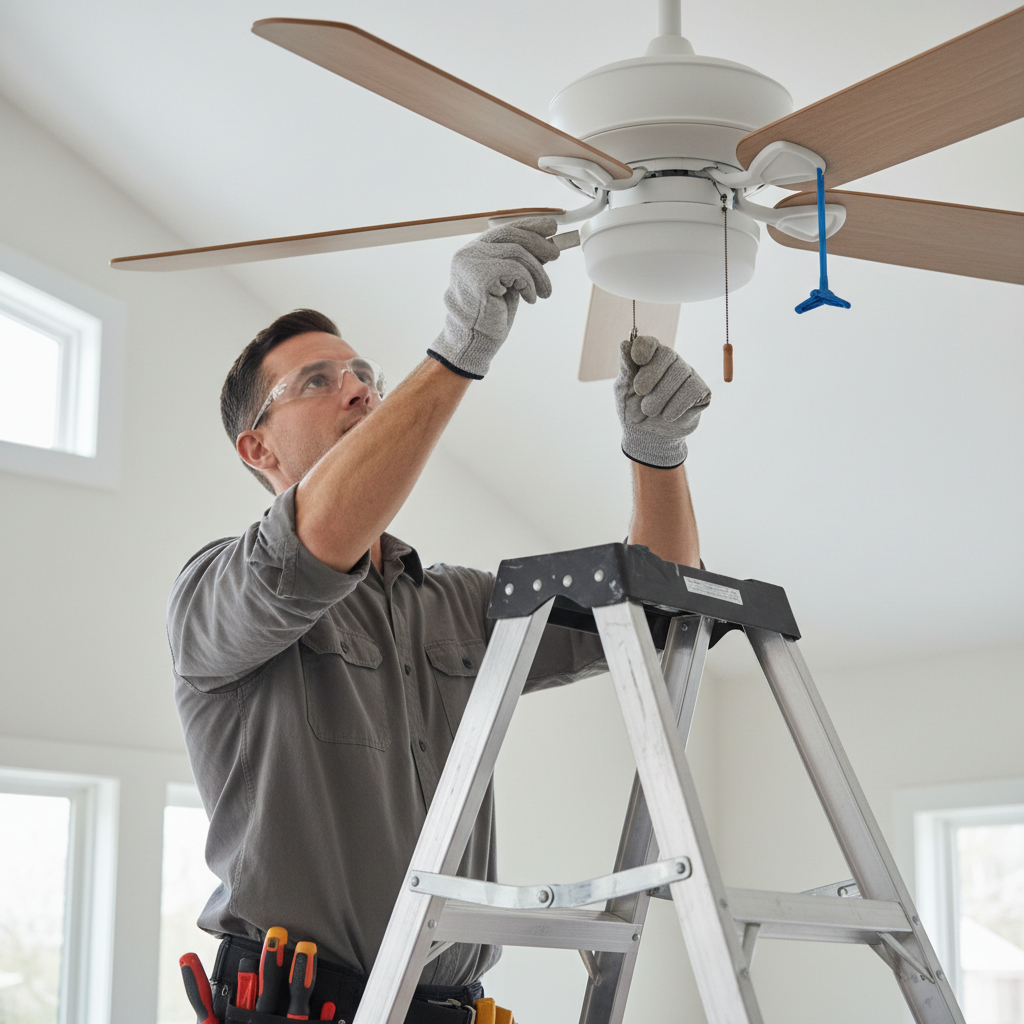
- Clean the Blades Thoroughly — Accumulated dust and grime can add uneven weight to blades.
- Using a dry microfiber cloth or a damp cloth (if blades are greasy), wipe down the top and bottom of each fan blade. Pay special attention to the leading edges where dust tends to collect.
- Ensure all blades are equally clean and dry before testing for a wobble. This can often resolve minor wobbles caused by uneven dust distribution.
Electrical · Panel or service upgrade
| Project category | Electrical |
|---|---|
| Problem type | Panel or service upgrade |
| Trade required | Electrical |
| Urgency | Planned project |
| Safety risk | High safety risk |
| DIY suitability | Licensed pro only |
| Cost category | High cost |
| Typical timeline | Permit plus utility scheduling, commonly 2–6 weeks |
| Contractor type | Licensed electrician |
Repair option
Add a subpanel when the main service is adequate.
Replacement option
Full service upgrade with utility coordination and permits.
Common causes
- Obsolete or recalled panel brands
- Service capacity too small for added loads
- No room for required AFCI/GFCI breakers
Relevant tools:project cost estimatorcompare quotes
Published May 25, 2026Last updated August 17, 2026
Tools & materials you'll need
Affiliate links- AmazonStep ladderSturdy and tall enough to reach the fan comfortably.
- AmazonScrewdriver setPhillips and flathead, appropriate sizes for fan screws.
- AmazonNon-contact voltage testerFor confirming power is off.
- AmazonMeasuring tape or ruler1
- AmazonPliersNeedle-nose or standard, for gentle bracket adjustment.
As an Amazon Associate FixlyGuide earns from qualifying purchases — at no extra cost to you. Prices and availability are accurate as of publication and subject to change.
Quick Answer
A wobbling ceiling fan is usually a clear indicator of an imbalance in its rotating parts, most often the blades. This common issue can stem from several underlying causes, including dust accumulation, loose mounting screws, bent blade brackets, or even inconsistencies in the weight of the blades themselves. The good news is that for most homeowners, resolving a minor to moderate ceiling fan wobble is a straightforward DIY task that requires only basic tools and a bit of patience. By systematically checking for common culprits and applying simple adjustments like cleaning, tightening fasteners, and precisely balancing the blades with a readily available kit, you can restore your fan to smooth, quiet operation, extending its lifespan and improving comfort in your home.
The Problem
That unsettling shimmy and shake from your ceiling fan isn't just an aesthetic annoyance; it's a symptom of an underlying mechanical imbalance. A wobbling fan, especially on higher settings, can cause more than just irritating noise. The constant vibration puts stress on the motor bearings, the fan's mounting hardware, and even the electrical connections over time. If left unaddressed, a severe wobble can lead to premature motor failure, cracked blade brackets, or even compromise the integrity of the fan's attachment to the ceiling. In rare, extreme cases, a fan could potentially loosen from its mounting if the issue is severe and ignored for too long, posing a safety risk. Addressing a wobble promptly prevents further damage and ensures the longevity and safe operation of your ceiling fan.
How It Works
To understand why a ceiling fan wobbles, it helps to visualize how it's designed to operate. A ceiling fan consists of a motor housing, connected to a downrod (or directly to a flush mount) which secures to a mounting bracket in the ceiling. This mounting bracket is, in turn, screwed into a junction box, which ideally is securely fastened to a ceiling joist or a fan-rated brace. The motor spins a central armature, to which several blade irons (or brackets) are attached. Each blade iron then holds a fan blade.
For a fan to operate smoothly, two primary conditions must be met: it needs to be securely mounted to a stable electrical box and support structure, and the weight distribution of its rotating components must be perfectly balanced. Imagine a spinning bicycle wheel – if there's a heavy spot or a bent rim, the wheel will wobble. The same principle applies to a ceiling fan.
Any deviation from perfect balance – even a few grams of difference between blades, a slightly bent blade iron, or a loose connection at the canopy – introduces a centrifugal force that pulls the fan off its rotational axis. As the fan spins faster, this force amplifies, causing the noticeable wobble. The motor tries to compensate, leading to undue strain on its bearings and structural components. Factors like uneven blade weight (due to manufacturing variations or dirt buildup), blade brackets that aren't perfectly aligned, loose screws at any connection point (from blade to blade iron, blade iron to motor, or even the downrod to the mounting bracket), or an improperly installed mounting bracket can all disrupt this delicate balance and cause the dreaded wobble.
Step-by-Step Fix
Always begin with safety — Before attempting any fix, always turn off the power to the ceiling fan at your home’s electrical service panel (breaker box). Flip the corresponding breaker to the “OFF” position and, if possible, place a piece of tape over it to prevent accidental re-engagement while you are working. Use a non-contact voltage tester to confirm that the power is indeed off at the fan switch and at the fan itself before proceeding.
-
Clean the Blades Thoroughly — Accumulated dust and grime can add uneven weight to blades.
- Using a dry microfiber cloth or a damp cloth (if blades are greasy), wipe down the top and bottom of each fan blade. Pay special attention to the leading edges where dust tends to collect.
- Ensure all blades are equally clean and dry before testing for a wobble. This can often resolve minor wobbles caused by uneven dust distribution.
-
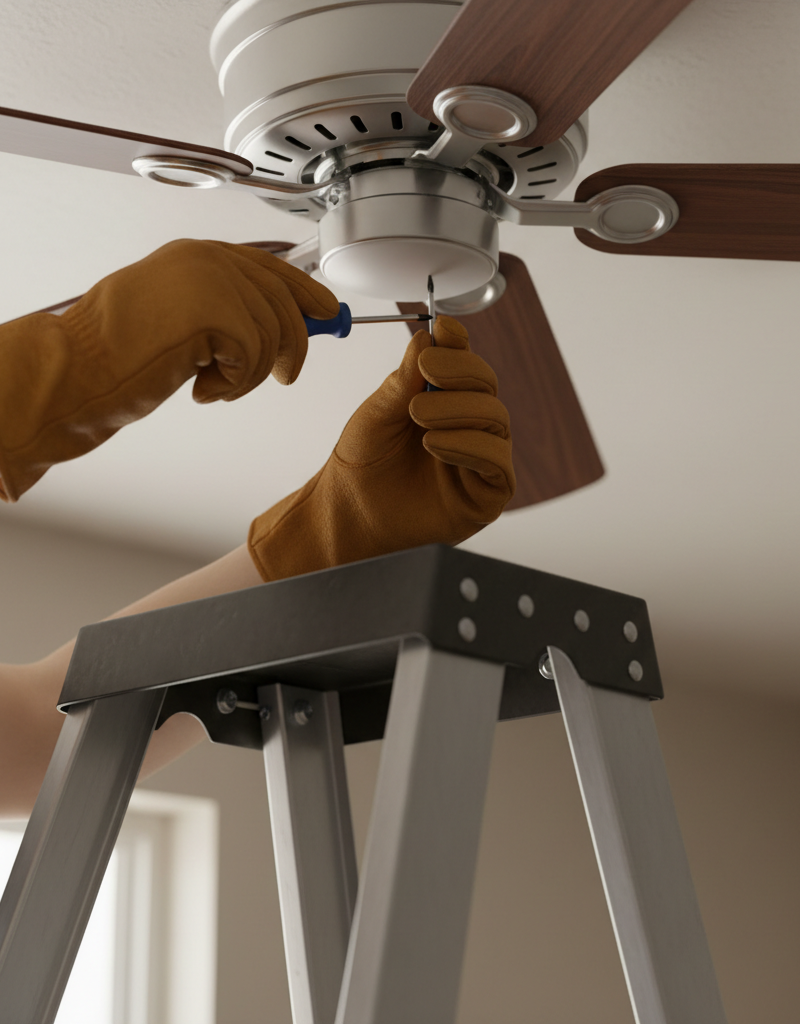
Tighten All Visible Screws — Loose fasteners are a common culprit for fan wobbles.
- Starting from the fan blades, check and tighten the screws that attach each blade to its blade iron.
- Next, tighten the screws that secure the blade irons to the motor housing.
- Move up to the downrod connection: ensure the set screw holding the downrod to the motor unit is snug, and check the screws at the canopy (the decorative cover against the ceiling) that secure it to the mounting bracket.
- While you're at the canopy, gently tug on the downrod to confirm it's seated firmly in the mounting bracket.
- If screws are stripped, replace them with appropriate replacements ensuring they are the correct length and thread.
-
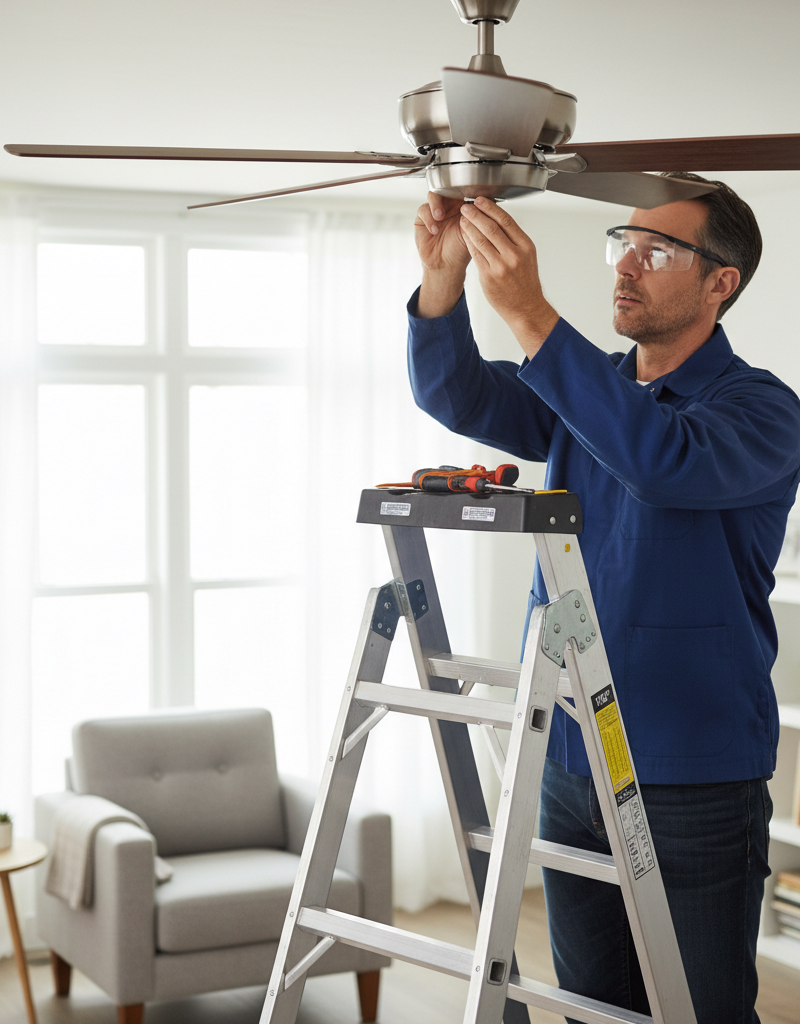
Check for Bent Blade Brackets — Even a slight bend can throw off the balance.
- Stand on a sturdy ladder and visually inspect each blade bracket. They should all be at the same height and angle relative to the ceiling.
- A simple way to check is to hold a measuring stick against the ceiling directly below the center of the fan. Rotate the fan slowly by hand and measure the distance from the ceiling to the tip of each blade.
- If one blade tip is significantly higher or lower than the others (more than 1/4 inch deviation), you likely have a bent blade bracket.
- Gently bend the offending bracket back into alignment using pliers, taking care not to damage the bracket or the motor housing. Be very cautious and apply force slowly to avoid snapping the metal.
-
Inspect Blades for Damage or Warping — Damaged blades themselves can cause an imbalance.
- Visually inspect each blade for cracks, chips, or warping. A warped blade will twist or bend along its length.
- If you find a damaged or significantly warped blade, the best solution is to replace the entire set of blades. Replacing just one can be difficult to match in weight and can lead to continued imbalance. Many fan manufacturers sell replacement blade sets.
-
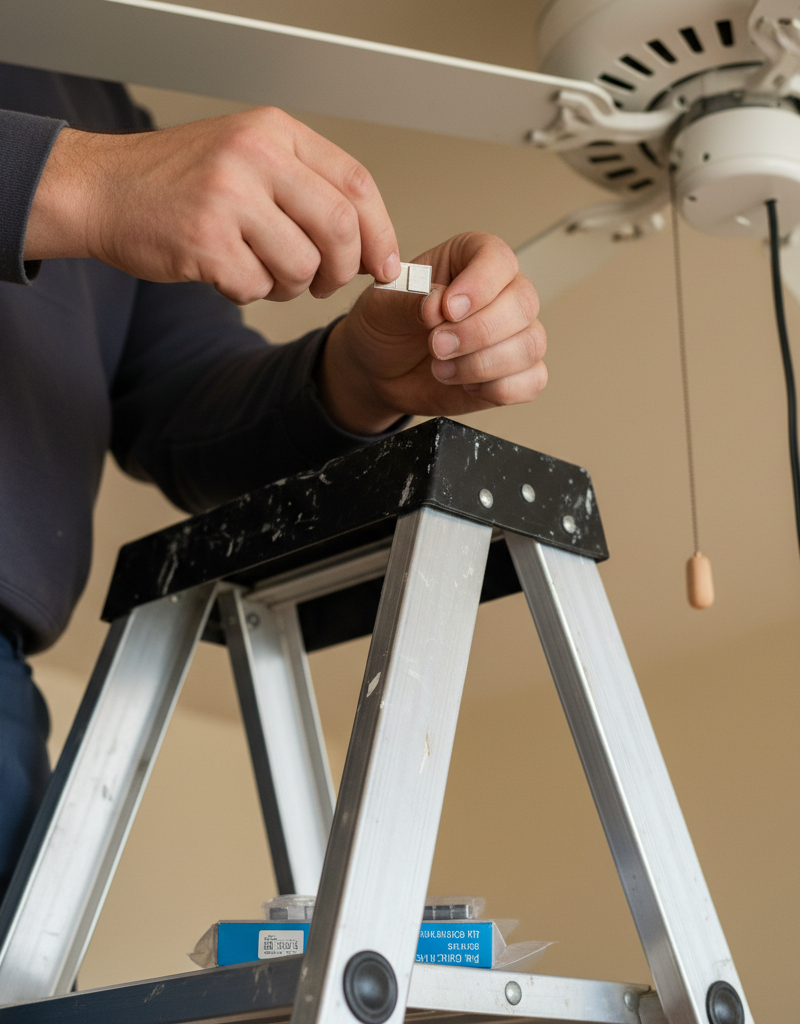
Use a Fan Balancing Kit — This is the most common and effective solution for persistent wobbles.
- These kits typically include small weights and a clip or self-adhesive pads.
- Turn the power back on and run the fan on its highest setting. Identify the blade that appears to be causing the most wobble (it will often be the one that looks
Related Articles
Keep troubleshooting with these hand-picked guides from FixlyGuide:
- The Hidden Reason Your Ceiling Fan Wobbles (And 3 Cheap Fixes) — A wobbling ceiling fan isn’t just annoying; it can be a sign of imbalance or loose connections that are simple to fix with the right approa…
- The Secret Cause of Ceiling Fan Wobble (It's Not Always What You Think) — A wobbling ceiling fan isn't just annoying; it can be a sign of a deeper issue. Learn the common culprits and how to restore balance safely.
- The 3 Hidden Reasons Your Ceiling Fan Wobbles (And the Easy Fixes) — A wobbling ceiling fan isn't just annoying; it can be a sign of underlying issues that are simple to fix with the right approach.
- The 30-Minute Trick to Stop Your Ceiling Fan From Wobbling (No Disassembly Needed!) — A wobbling ceiling fan is more than annoying; it can shorten the life of your fan. Learn how to quickly diagnose and fix the imbalance.
- The Surprising Culprit Behind Your Wobbling Ceiling Fan (It's Not Always Loose Screws) — A wobbling ceiling fan is annoying and potentially dangerous. Learn how to diagnose and fix the most common causes, from imbalanced blades…
- Your Fan Vent May End in the Attic. Here's the Fix. — That bathroom exhaust fan isn't just for odors; it's critical for your home's health. A common, hidden mistake is venting it directly into…
Should you do this yourself?
Answer five quick questions before you start. Safety outranks savings every time.
Your experience with work like this
How high do you have to work?
Does the job involve any of these?
Will it need a permit?
Specialty tools
Free and instant. Educational guidance only — not a quote, inspection, or professional diagnosis.
What should this project cost?
Enter your project details for a realistic cost range before you call anyone.
Outlet and switch work usually $150–$400; panel upgrades commonly $1,800–$4,200.
- Regional adjustment
- National average
- Labor share (typical)
- ~$709
- Quotes to collect
- 3 written estimates
Educational estimate based on national averages — not a binding quote. Always confirm with written local estimates.
Get the print-ready PDF of this guide
A clean, ad-free, printable version you can keep on your phone or pin to the workshop wall. Free with a FixlyGuide account.
- Print-optimized layout
- Tools, materials & every step included
- Saved to your account
Frequently asked questions
Why does my ceiling fan wobble?+
Ceiling fan wobble is most commonly caused by imbalanced blades due to uneven weight distribution (e.g., dust, manufacturing defects), loose mounting screws in the blade irons or downrod, or a bent blade bracket that alters the angle of a blade.
Can a wobbling ceiling fan fall?+
While rare, a severely wobbling ceiling fan that is improperly installed or has significantly damaged mounting hardware *could* eventually pose a risk of detachment. Addressing the wobble promptly prevents potential safety hazards and further damage to the fan's components.
How do I know which fan blade is causing the wobble?+
To identify the problematic blade, first clean all blades. Then, with the fan running on its highest setting, observe which blade appears to be moving up and down the most. A fan balancing kit often includes a temporary clip that you can move from blade to blade to pinpoint the imbalance.
Can I use pennies to balance a ceiling fan?+
While some DIYers might tape pennies to blades, it's not recommended. Pennies can fall off, and their exact weight isn't consistent, making precise balancing difficult. A dedicated fan balancing kit with calibrated weights is much more effective and secure.
When should I call a professional for a wobbling fan?+
If you've followed all troubleshooting steps and the fan still wobbles, or if you suspect electrical issues, structural problems with the ceiling box, or if the fan is difficult to access, it's best to call a licensed electrician or qualified handyman.
Discussion
Loading comments…