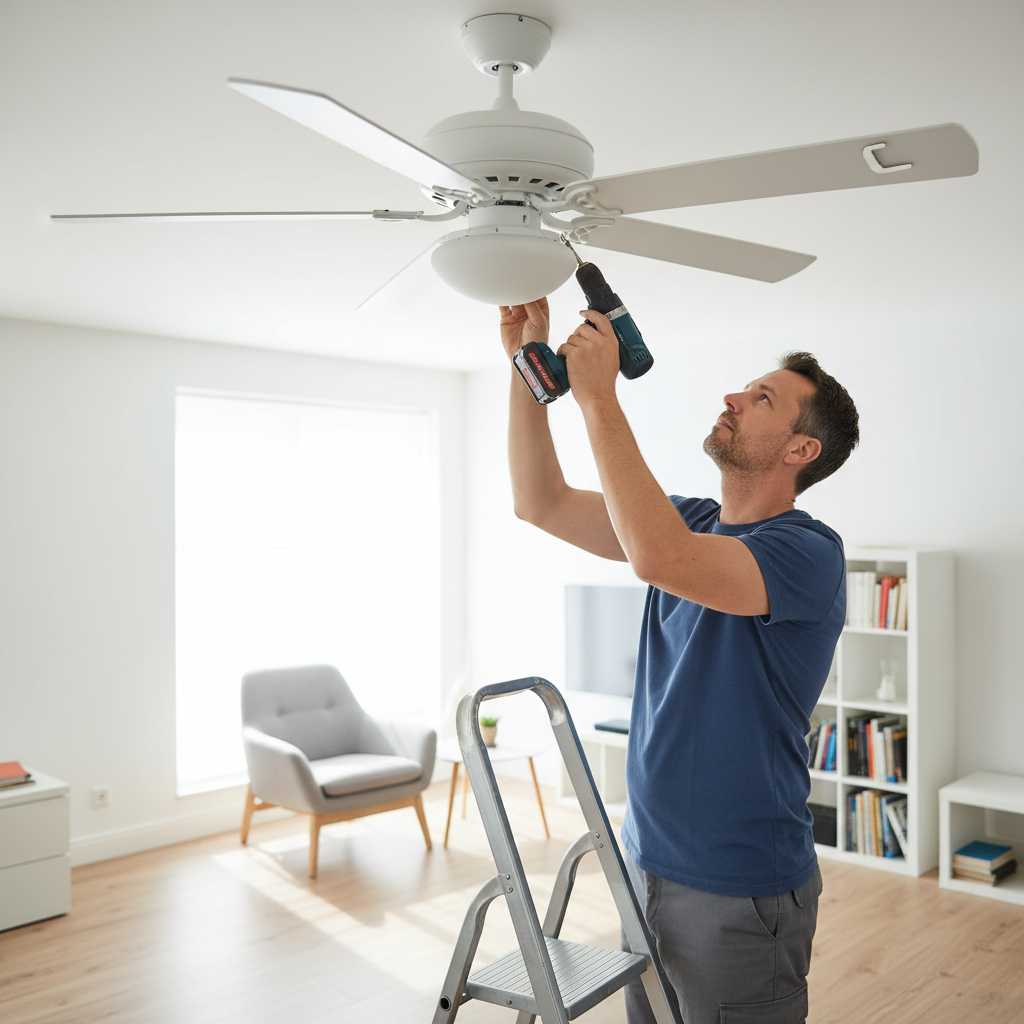
- Loose Blade Screws: This is probably the number one reason I get calls about wobbling fans. Screws vibrate loose over time.
- Bent or Warped Blades: Can happen from impact, or just humidity changes over years. Plastic or composite blades are especially prone to warping.
- Loose Mounting Hardware: The screws holding the fan to the ceiling box, or the downrod to the motor, can loosen.
- Incorrectly Installed Downrod: If the downrod isn't properly seated or secured, the whole fan can sway.
- Improperly Balanced Blades: Even factory fresh, sometimes one blade is just a hair heavier than the others.
Electrical · Panel or service upgrade
| Project category | Electrical |
|---|---|
| Problem type | Panel or service upgrade |
| Trade required | Electrical |
| Urgency | Planned project |
| Safety risk | High safety risk |
| DIY suitability | Licensed pro only |
| Cost category | High cost |
| Typical timeline | Permit plus utility scheduling, commonly 2–6 weeks |
| Contractor type | Licensed electrician |
Repair option
Add a subpanel when the main service is adequate.
Replacement option
Full service upgrade with utility coordination and permits.
Common causes
- Obsolete or recalled panel brands
- Service capacity too small for added loads
- No room for required AFCI/GFCI breakers
Relevant tools:project cost estimatorcompare quotes
Published July 27, 2026Last updated August 17, 2026
Tools & materials you'll need
Affiliate linksAs an Amazon Associate FixlyGuide earns from qualifying purchases — at no extra cost to you. Prices and availability are accurate as of publication and subject to change.
Quick Answer
That annoying wobble in your ceiling fan? Most times, it ain't some major catastrophe. It's usually a simple imbalance. A loose blade, an uneven downrod, or just one blade being a hair heavier than the rest can throw the whole thing off. You can usually get that fan spinning true again in under half an hour with a screwdriver and a cheap balancing kit. I've walked a lot of homeowners through this fix, and nine times out of ten, it's something they can handle themselves.
The Problem
You're trying to relax, maybe catch a little TV, and then there it is: a rhythmic shake, a little tremor in the corner of your eye. Your ceiling fan's wobbling. It's not just irritating to look at, either. A fan that's shaking all the time puts extra stress on the motor, the downrod, and the ceiling box itself. Over time, that constant vibration can loosen connections, wear out bearings, and even crack the ceiling around the mounting bracket – I've seen that happen in older homes, and it ain't pretty. This isn't just about looks; it can shorten the life of your fan and, in rare cases, even turn into a safety problem if the mounting hardware gives up. The good news? Most wobbles aren't catastrophic, and with a little methodical troubleshooting, you can usually tame it.
How It Works
To really get why your fan wobbles, you've gotta understand how the thing stays up there and spins without shaking itself to pieces. A ceiling fan's core is its motor, housing, and the downrod, which connects the motor assembly to a mounting bracket in the ceiling. That mounting bracket is, or at least should be, securely screwed into a ceiling electrical box designed to support the fan's weight – usually around 35-50 pounds for a standard fan. That box then gets anchored to a joist or a brace between joists.
The motor turns a central hub, and attached to that hub are the blade irons, which hold the fan blades. Those blades are built to push air downward, making that breeze we all want. For the whole setup to run smooth, every piece has to stay balanced around the center axis. Think of a car tire: if it's out of balance, the ride gets shaky. Same deal here. If one blade is a little heavier, or one blade's angle is off, or the mount isn't perfectly plumb, that imbalance creates centrifugal force that pulls the fan off-center every time it spins. The faster it goes, the worse the wobble gets. Even a tiny issue, like a missing screw or a warped blade, can turn into a noticeable swing at the blade tips, and those tips can be moving at over 100 miles per hour.
Step-by-Step Fix
1. Safety First — Before you touch anything on that fan, turn off the power at the breaker box. Don't just flip the wall switch; that fan can still have juice up in the ceiling box. I've seen too many folks get casual around electricity. Find the breaker for that room or fan, shut it off, and I always tell people to throw a piece of electrical tape over the switch so nobody kicks it back on while you're working.
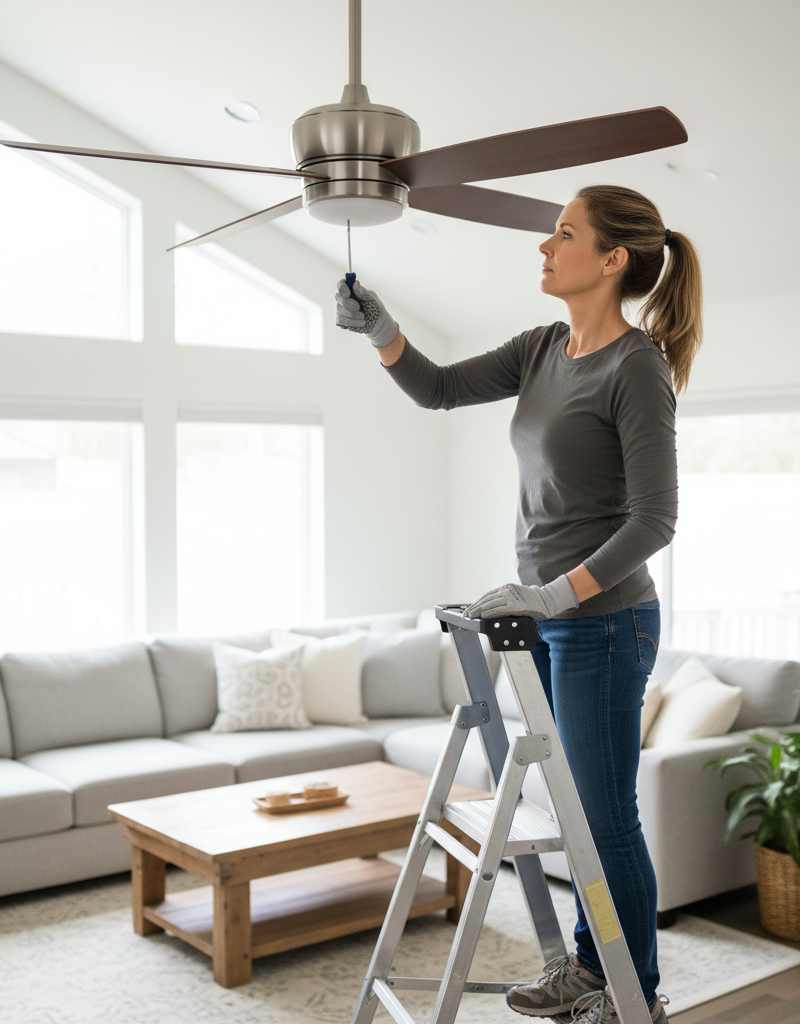
2. Tighten Everything Up, Starting with the Blades — Grab your screwdriver (usually a Phillips) and check every single screw on the fan blades. Start where the blades attach to the blade irons, then move to where the blade irons attach to the motor housing. Don't just give it a glance; snug every screw down good. You'd be shocked how often a loose blade screw is the whole problem. While you're up there, check the screws holding the blade irons to the motor unit too. I had a job out in Willow Creek once, big vaulted living room, fancy-looking fan and all. Client was sure the fan was toast. Turns out half the blade screws were barely hanging on. Tightened them up, and that fan ran like a champ. No wobble at all.
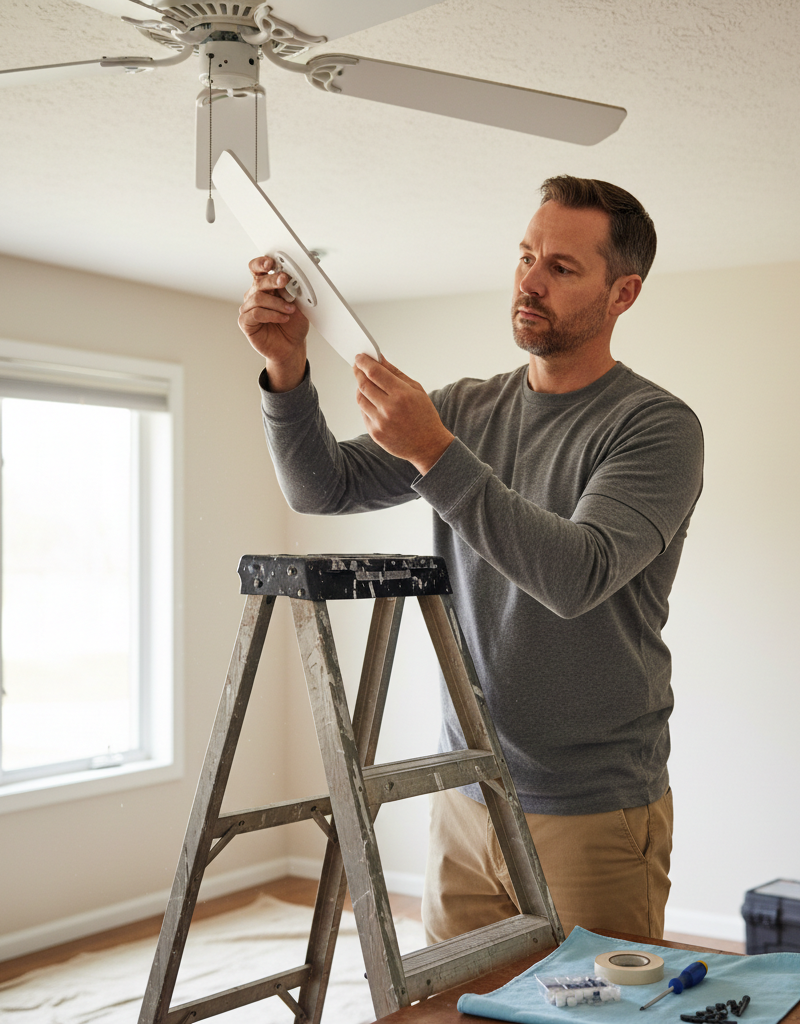
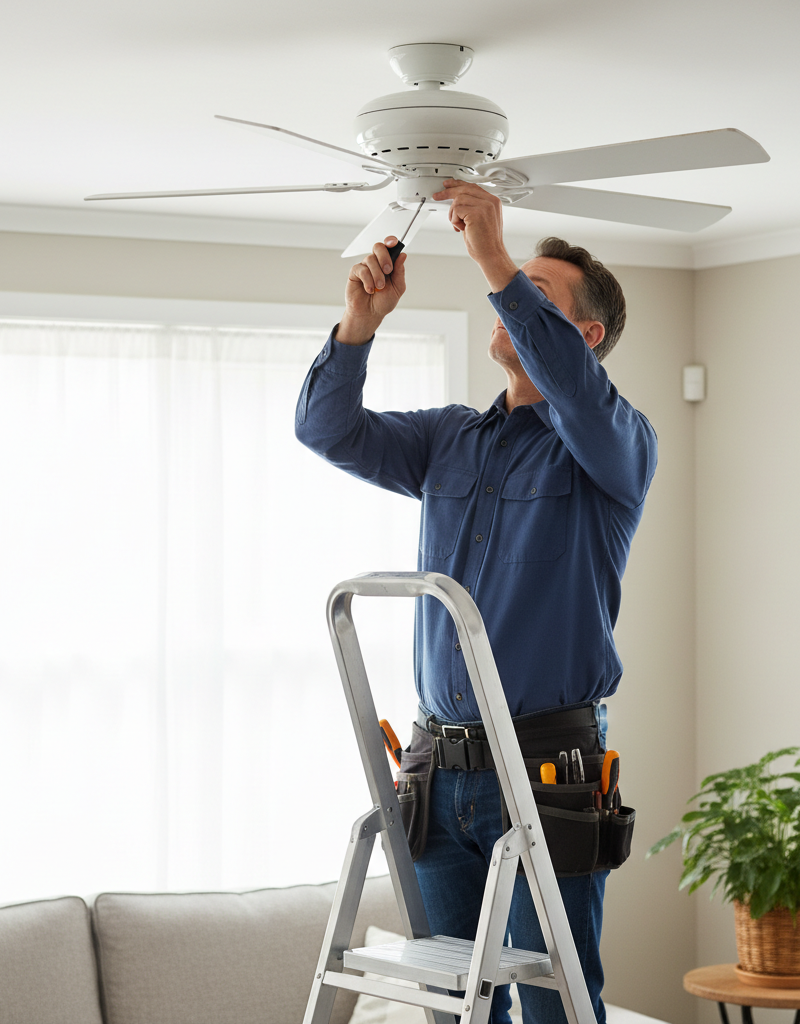
3. Check the Mounting Hardware — With the power still off, give the whole fan assembly a gentle but firm tug. It shouldn't have much play. Then, carefully remove the decorative canopy cover — that's the part against the ceiling. You'll usually find two or three screws holding it in place. Once that's off, inspect the mounting bracket. Make sure the screws holding the bracket to the electrical box are tight. Also, check the screws where the downrod connects to the mounting bracket and to the fan motor assembly. Loose connections here are a common source of wobbles. Make sure the hanger ball is seated properly in the mounting bracket.
4. Look for Bent or Damaged Blades — Get eye-level with the fan blades and visually inspect each one. Are any blades bent, warped, or cracked? Sometimes a kid's toy or even somebody bumping into it can damage a blade. A bent blade will throw off the balance fast. If a blade is visibly damaged, you're usually better off replacing the whole set of blades, because trying to straighten them rarely works out perfectly and can be unsafe. You can often find replacement blades online or through the manufacturer.
5. Measure Blade Alignment — This is where we get a bit more precise. Get a tape measure and place the end on the ceiling directly above the tip of one fan blade. Measure the distance from the ceiling down to the blade tip. Then, rotate the fan manually (slowly!) to bring the next blade into that same position and measure it. You're looking for differences. Even a quarter-inch difference can cause a wobble. If one blade sits significantly higher or lower than the others, you've got either a warped blade or a bent blade iron. If it's a bent blade iron, you can very gently try to bend it back into alignment. Use slow, controlled pressure. Too much force, and you'll snap it.
6. Balance the Blades (The Clip Test) — If everything's tight and straight, it's time for a balancing kit. These kits are cheap – usually less than ten bucks – and come with a little clip and several adhesive weights. Pick a blade and attach the clip about halfway along its trailing edge. Turn the power back on and run the fan on high. Does the wobble get better, worse, or stay the same? Move the clip to different spots along that blade, then try different blades, until you find the spot where the wobble is cut down the most. This might take a few tries, so don't rush it. This is the diagnostic phase.
7. Balance the Blades (Permanent Weight) — Once you've found the sweet spot with the clip, turn the power off again. Carefully mark the exact spot where the clip made the biggest improvement. Now, peel off one of the adhesive weights from your kit and stick it onto the top surface of the fan blade, centered over your mark. Turn the power back on and test it again. You might need a second weight, or a slight shift in the first one, to get it dialed in. Sometimes it's just a little trial and error with tiny adjustments. Remember to always turn the power OFF before making any adjustments to the weights or their positions.
8. Re-check All Connections — After balancing, give everything one last once-over. Make sure the canopy is securely fastened back to the mounting bracket. Double-check all screws you loosened or tightened. You don't want anything vibrating loose later. Turn the fan on low, then medium, then high, and watch for any signs of wobble. A properly balanced fan will spin with very little visible movement from the housing.
Common Causes
- Loose Blade Screws: This is probably the number one reason I get calls about wobbling fans. Screws vibrate loose over time.
- Bent or Warped Blades: Can happen from impact, or just humidity changes over years. Plastic or composite blades are especially prone to warping.
- Loose Mounting Hardware: The screws holding the fan to the ceiling box, or the downrod to the motor, can loosen.
- Incorrectly Installed Downrod: If the downrod isn't properly seated or secured, the whole fan can sway.
- Improperly Balanced Blades: Even factory fresh, sometimes one blade is just a hair heavier than the others.
- Unsuitable Ceiling Box: Some older electrical boxes aren't rated to hold the dynamic weight of a spinning fan, leading to a shaky mount. If your box isn't directly attached to a joist or a fan-rated brace, that's a problem.
- Accumulated Dust/Debris: Believe it or not, a heavy buildup of dust on one blade can throw off the balance. Give those blades a good wipe down with a damp cloth.
Common Mistakes
- Forgetting to Kill the Power: Don't work on live circuits. Ever. It's not worth the risk of shock or damage.
- Over-tightening Screws: Snug is good, but cranking down on screws with all your might can strip them out, especially into wood or plastic, making the problem worse.
- Ignoring a Bent Blade: Trying to balance a severely bent or warped blade is like trying to balance a car tire with a flat spot. It's a temporary fix at best; replacement is usually necessary.
- Not Checking All Screws: Don't just check the easy-to-reach ones. Get up there and check every visible fastener.
- Balancing on Too Low a Speed: You need to run the fan on its highest setting to accurately identify and correct a wobble caused by imbalance. Lower speeds might not make the wobble apparent.
- Using Too Many Weights: Start with one small weight and adjust. Piling on too many weights can ironically create new balance issues or put unnecessary strain on the blades. Less is usually more here.
Cost & Time Breakdown
| Task | DIY Cost | Pro Cost | Time |
|---|---|---|---|
| Tighten hardware | $0 | $75–$150 | 15–30 min |
| Blade alignment check | $0 | (Included) | 10–20 min |
| Balancing kit purchase | $5–$10 | (Included)* | N/A |
| Blade balancing | $0 | (Included)* | 20–45 min |
| Replace single blade | $15–$30 | $100–$250 | 45–60 min |
| Replace entire fan | $50–$300+ | $200–$500+ | 1–3 hours |
*A pro will include the cost of a balancing kit in their service fee or have one on hand.
Tips & Prevention
- Regular Inspections: Every six months or so, take a look at the fan. Check for loose screws, dust buildup, or any signs of wear. A quick tightening now can save you a bigger headache later.
- Clean Blades Regularly: Dust and grime can pile up unevenly, which throws the balance off. Wipe the blades with a dry or slightly damp cloth at least once a month.
- Proper Installation is Key: If you're installing a new fan, make sure the ceiling electrical box is rated for a fan (it'll say so) and securely fastened to a joist or fan brace. That part matters.
- Use the Right Screws: When re-installing blades or hardware, use the screws that came with the fan or exact replacements. Mismatched screws can lead to uneven tension and eventual wobbles.
- Avoid Bumping: Teach kids not to hang on or bump into the fan blades. Even a small hit can bend a blade iron or warp a blade, and then you're back to square one.
- Consider a Higher Quality Fan: Cheaper fans often use lighter, less rigid materials for blades and blade irons, so they’re more likely to warp and wobble over time. A fan with solid wood or thicker plastic blades tends to hold its balance better.
When to Call a Professional
You've tightened everything, balanced the blades, and you're still getting that wobble. Or maybe the fan's just too high to reach safely. That's when you call in a licensed electrician. If you think the wobble is coming from the ceiling box itself — maybe it's loose in the ceiling, or it's an old-style box not meant for a fan — get a pro involved. They've got the tools and the know-how to reach the ceiling safely, reinforce the mount, and make sure your fan's installed to code. Don't mess with structural electrical mounting if you're not sure – it's a safety issue.
FAQ
Q: Is a wobbling ceiling fan dangerous? A: Usually, a slight wobble isn't immediately dangerous, but it can put stress on the fan's components and mounting hardware over time. A severe, violent wobble could potentially lead to the fan coming loose from its mounting, so it's always best to address it promptly.
Q: Can a dirty fan cause it to wobble? A: Absolutely. Uneven buildup of dust and grime on fan blades can add weight to one side, throwing off the delicate balance of the fan. A good cleaning can sometimes resolve a minor wobble.
Q: How much does a ceiling fan balancing kit cost? A: Ceiling fan balancing kits are quite affordable, usually ranging from $5 to $15. They typically include a clip for testing and a few adhesive weights for permanent attachment.
Q: What if I can't find a balancing kit? A: Most hardware stores and home improvement centers carry fan balancing kits in the electrical or lighting aisles. If not, they're readily available online through major retailers.
Q: My fan wobbles on high speed but not low. What's wrong? A: This is a classic sign of imbalance. The centrifugal forces are much stronger at higher speeds, making a slight imbalance much more noticeable. Focus your balancing efforts at the highest speed setting to fully correct the issue.
Q: Can I fix a bent fan blade? A: For minor bends in metal blade irons, you might be able to gently bend them back into place. However, if the blade itself is warped or cracked (especially plastic or wood), it's generally best to replace the entire set of blades for safety and optimal performance.
Q: Should I use a level to check the blades? A: While a level can be helpful for the fan housing, measuring the distance from the ceiling to each blade tip with a tape measure is usually more effective for pinpointing blade alignment issues. You're looking for consistent vertical positioning across all blades.
Q: How often should I check my ceiling fan for wobbling? A: It's a good practice to visually inspect your ceiling fan for wobbles and listen for unusual noises during seasonal changes, or about twice a year. Tigthening screws annually can also help prevent future issues.
Q: My new fan wobbles right after installation. What gives? A: Even new fans can wobble due to loose installation hardware, minor manufacturing imbalances in the blades, or a slight bend in a blade iron from shipping or handling. Go through the tightening and balancing steps just as you would for an older fan.
Q: Is it okay to leave the balancing clip on the blade? A: No, the balancing clip is for testing only. Once you find the correct position, you should remove the clip and use one of the permanent adhesive weights from the kit. The clip isn't designed to stay on indefinitely and could eventually fall off.
Related Articles
Keep troubleshooting with these hand-picked guides from FixlyGuide:
- The Surprising Culprit Behind Your Wobbling Ceiling Fan (It's Not Always Loose Screws) — A wobbling ceiling fan is annoying and potentially dangerous. Learn how to diagnose and fix the most common causes, from imbalanced blades…
- The 3 Hidden Reasons Your Ceiling Fan Wobbles (And the Easy Fixes) — A wobbling ceiling fan isn't just annoying; it can be a sign of underlying issues that are simple to fix with the right approach.
- The 30-Minute Trick to Stop Your Ceiling Fan From Wobbling (No Disassembly Needed!) — A wobbling ceiling fan is more than annoying; it can shorten the life of your fan. Learn how to quickly diagnose and fix the imbalance.
- The Secret Cause of Ceiling Fan Wobble (It's Not Always What You Think) — A wobbling ceiling fan isn't just annoying; it can be a sign of a deeper issue. Learn the common culprits and how to restore balance safely.
- The #1 Mistake Homeowners Make When a Gas Burner Won't Light (And the Easy Fix) — Before you call a technician, discover the most common, overlooked reason your gas stove burner isn't lighting and how to fix it yourself i…
- The Tiny Gap That Wastes Energy: Why Your Baseboards Pull Away (And the Simple, Permanent Fix) — Baseboards separating from walls are a common issue, often indicating underlying problems with moisture or house settling, but are typicall…
Should you do this yourself?
Answer five quick questions before you start. Safety outranks savings every time.
Your experience with work like this
How high do you have to work?
Does the job involve any of these?
Will it need a permit?
Specialty tools
Free and instant. Educational guidance only — not a quote, inspection, or professional diagnosis.
What should this project cost?
Enter your project details for a realistic cost range before you call anyone.
Outlet and switch work usually $150–$400; panel upgrades commonly $1,800–$4,200.
- Regional adjustment
- National average
- Labor share (typical)
- ~$709
- Quotes to collect
- 3 written estimates
Educational estimate based on national averages — not a binding quote. Always confirm with written local estimates.
Before you start
Check the difficulty, permits, and safety risk — then decide whether to call a pro.
- Estimate this projectGet a cost range for your scope and ZIP before you call anyone.Open
- Get local estimatesSend one request and compare written estimates from vetted pros.Open
Free, no signup required. Estimates are educational guidance, not a quote or an inspection.
Frequently asked questions
Is a wobbling ceiling fan dangerous?+
Usually, a slight wobble isn't immediately dangerous, but it can put stress on the fan's components and mounting hardware over time. A severe, violent wobble could potentially lead to the fan coming loose from its mounting, so it's always best to address it promptly.
Can a dirty fan cause it to wobble?+
Absolutely. Uneven buildup of dust and grime on fan blades can add weight to one side, throwing off the delicate balance of the fan. A good cleaning can sometimes resolve a minor wobble.
How much does a ceiling fan balancing kit cost?+
Ceiling fan balancing kits are quite affordable, usually ranging from $5 to $15. They typically include a clip for testing and a few adhesive weights for permanent attachment.
What if I can't find a balancing kit?+
Most hardware stores and home improvement centers carry fan balancing kits in the electrical or lighting aisles. If not, they're readily available online through major retailers.
My fan wobbles on high speed but not low. What's wrong?+
This is a classic sign of imbalance. The centrifugal forces are much stronger at higher speeds, making a slight imbalance much more noticeable. Focus your balancing efforts at the highest speed setting to fully correct the issue.
Can I fix a bent fan blade?+
For minor bends in metal blade irons, you might be able to gently bend them back into place. However, if the blade itself is warped or cracked (especially plastic or wood), it's generally best to replace the entire set of blades for safety and optimal performance.
Should I use a level to check the blades?+
While a level can be helpful for the fan housing, measuring the distance from the ceiling to each blade tip with a tape measure is usually more effective for pinpointing blade alignment issues. You're looking for consistent vertical positioning across all blades.
How often should I check my ceiling fan for wobbling?+
It's a good practice to visually inspect your ceiling fan for wobbles and listen for unusual noises during seasonal changes, or about twice a year. Tigthening screws annually can also help prevent future issues.
My new fan wobbles right after installation. What gives?+
Even new fans can wobble due to loose installation hardware, minor manufacturing imbalances in the blades, or a slight bend in a blade iron from shipping or handling. Go through the tightening and balancing steps just as you would for an older fan.
Is it okay to leave the balancing clip on the blade?+
No, the balancing clip is for testing only. Once you find the correct position, you should remove the clip and use one of the permanent adhesive weights from the kit. The clip isn't designed to stay on indefinitely and could eventually fall off.
Discussion
Loading comments…