- Loose Connections: Screws holding blades to blade arms, blade arms to the motor, or the downrod to the mounting bracket can loosen due to vibrations over time. The mounting bracket itself can also become loose from the electrical box.
- Warped or Damaged Blades: Wood blades can warp due to humidity changes, while plastic or metal blades can bend or crack from impact. A visibly damaged blade must be replaced to restore balance.
- Bent Blade Holders (Spider Arms): The metal arms connecting the blades to the motor can become bent, throwing off the alignment of the blades and creating an imbalance.
Electrical · Panel or service upgrade
| Project category | Electrical |
|---|---|
| Problem type | Panel or service upgrade |
| Trade required | Electrical |
| Urgency | Planned project |
| Safety risk | High safety risk |
| DIY suitability | Licensed pro only |
| Cost category | High cost |
| Typical timeline | Permit plus utility scheduling, commonly 2–6 weeks |
| Contractor type | Licensed electrician |
Repair option
Add a subpanel when the main service is adequate.
Replacement option
Full service upgrade with utility coordination and permits.
Common causes
- Obsolete or recalled panel brands
- Service capacity too small for added loads
- No room for required AFCI/GFCI breakers
Relevant tools:project cost estimatorcompare quotes
Published April 25, 2026Last updated August 17, 2026
Tools & materials you'll need
Affiliate linksAs an Amazon Associate FixlyGuide earns from qualifying purchases — at no extra cost to you. Prices and availability are accurate as of publication and subject to change.
Quick Answer
A wobbling ceiling fan is typically caused by unbalanced blades, a loose mounting bracket, or an improperly installed ceiling electrical box. Most wobbles can be resolved by cleaning and tightening the blades, checking for warped blades, and ensuring all mounting hardware is secure to prevent noise and potential damage. Before attempting any repairs, always turn off the power to the fan at the circuit breaker.
The Problem
You've just settled in for a relaxing evening, only to be interrupted by the rhythmic, unsettling oscillation of your ceiling fan. It's not just an annoyance; a significantly wobbling ceiling fan can lead to premature wear on the motor, strain on the mounting hardware, and, in severe cases, could even pose a safety hazard if it were to detach. More commonly, a persistent wobble can loosen electrical connections, leading to flickering lights or intermittent fan operation. The good news is that most ceiling fan wobbles are not a sign of catastrophic failure but rather a symptom of minor imbalances or loose components that are relatively straightforward for a homeowner to diagnose and correct.
How It Works
To understand why a ceiling fan wobbles, it helps to understand its basic mechanics. A ceiling fan consists of a motor housing, a downrod (or hugger mount), a mounting bracket, and a set of blades. The motor rotates a central hub, to which the blades are attached. For smooth, quiet operation, the entire assembly needs to be perfectly balanced and securely mounted. Each blade, despite appearing identical, has a specific weight and angle (pitch) designed to move air effectively. If one blade is incrementally heavier, lighter, or has a slightly different angle from the others, it creates an imbalance when the fan spins. This imbalance translates into centrifugal force that pulls the fan off its true rotational axis, causing the wobble. Think of it like a tire on a car that's out of balance; at speed, the imbalance causes vibration.
Similarly, the fan's mounting system plays a crucial role. The entire weight of the fan is supported by a mounting bracket attached to an electrical box in the ceiling. This electrical box must be rated for ceiling fan support (typically 35-70 lbs, depending on the box type and fan weight) and securely fastened to a ceiling joist or a brace between joists. If the mounting bracket is loose, if the electrical box isn't properly secured, or if the downrod isn't firmly connected to both the motor and the mounting bracket, the entire fan assembly can shift and vibrate as it operates, creating a noticeable wobble. Finally, external factors like dust accumulation or bent blade arms can also contribute to an imbalance, even if the initial installation was perfect.
Step-by-Step Fix
Safety First — Always turn off power at the breaker.
— Before touching any part of the fan, locate the circuit breaker that controls your fan and switch it to the OFF position. Confirm the power is off by trying to turn the fan or light on.
Clean the Blades Thoroughly — Dust can be heavier than you think.
— Use a damp cloth to wipe down both sides of each fan blade. Accumulated dust, especially heavier, clumped dust, can add significant weight to one side of a blade, causing an imbalance. Pay close attention to the leading edge where dust often accumulates.
Check Blade Screws for Tightness — Loose screws are a common culprit.
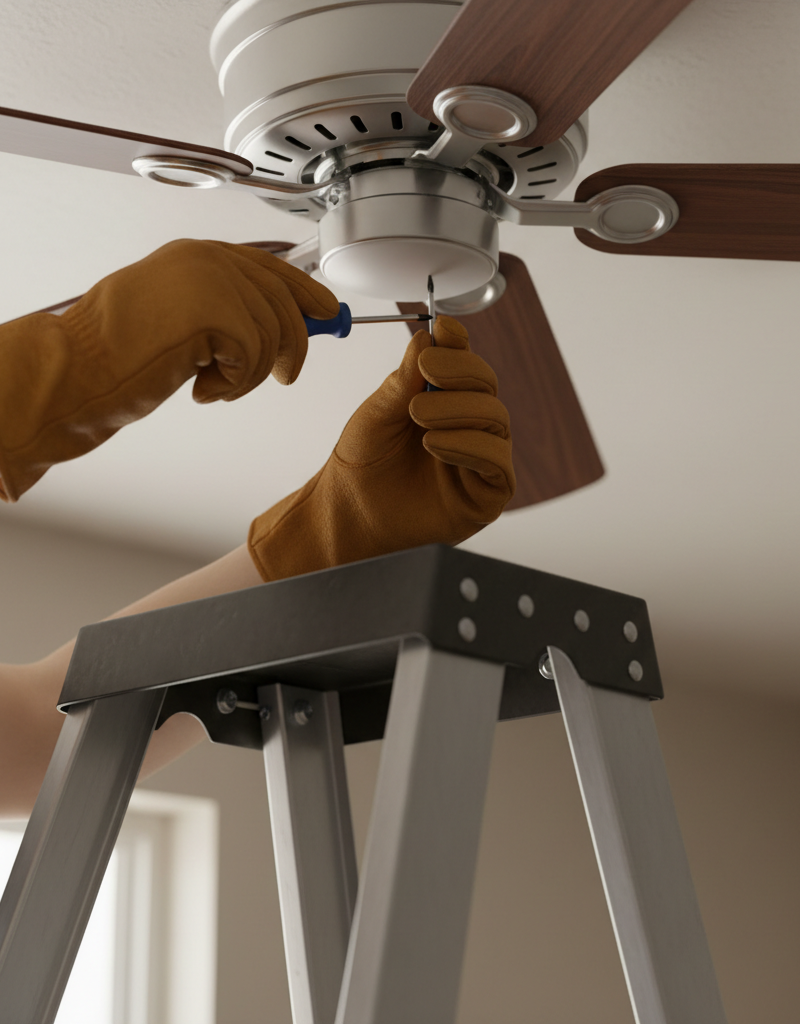
— Inspect all screws connecting the blades to the blade arms, and the blade arms to the motor housing. Use an appropriate screwdriver (usually Phillips head) to tighten any loose screws. Do not overtighten, as this can strip the screw threads or crack the blade material. This is a crucial step often overlooked.
Inspect Blades for Warping or Cracks — Visual inspection can reveal damage.
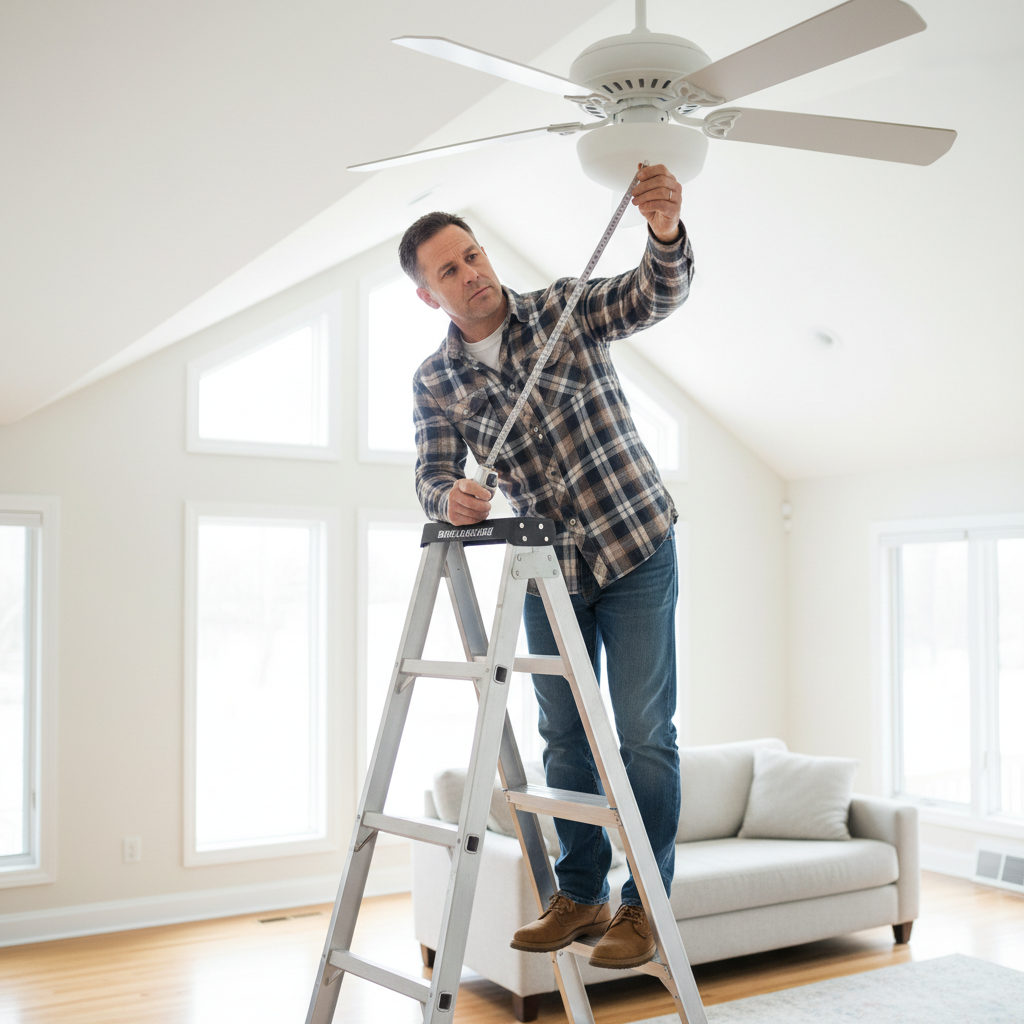
— Stand on a stable ladder and carefully examine each blade. Are any blades visibly bent, warped, or cracked? Even a slight warp can throw off the fan's balance. Compare the height of each blade from the ceiling by using a measuring tape from the ceiling to the tip of each blade; they should all be roughly the same distance. If a blade is warped or cracked, it often needs replacement. Many manufacturers sell replacement blade sets.
Tighten the Downrod or Canopy Screws — Connections can loosen over time.
— For fans with a downrod, ensure the set screw holding the downrod to the motor housing is tight. Also, slide down the decorative canopy (the cover against the ceiling) and tighten any screws securing the mounting bracket to the electrical box, and the downrod ball joint within the mounting bracket. These typically use a screwdriver or a small crescent wrench. Make sure the electrical box itself is securely fastened to the ceiling joist.
Use a Fan Balancing Kit — The ultimate solution for persistent wobbles.
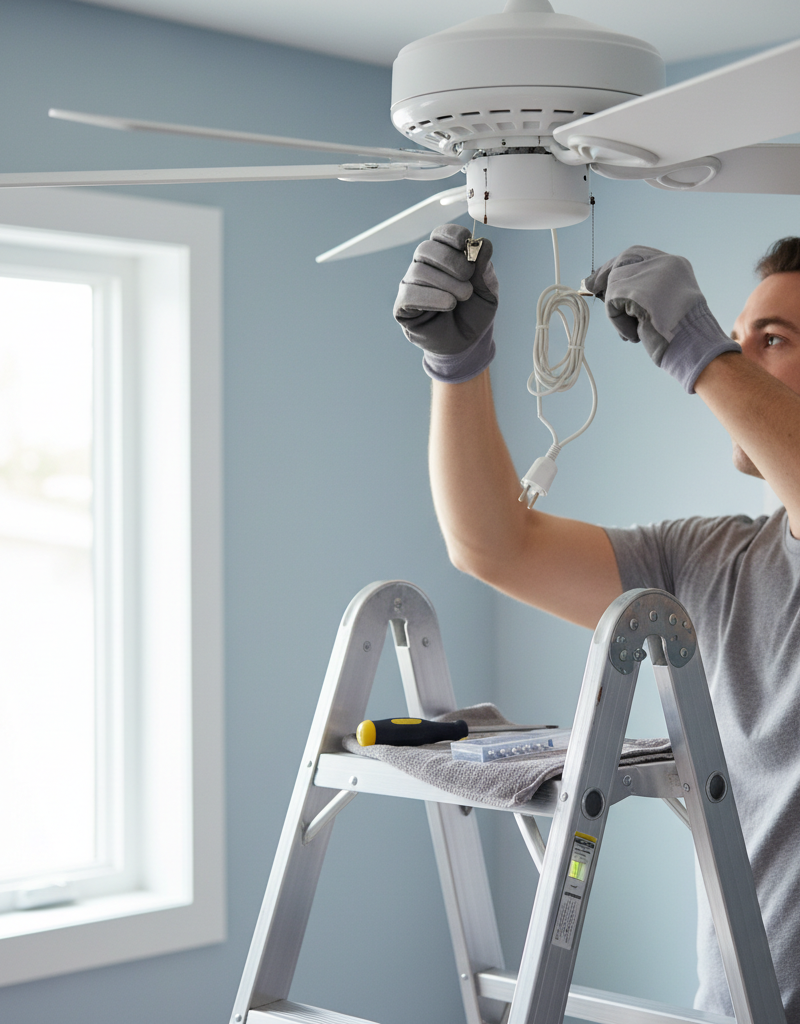
— If the wobble persists after all other steps, a fan balancing kit is your next step. These inexpensive kits include small weights and a clip. Attach the clip to the trailing edge of one blade, run the fan, and observe the wobble. Move the clip to different blades, and different positions on the same blade, until the wobble lessens. Once the optimal position is found, replace the clip with a self-adhesive weight from the kit. Sometimes, more than one weight is needed.
Ensure Electrical Box Security — Critical for safety and stability.
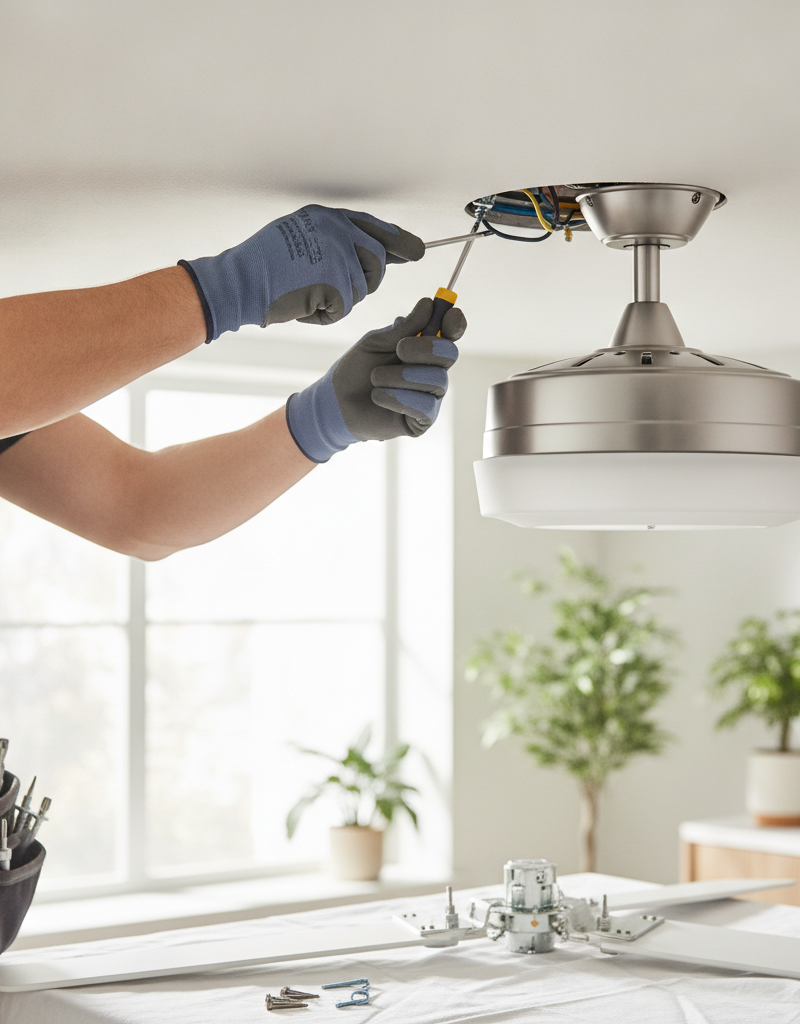
— If, after removing the canopy, you find the electrical box not securely fastened to a ceiling joist or a fan-rated brace, you have found a major source of the wobble. This often requires the fan to be fully removed. You'll need a fan-rated electrical box and proper mounting hardware. If this is beyond your comfort level or if the box seems undersized, call an electrician.
Check for Bent Blade Holders — Misaligned holders cause imbalance.
— After removing the canopy and ensuring the downrod is secure, look at the metal blade holders (also called blade irons) where they attach to the motor and where the blades attach to them. Are any bent or twisted? Use a ruler held against the motor and then against each blade holder to check for consistent alignment. Gently bending a slightly misaligned blade holder back into place may help, but be careful not to over-bend or crack the metal.
Common Causes
- Unbalanced Blades: This is the most frequent cause. Even minor differences in blade weight, shape, or pitch can create significant wobbles, especially at higher speeds. Can be caused by manufacturing defects, accumulated dust, or warping over time.
- Loose Connections: Screws holding blades to blade arms, blade arms to the motor, or the downrod to the mounting bracket can loosen due to vibrations over time. The mounting bracket itself can also become loose from the electrical box.
- Warped or Damaged Blades: Wood blades can warp due to humidity changes, while plastic or metal blades can bend or crack from impact. A visibly damaged blade must be replaced to restore balance.
- Improper Mounting: The electrical box in the ceiling must be fan-rated (designed to support the dynamic load of a moving fan) and securely installed to a structural member (joist or brace). A standard light fixture box is insufficient and dangerous.
- Bent Blade Holders (Spider Arms): The metal arms connecting the blades to the motor can become bent, throwing off the alignment of the blades and creating an imbalance.
- Incorrect Installation: Small errors during installation, such as not fully tightening all screws, not balancing the blades initially, or not seating the downrod ball joint correctly in the mounting bracket, can lead to wobbles from day one.
Common Mistakes
- Ignoring the Wobble: A minor wobble might seem harmless, but it puts extra strain on the motor and mounting hardware, potentially shortening the fan's lifespan and loosening electrical connections.
- Skipping the Safety Step: Forgetting to turn off power at the circuit breaker is dangerous. Always confirm power is off before working on any electrical fixture.
- Overtightening Screws: While tightening is crucial, overtightening can strip screws, damage blade materials (especially wood or plastic), or crack the motor housing, making the problem worse.
- Only Checking Blade Screws: Many DIYers stop at checking the screws that attach the blades to the arms. It's vital to also check the screws attaching the blade arms to the motor, and the mounting screws in the canopy and electrical box.
- Not Considering the Electrical Box: Assuming the existing electrical box is sufficient. If the fan is heavy or the wobble is severe after other fixes, the box itself might be the issue and needs to be fan-rated and securely mounted.
- Improper Use of Balancing Kits: Rushing the balancing process or applying weights without accurately finding the source of the imbalance can lead to applying too many weights or placing them in the wrong spots, further exacerbating the wobble.
Cost & Time Breakdown
| Task | DIY cost | Pro cost | Time |
|---|---|---|---|
| Cleaning & Tightening | $0 | $75–$150 | 15–30 min |
| Blade Replacement (DIY) | $20–$50 | $150–$250 | 30–60 min |
| Balancing Kit Use | $5–$15 | $75–$150 | 20–40 min |
| Electrical Box Inspection/Fix | $10–$30 (parts) | $150–$300+ | 1–2 hours |
| Full Fan Replacement | $50–$300+ | $200–$500+ | 2–4 hours |
Tips & Prevention
- Regular Cleaning: Dust accumulation is a common cause of imbalance. Routinely wipe down your fan blades, especially if your home is prone to dust.
- Annual Tightening Check: Once a year, after turning off the power, do a quick check and tighten any loose screws on the blades, blade arms, and mounting canopy.
- Install Fans Correctly: If installing a new fan, always ensure it is mounted to a fan-rated electrical box securely fastened to a ceiling joist or brace. Follow the manufacturer
Related Articles
Keep troubleshooting with these hand-picked guides from FixlyGuide:
- How to Fix a Wobbly Ceiling Fan: A DIY Guide — A wobbly ceiling fan can be annoying and, in some cases, unsafe. Learn how to diagnose and fix the most common causes of ceiling fan wobble…
- The Surprising Reason Your Ceiling Fan Wobbles (It’s Not Always Installation) — A wobbling ceiling fan is more than annoying; it can be a sign of imbalance or loose connections that can be easily fixed with a few common…
- Range Hood Fan Not Working? Easy Fixes for Common Issues — Fix a non-functional range hood fan by checking power, cleaning components, and inspecting basic electrical connections to restore ventilat…
- How to Fix a Wobbly Ceiling Fan: A Step-by-Step Guide — A wobbly ceiling fan is not only annoying but can be a safety hazard; this guide helps you diagnose and fix common causes.
- Why Your Wall Switch Feels Hot: The Hidden Danger Most Homeowners Miss — A hot light switch isn't just uncomfortable; it's a critical warning sign of potential electrical hazards that demand immediate attention.
- Is Your House Breathing? Why Doors Stick Shut in Summer — Don't just muscle that sticking door shut. It's a sign of a house-wide issue. Learn the surprising reason your doors swell in summer and th…
Should you do this yourself?
Answer five quick questions before you start. Safety outranks savings every time.
Your experience with work like this
How high do you have to work?
Does the job involve any of these?
Will it need a permit?
Specialty tools
Free and instant. Educational guidance only — not a quote, inspection, or professional diagnosis.
What should this project cost?
Enter your project details for a realistic cost range before you call anyone.
Outlet and switch work usually $150–$400; panel upgrades commonly $1,800–$4,200.
- Regional adjustment
- National average
- Labor share (typical)
- ~$709
- Quotes to collect
- 3 written estimates
Educational estimate based on national averages — not a binding quote. Always confirm with written local estimates.
Frequently asked questions
Why is my ceiling fan wobbling excessively?+
Excessive wobble is usually due to severely unbalanced blades, a very loose mounting bracket, or an electrical box that isn't rated or securely fastened for a ceiling fan. It indicates a significant imbalance that needs immediate attention.
Can a wobbling ceiling fan fall?+
While rare, a severely wobbling ceiling fan mounted to an unrated or improperly secured electrical box *can* eventually fall. The constant strain and vibration can degrade the mounting integrity over time, making it a safety concern.
Do I need a special kit to balance my ceiling fan?+
A ceiling fan balancing kit is highly recommended for persistent wobbles that aren't resolved by cleaning or tightening. These inexpensive kits provide clip-on weights to help you pinpoint the imbalance and adhesive weights for a permanent fix.
How much does it cost to have a professional fix a wobbling ceiling fan?+
A professional electrician typically charges $75-$150 to diagnose and fix a wobbling ceiling fan, assuming the issue is minor (tightening, balancing). If the electrical box needs replacement or significant re-mounting, costs could range from $150-$300 or more.
Will a new ceiling fan wobble?+
New ceiling fans can sometimes wobble due to manufacturing imperfections in the blades, improper installation (e.g., unbalanced blades from the factory), or if the electrical box it's mounted to isn't stable or fan-rated. It's not uncommon, and the balancing steps apply even to new fans.
Discussion
Loading comments…