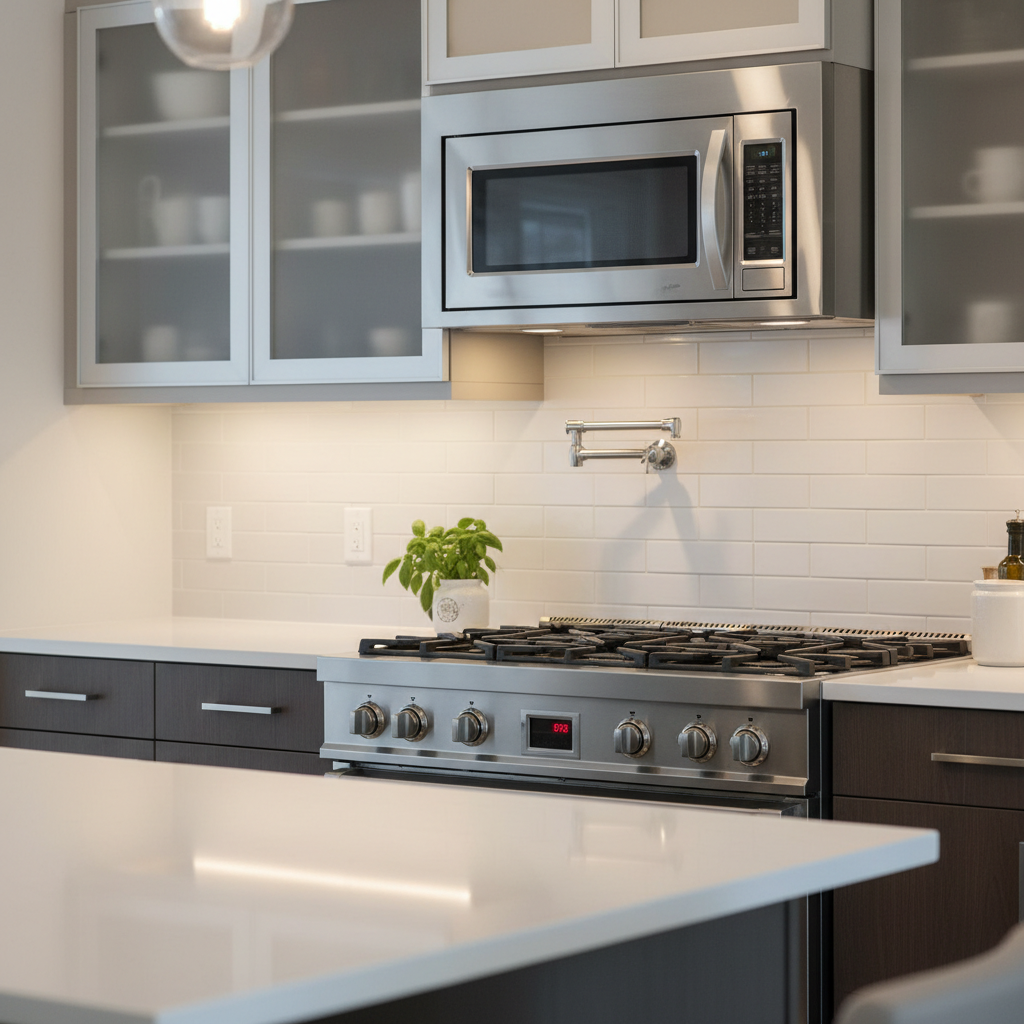
- Normal Thermal Sensor Operation: The number one cause. Detected heat from the cooktop triggers the fan automatically as a self-preservation feature.
- Intense Cooking Sessions: Long-duration cooking, canning, or using multiple high-heat burners (especially back burners) will guarantee the sensor activates.
- Faulty Thermal Sensor: The sensor can fail and become "stuck" in the closed position, causing the fan to run continuously, even when the unit is cold.
- Grease and Debris Buildup: A thick layer of cooking grease on the underside of the unit can trap heat against the sensor, causing it to activate prematurely or cool down more slowly.
- Poor Installation/Clearance: If the microwave is installed too low over a powerful, commercial-style range, the ambient heat may be too much for the sensor to handle, causing frequent activation.
HVAC · High energy usage
| Project category | HVAC |
|---|---|
| Problem type | High energy usage |
| Trade required | HVAC |
| Urgency | Planned project |
| Safety risk | Low safety risk |
| DIY suitability | DIY for experienced homeowners |
| Cost category | High cost |
| Typical timeline | Assessment within weeks; replacement planned off-season |
| Contractor type | Licensed HVAC technician |
Repair option
Duct sealing, insulation, and a tune-up before touching the equipment.
Replacement option
High-efficiency replacement sized by a load calculation, not a rule of thumb.
Common causes
- Aging, low-efficiency equipment
- Leaking ducts losing conditioned air
- Insufficient attic insulation
- Oversized system short-cycling
Relevant tools:project cost estimatorrepair or replace
Published June 11, 2026Last updated August 17, 2026
Tools & materials you'll need
Affiliate linksAs an Amazon Associate FixlyGuide earns from qualifying purchases — at no extra cost to you. Prices and availability are accurate as of publication and subject to change.
Quick Answer
Your over-the-range microwave's exhaust fan is likely turning on by itself due to a built-in thermal sensor, or thermostat. This safety feature automatically activates the fan when it detects high temperatures rising from the cooktop below to prevent the microwave's electronics from overheating. It's a normal function, not a sign of a broken appliance.
The Problem
You're in the kitchen, simmering a sauce on the back burner. Suddenly, with no input from you, the over-the-range (OTR) microwave roars to life, its exhaust fan running at full blast. You didn't press a button. Nobody else is in the room. For a moment, you might wonder if your appliance is possessed, has an electrical short, or is simply giving up the ghost. This startling and seemingly random event is a common experience for homeowners and a frequent source of confusion. It leads many to believe their expensive appliance is malfunctioning, triggering service calls and unnecessary worry. The good news is that in over 90% of cases, this is not a problem at all—it's a feature. Your microwave is doing exactly what it was designed to do to protect itself. This article will demystify this "ghostly" behavior and explain the component at the heart of it: the thermal sensor.
How It Works
An Over-the-Range (OTR) microwave is a dual-purpose appliance. It's both a microwave oven and a ventilation hood for the cooktop below it. This dual role places its sensitive electronic components—the magnetron, capacitors, transformers, and the main control board—directly in the line of fire from rising heat, steam, and grease generated by cooking. To prevent this heat from causing catastrophic failure, manufacturers include a simple but crucial safety device: a thermal sensor.
This component, also known as a thermostat, thermoprotector, or thermal cutout, is a small switch designed to react to temperature. It's typically located on the bottom of the microwave, strategically placed to detect heat rising from the range. The sensor is calibrated to a specific temperature threshold, usually between 140°F and 150°F (60°C to 65°C). When the air temperature in that area reaches this set point, the sensor completes an electrical circuit, automatically turning on the exhaust fan to its highest setting.
This powerful airflow serves two purposes: it pulls the hot, damaging air away from the microwave's internal components, and it vents the heat and steam from your kitchen. The fan will continue to run until the sensor detects that the temperature has dropped to a safe level, at which point it will automatically shut off. This entire process happens without any user interaction. It's a built-in, non-negotiable safety feature designed to extend the life of your appliance. Without it, the heat from simply boiling a large pot of pasta could be enough to cook the very electronics that power the microwave.
Step-by-Step Fix
In most cases, the "fix" is simply understanding that this is normal operation. However, if you suspect the sensor is truly faulty (e.g., the fan never shuts off), this guide will walk you through diagnosis and replacement.
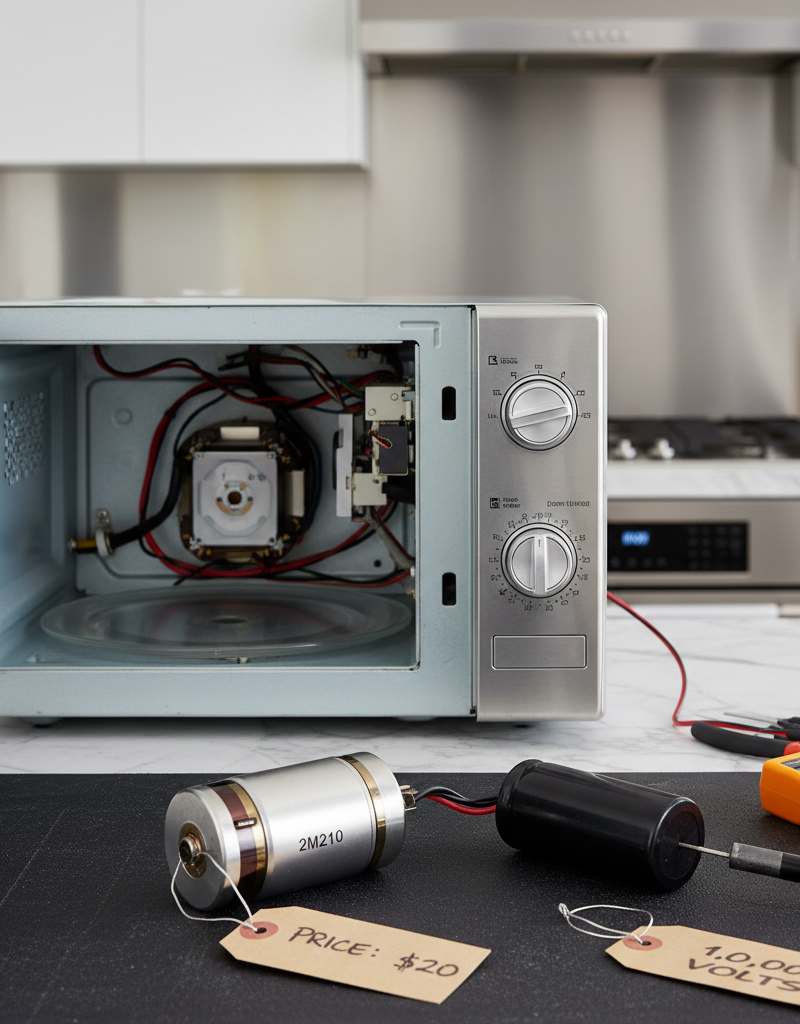
SAFETY NOTE: Microwaves contain high-voltage capacitors that can hold a lethal electrical charge even when unplugged. Do not attempt to access or replace internal components beyond the thermal sensor on the bottom plate unless you are trained in discharging capacitors safely. For this diagnostic, we will only be accessing the bottom-plate sensor.
1. Safety First: Disconnect Power
- Before any inspection, unplug the microwave from the wall outlet. If it's hardwired, you must shut off the corresponding circuit breaker in your home's electrical panel. Confirm power is off by trying to turn on the microwave light or clock.
2. The Diagnostic Test: Recreate the "Problem"
- This step confirms if your sensor is working normally. Place a large pot of water on a back burner of your cooktop, directly below the microwave. Turn the burner on high and bring the water to a rolling boil. The steam and rising heat should, within 5-10 minutes, cause the microwave fan to turn on automatically. If it does, your sensor is functioning as designed.
3. The Cool-Down Test
- After the fan has been triggered, turn off the cooktop burner. Leave the microwave powered on. The fan should continue to run for a period, typically 10 to 30 minutes, as it cools the sensor and internal components. If the fan eventually turns off on its own, this confirms the entire system is working perfectly.
4. Locate the Thermal Sensor
- If the fan runs constantly even when cold, or doesn't turn on during the heat test, you need to find the sensor. Look at the bottom of the microwave. You will see grilles for lights and the grease filters. The thermal sensor is most often a small, round, disc-shaped component (about the size of a nickel or quarter) or a small rectangular plastic piece with two wires attached. It is usually mounted directly to the metal bottom plate of the microwave, sometimes near one of the cooktop lights.
5. Inspect the Surrounding Area
- A heavy buildup of grease and dust on the bottom of the microwave can act as an insulator, trapping heat and potentially causing the sensor to activate sooner or cool down slower than normal. Thoroughly clean the bottom panel and the grease filters with a good degreaser.
6. Test the Sensor with a Multimeter (The "Trick")
- This is the definitive test to prove if a sensor is faulty. With the microwave unplugged, carefully disconnect the two wire leads from the sensor. Set your multimeter to the continuity setting (it often has a sound icon). Most OTR thermal sensors are "normally open."
- Test 1 (Cold): Touch one multimeter probe to each of the sensor's terminals. If the sensor is cold and functioning correctly, the multimeter should show no continuity (no beep, "OL" or "1" on the display). If it shows continuity (beeps), the sensor is stuck in the closed position and must be replaced.
- Test 2 (Hot): Carefully heat the sensor with a hairdryer for about 30-60 seconds. Do NOT use a lighter or torch. Immediately test for continuity again. The heated sensor should now show continuity (it should beep). If it doesn't, it's not closing the circuit and is faulty.
7. Procure the Correct Replacement
- If your sensor is confirmed faulty, you'll need a new one. Locate the model number of your microwave (usually on a sticker inside the door). Search online appliance part stores for "[Your Microwave Model] thermal sensor" or "thermostat." Ensure the part number and temperature rating match the old one.
8. Replace the Faulty Sensor
- The sensor is typically held in place by one or two small screws. Remove the screws, take out the old sensor, and put the new one in its place. Secure it with the screws and re-attach the two wire leads. It doesn't matter which wire goes on which terminal.
9. Reassemble and Final Test
- Reinstall any panels or filters you removed. Restore power to the appliance by plugging it in or flipping the breaker. The fan should now be off. To be certain, perform the boil test from Step 2 again to ensure the new sensor activates and deactivates as it should.
Common Causes
Here are the most common reasons your microwave fan runs by itself, from most to least likely:
- Normal Thermal Sensor Operation: The number one cause. Detected heat from the cooktop triggers the fan automatically as a self-preservation feature.
- Intense Cooking Sessions: Long-duration cooking, canning, or using multiple high-heat burners (especially back burners) will guarantee the sensor activates.
- Faulty Thermal Sensor: The sensor can fail and become "stuck" in the closed position, causing the fan to run continuously, even when the unit is cold.
- Grease and Debris Buildup: A thick layer of cooking grease on the underside of the unit can trap heat against the sensor, causing it to activate prematurely or cool down more slowly.
- Faulty Main Control Board: In very rare cases, the relay on the main circuit board that controls the fan can fail, leading to the fan running constantly. This is an unlikely culprit and should only be considered after the thermal sensor has been tested and cleared.
- Poor Installation/Clearance: If the microwave is installed too low over a powerful, commercial-style range, the ambient heat may be too much for the sensor to handle, causing frequent activation.
Common Mistakes
Avoid these common errors when dealing with an automatic fan:
- Assuming it's Broken: The most frequent mistake is panicking and calling for a repair or buying a new microwave when the appliance is simply operating as designed.
- Disabling the Sensor: Never bypass, remove, or otherwise disable the thermal sensor. It is a critical safety device protecting you from fire risk and your appliance from premature failure. Doing so will void any warranty.
- Using Abrasive Cleaners: When cleaning the bottom of the microwave, avoid harsh chemicals or abrasive pads that could damage the sensor, its wiring, or its protective coating.
- Forgetting to Unplug: Failure to completely disconnect the power source before performing any inspection or repair is a serious shock hazard.
- Guessing at the Problem: Don't order an expensive control board because you assume it's the issue. A $10 multimeter can definitively diagnose a faulty $30 sensor and save you hundreds of dollars.
- Ignoring Cleanliness: Letting grease filters and the bottom panel become caked in grime will impede airflow and sensor function, making the "problem" worse.
Cost & Time Breakdown
| Task | DIY Cost | Pro Cost | Time |
|---|---|---|---|
| Diagnosis & Cleaning | $0 - $15 (degreaser) | $85 - $175 | 30-45 minutes |
| Replacing Thermal Sensor | $25 - $60 (part + shipping) | $150 - $275 | 1 - 1.5 hours |
| Replacing Damper Assembly | $40 - $75 (part) | $175 - $300 | 1 - 2 hours |
| Replacing Main Control Board | $175 - $350 (part) | $400 - $650+ | 1.5 - 2.5 hours |
Tips & Prevention
- Cook on Front Burners: Heat and steam from front burners are less likely to be funneled directly onto the thermal sensor. Use them for high-heat tasks when possible.
- Pre-emptive Fan Use: If you know you're about to start a high-heat cooking session, manually turn the exhaust fan on to a low or medium setting beforehand. This creates initial airflow and can prevent the sudden, jarring activation of the fan on its highest setting.
- Keep It Clean: Clean your microwave's grease filters at least once a month. A clean filter allows air to move freely, improving fan efficiency and helping the sensor cool down faster. Wipe down the entire underside of the appliance regularly.
- Check Installation Clearance: Consult your microwave's installation manual. Ensure there is adequate clearance between the bottom of the unit and the cooktop below. Not enough space can cause chronic overheating issues.
- Allow for a Cool Down: After cooking, don't be alarmed that the fan keeps running. It's doing its job. Let it finish the cooling cycle to ensure the components are protected.
When to Call a Professional
While understanding and even replacing a thermal sensor is within reach for many DIYers, there are clear signs you should call an appliance repair technician. If the fan runs constantly, even when the cooktop and microwave have been cold for several hours, and you’ve cleaned the underside thoroughly, it points to a component failure. If you are not comfortable using a multimeter or are unsure how to safely test for continuity, a professional can do so in minutes.
Most importantly, if you have tested the thermal sensor and confirmed it is working correctly, yet the fan problem persists, the issue is almost certainly a faulty main control board. Replacing a control board is a complex job that involves intricate wiring and a high risk of misdiagnosis. Ordering the wrong expensive board or installing it incorrectly can be a costly mistake. For issues that go beyond a simple sensor swap, a professional’s expertise is well worth the investment to ensure a safe and correct repair.
What should this project cost?
Enter your project details for a realistic cost range before you call anyone.
Cost depends heavily on which system turns out to be the source.
- Regional adjustment
- National average
- Labor share (typical)
- ~$1,620
- Quotes to collect
- 3 written estimates
Educational estimate based on national averages — not a binding quote. Always confirm with written local estimates.
Frequently asked questions
Can I disable the microwave's automatic fan feature?+
It is strongly discouraged. The automatic fan is a critical safety feature designed to protect the microwave's sensitive internal electronics from heat damage rising from the cooktop. Disabling it can lead to premature appliance failure, void your warranty, and potentially create a fire hazard.
How do I know if the microwave thermal sensor is bad?+
The most common sign of a bad thermal sensor is when the exhaust fan runs constantly, even when the microwave and the cooktop below it are completely cold. You can definitively confirm a failure by unplugging the unit and testing the sensor's terminals with a multimeter; if it shows continuity when cold, it's faulty.
Is it normal for the automatic fan to be so loud?+
Yes, it is normal. When the thermal sensor activates the fan, it typically defaults to the highest possible speed. The goal is to evacuate the hot, damaging air as quickly as possible, which requires a powerful and consequently loud fan operation.
Could a power surge make the microwave fan run all the time?+
While a significant power surge could theoretically damage the main control board and cause this issue, it is a very unlikely cause. A faulty thermal sensor is a much more common and probable reason for a fan that won't shut off. Always diagnose the sensor first before considering control board issues.
Discussion
Loading comments…