- Look for providers with free tiers or low-cost plans suitable for personal use.
- Popular options include Google Voice, Burner, TextNow, or specific VoIP services.
- If you want a truly free option: Google Voice is excellent for basic call forwarding and text messaging, requiring only a Google account.
Published July 10, 2026Last updated August 17, 2026
Tools & materials you'll need
Affiliate links- AmazonSmartphone or computer with internet access
As an Amazon Associate FixlyGuide earns from qualifying purchases — at no extra cost to you. Prices and availability are accurate as of publication and subject to change.
Quick Answer
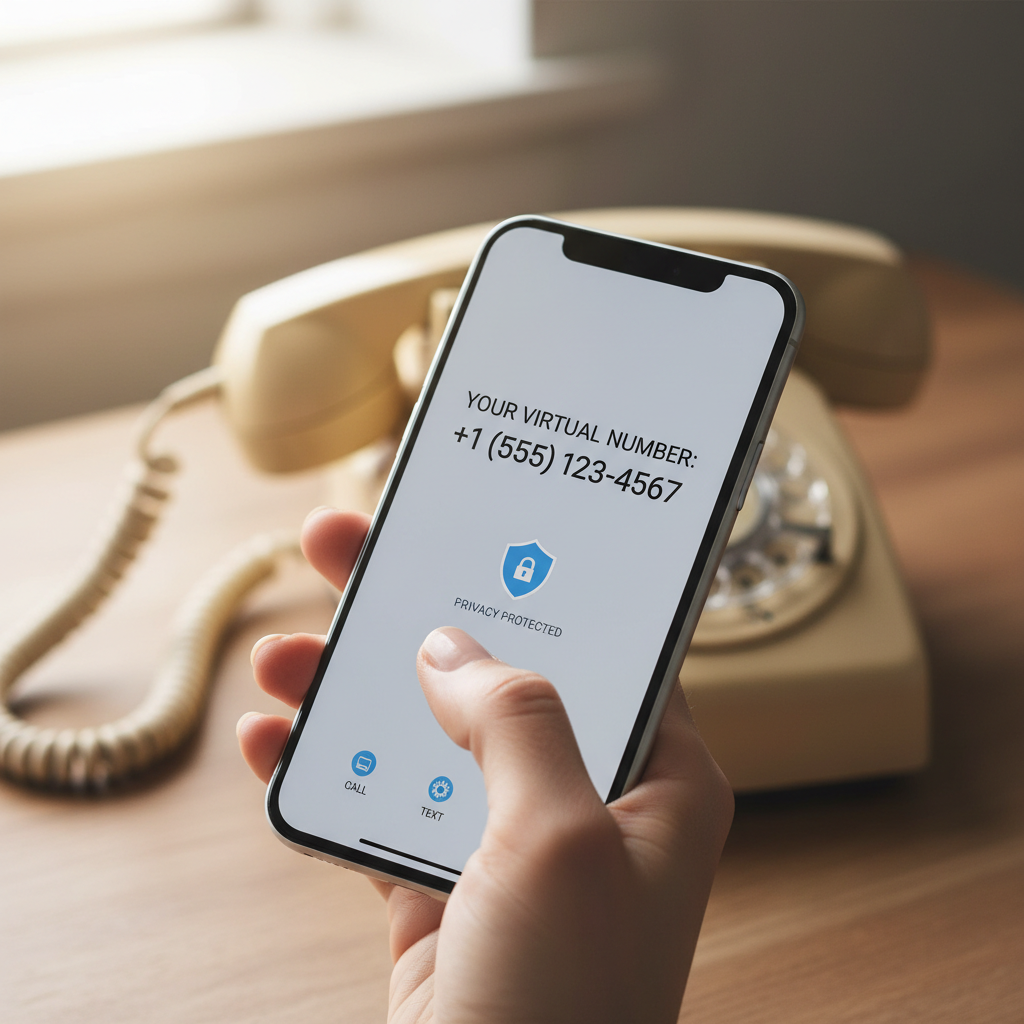
Experiencing an endless barrage of spam calls on your home phone can feel like an invasion of privacy and a constant annoyance. The secret to regaining control and significantly reducing these interruptions is to deploy a virtual phone number. This isn't a new phone line but a digital proxy that forwards calls to your real number, all while keeping your sensitive personal details private. By using this "burner" number whenever you suspect your information might be shared with third parties—think online sign-ups, store loyalty programs, or even giving out your number to a new service provider—you create a firewall, ensuring that any spam directed at the virtual number never reaches your actual home line directly.
The Problem
Your home phone number, once a private line of communication, now feels like a public directory for telemarketers, scammers, and robocallers. It rings at inconvenient times, interrupts family dinners, and fills your voicemail with unwanted solicitations. The sheer volume of these calls isn't just irritating; it's a security risk. Scammers often use these calls as phishing attempts, trying to trick homeowners into revealing financial information or granting remote access to their computers. Homeowners feel helpless, constantly blocking numbers that simply multiply, or worse, answering calls only to be met with silence or a pre-recorded sales pitch. This constant intrusion erodes trust in legitimate callers and makes the phone a source of dread rather than convenience.
How It Works
At its core, a virtual phone number is a sophisticated call-forwarding service that operates entirely in the digital realm. Unlike a traditional phone line tied to a physical address or a specific SIM card, a virtual number isn't physically located anywhere. Instead, it's a software-based number that can be configured to ring on one or multiple devices—your existing home phone, a mobile phone, a tablet, or even a computer. When someone dials your virtual number, the call is routed through the service provider's network, which then forwards it to your designated "real" number. This process is usually instantaneous and seamless, meaning the caller experiences no delay.
Here’s the critical part for spam reduction: because the virtual number acts as an intermediary, your actual, private home phone number is never exposed to public databases or shared with potentially unscrupulous third parties. When you sign up for an online service, make an online purchase, or fill out a form that requests a phone number, you provide the virtual number instead. If that data is then sold or leaked, it's the virtual number that falls into the hands of telemarketers, not your direct line. Many virtual number services also include features like call screening, voicemail-to-text transcription, and even the ability to block calls from specific numbers or entire regions, providing an additional layer of defense. Some services even allow you to generate multiple disposable numbers for different purposes, giving you granular control over who can reach you. Think of it as a digital shield: the virtual number takes the hits, protecting your actual communication channel from spam and unwanted solicitations.
Step-by-Step Fix
1. Choose Your Virtual Number Provider — Select a reputable service that offers virtual numbers.
- Look for providers with free tiers or low-cost plans suitable for personal use.
- Popular options include Google Voice, Burner, TextNow, or specific VoIP services.
- If you want a truly free option: Google Voice is excellent for basic call forwarding and text messaging, requiring only a Google account.
2. Set Up Your Virtual Number — Follow the provider's instructions to create and activate your new number.
- This usually involves verifying an existing phone number (your real home or mobile number) for initial setup.
- Choose a local area code for your virtual number if you prefer.
- Safety Note: Never use your real home phone number as the primary verification for a service you don't trust. Use a disposable email for account creation if available.
3. Configure Call Forwarding — Direct calls from your virtual number to your actual home phone.
- In the virtual number settings, specify your original home phone number as the forwarding destination.
- Test the forwarding: Call your new virtual number from a different phone to ensure it rings on your home line.
- If calls aren't forwarding: Double-check the entered number for typos and ensure the virtual number service has the necessary permissions (if using a mobile app).
4. Start Using Your Virtual Number Strategically — Begin providing your virtual number in situations where spam is likely.
- Use it for: Online registrations, loyalty programs, mailing list sign-ups, non-critical appointments, or any time you suspect your number might be shared or sold.
- Avoid using it for: Emergency contacts, banks, doctors, or critical services where direct, immediate contact on your primary line is essential.
5. Monitor Incoming Calls — Observe which number receives legitimate calls versus spam.
- Many virtual number services will display caller ID, often indicating if the call came through the virtual number.
- If a new surge of spam begins on your virtual number, you'll know where the leak occurred.
- If legitimate calls are getting confused: Inform key contacts (family, close friends) about your new virtual number if you want them to use it for certain purposes, or simply ensure they always call your primary number.
6. Utilize Blocking and Screening Features — Leverage the tools offered by your virtual number provider.
- Most services allow you to block specific numbers that are repeatedly spamming your virtual line.
- Some offer call screening, where callers are asked to state their name before connecting, allowing you to decide whether to answer.
7. Consider a 'Burner' Mindset — Understand that this number is semi-disposable.
- If a virtual number becomes overwhelmed with spam, you can usually abandon it and generate a new one without affecting your primary home number.
- This provides a sense of control and freedom from the relentless spam cycle.
Common Causes
- Data Breaches and Leaks: Unscrupulous companies or hackers often collect vast amounts of personal data, including phone numbers, which are then sold on the dark web or to telemarketing firms.
- Online Sign-ups: Providing your phone number for website registrations, online contests, or
Related Articles
Keep troubleshooting with these hand-picked guides from FixlyGuide:
- The Secret to Lush Raised Beds? It's Not Just About How You Water — Smart irrigation for raised garden beds isn't just about automation; it's about delivering the right amount of water precisely when your pl…
- The 9 Sneaky Filters Stealing Your Home's Efficiency (And How to Fix It) — Unseen or neglected filters throughout your home can secretly inflate utility bills, degrade air quality, and lead to expensive appliance b…
- The 4-Hour — Transform your garden into a self-sufficient oasis with smart strategies for watering, weeding, and pest control, minimizing your effort.
- The Sneaky Way a Gas Tax Freeze Could Raise Your Property Bill — A gas tax freeze promises immediate relief at the pump, but for homeowners, it can trigger hidden costs, from deteriorating roads to potent…
- The 6-Minute Secret to a Sparkling Bathroom (It’s Not What You Think) — Unleash the hidden power of your cordless drill to tackle stubborn household grime, from tile grout to dryer vents, with specialized attach…
- The 3 Hidden Mistakes That Make Your Deck Sealer Fail (And How to Fix Them) — Properly sealing your wood deck protects it from the elements, but common mistakes often lead to early failure. Learn how to reseal your de…
What should this project cost?
Enter your project details for a realistic cost range before you call anyone.
Cost depends heavily on which system turns out to be the source.
- Regional adjustment
- National average
- Labor share (typical)
- ~$1,620
- Quotes to collect
- 3 written estimates
Educational estimate based on national averages — not a binding quote. Always confirm with written local estimates.
This article was independently written by FixlyGuide based on the source topic.
Frequently asked questions
What is a virtual phone number?+
A virtual phone number is a number not tied to a physical phone line or SIM card. It's a software-based service that forwards calls to your existing phone(s), acting as a buffer to protect your real number from unwanted exposure.
Are virtual phone numbers free?+
Many virtual phone number services offer free tiers with basic features, like Google Voice. Paid services often provide enhanced features such as multiple numbers, advanced call screening, and voicemail-to-text transcription for a monthly fee.
Can I use a virtual number for text messages?+
Yes, most virtual phone number services support both incoming and outgoing text messages, just like a standard phone number. This can be particularly useful for online verifications or two-factor authentication without exposing your primary number.


Discussion
Loading comments…