- Ground Fault in an Appliance: This is the most frequent culprit. A faulty appliance plugged into the GFCI or any receptacle downstream can create a ground fault, causing the GFCI to trip and prevent resetting.
- Tripped Circuit Breaker: The circuit breaker feeding power to the GFCI outlet may have tripped due to an overload or short circuit. This cuts off power to the GFCI, making it unable to reset.
- Moisture or Water Exposure: GFCIs are common in wet areas (bathrooms, kitchens, outdoors). Moisture infiltration into the outlet or wiring can create a ground fault, causing it to trip and resist resetting.
- Faulty GFCI Outlet: Like any electrical device, GFCIs can wear out, be damaged by power surges, or fail internally over time. They have a limited lifespan, typically 10-15 years.
Electrical · Panel or service upgrade
| Project category | Electrical |
|---|---|
| Problem type | Panel or service upgrade |
| Trade required | Electrical |
| Urgency | Planned project |
| Safety risk | High safety risk |
| DIY suitability | Licensed pro only |
| Cost category | High cost |
| Typical timeline | Permit plus utility scheduling, commonly 2–6 weeks |
| Contractor type | Licensed electrician |
Repair option
Add a subpanel when the main service is adequate.
Replacement option
Full service upgrade with utility coordination and permits.
Common causes
- Obsolete or recalled panel brands
- Service capacity too small for added loads
- No room for required AFCI/GFCI breakers
Relevant tools:project cost estimatorcompare quotes
Published May 8, 2026Last updated August 17, 2026
Tools & materials you'll need
Affiliate linksAs an Amazon Associate FixlyGuide earns from qualifying purchases — at no extra cost to you. Prices and availability are accurate as of publication and subject to change.
Quick Answer
A GFCI outlet that won't reset often points to a tripped circuit breaker, a ground fault in a connected appliance, or, less commonly, a faulty GFCI outlet itself. Begin by unplugging all devices from the GFCI and any other outlets on the same circuit. Then, check your main electrical panel for any tripped breakers before attempting to reset the GFCI. If the issue persists, a systematic troubleshooting approach will help you pinpoint the precise problem, potentially saving you a call to an electrician.
The Problem
You're in the bathroom, kitchen, or garage, and suddenly an appliance stops working. You check the GFCI (Ground Fault Circuit Interrupter) outlet, press the 'RESET' button, and nothing happens. No reassuring click, no power restored. This common household electrical mystery can be confusing because the GFCI's primary job is to protect you from electrical shock by tripping when it detects an imbalance in the current – a 'ground fault.' When it won't reset, it's either doing its job by detecting a persistent fault, or there's an issue with the outlet or the circuit itself. Ignoring a non-resetting GFCI isn't an option, as it means a critical safety device isn't functioning, leaving you vulnerable to electrical hazards.
How It Works
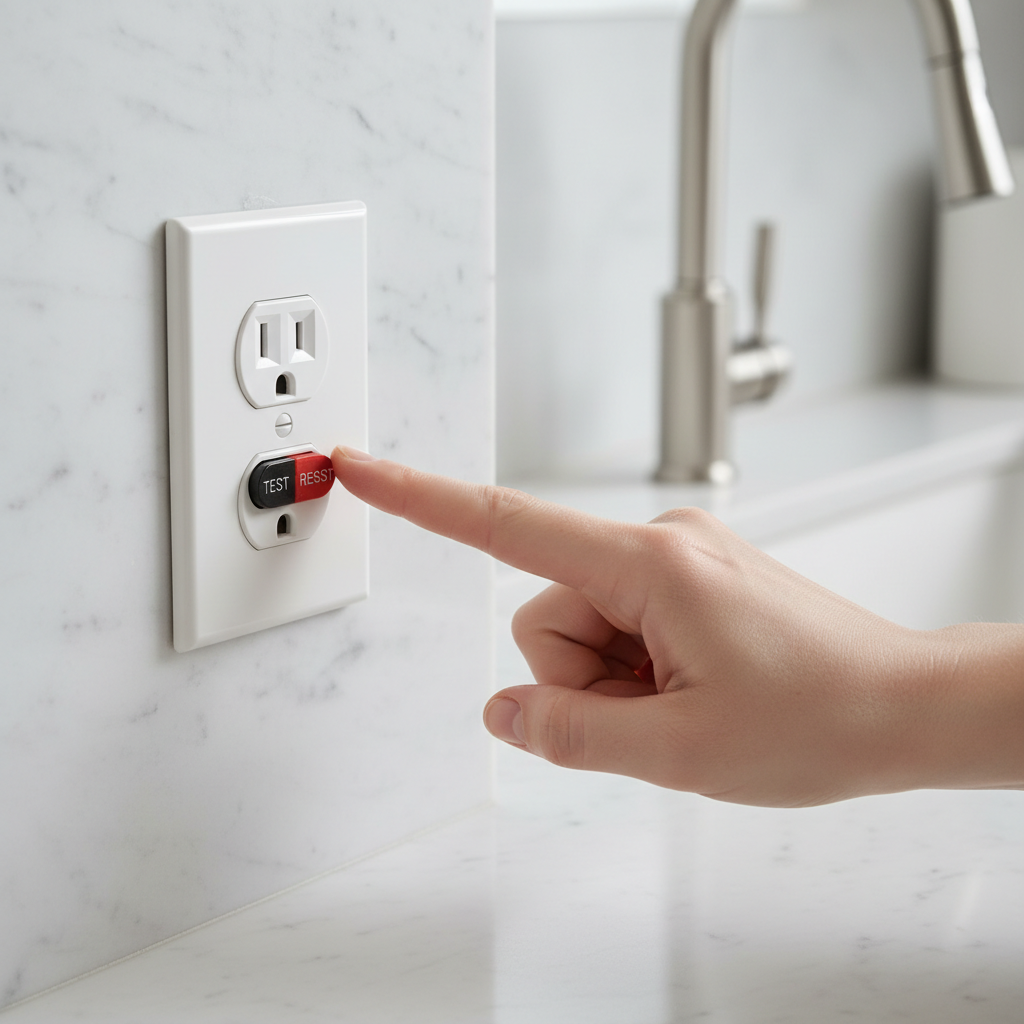
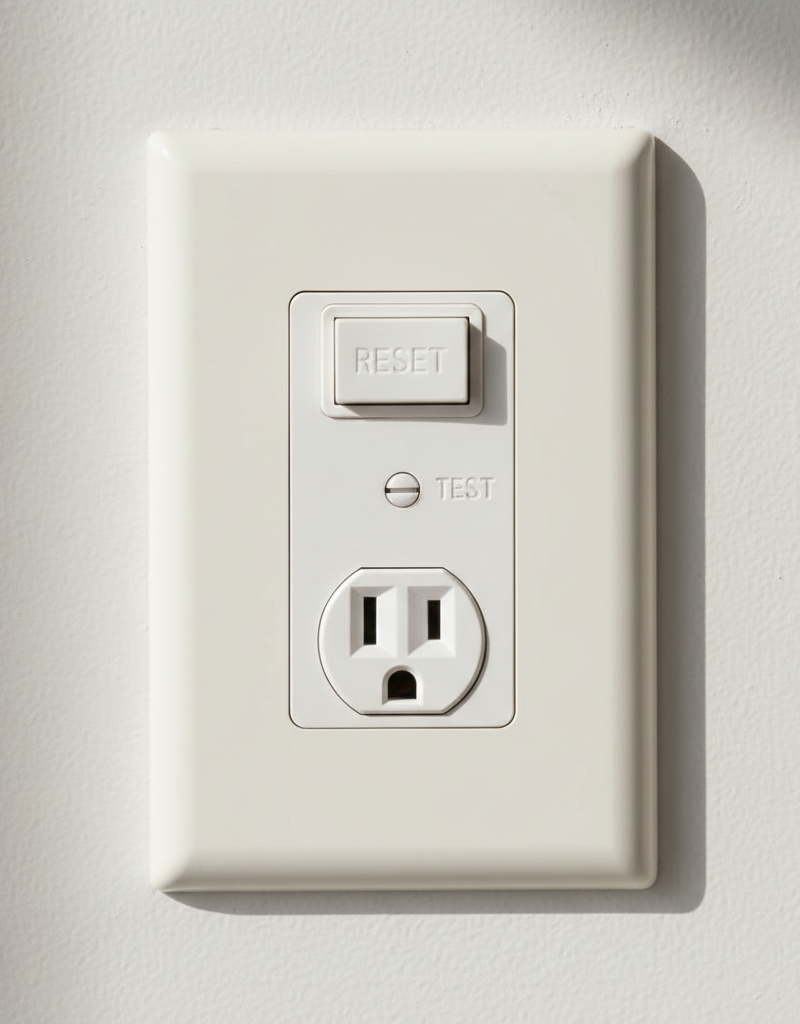
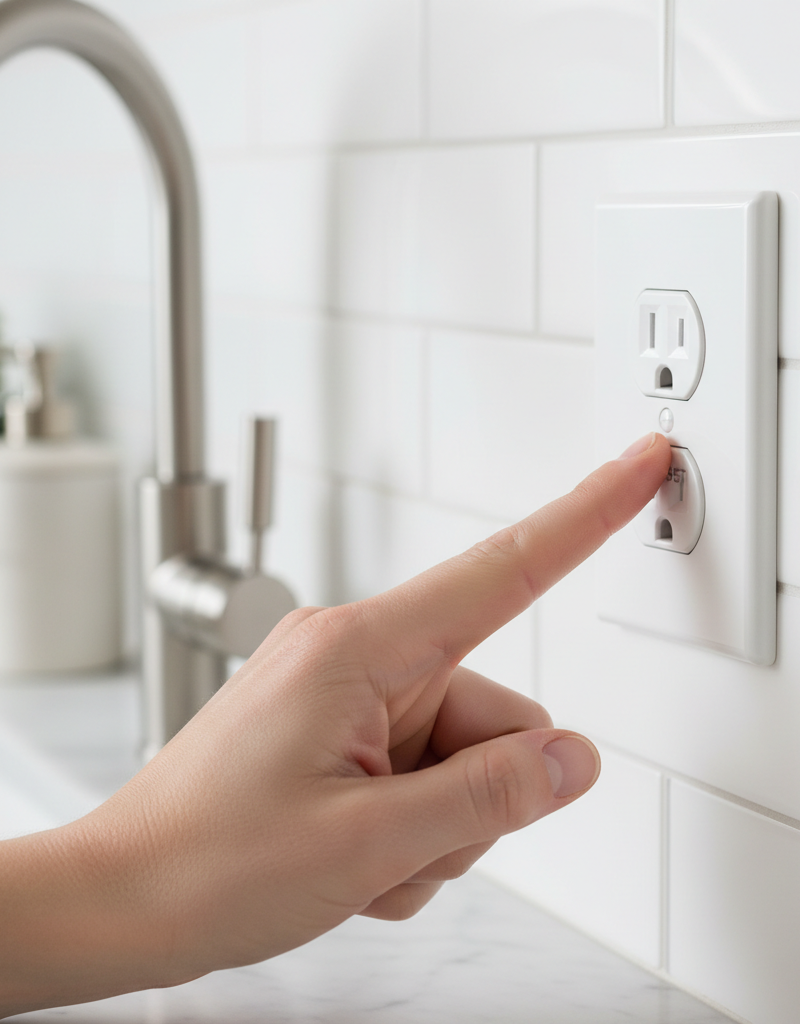
To understand why a GFCI won't reset, it helps to know how it operates. A standard electrical circuit has two main wires: a 'hot' wire (usually black or red) that carries current from the breaker panel to the device, and a 'neutral' wire (usually white) that carries current back to the panel. A GFCI outlet adds a third wire, the 'ground' wire (usually green or bare copper), which provides a safe path for electricity in case of a fault. Inside the GFCI outlet are sophisticated current transformers that constantly monitor the electrical current flowing through the hot and neutral wires. In a healthy circuit, the current flowing out on the hot wire should exactly match the current returning on the neutral wire. If even a tiny imbalance is detected – as little as 4-6 milliamperes (mA) – it means current is leaking out somewhere, likely through a person or a faulty appliance to ground. This is a ground fault. When this occurs, the GFCI reacts almost instantaneously (within 25 milliseconds) by tripping, which means it quickly cuts off the power to the outlet and any other outlets downstream on the same circuit, preventing electrical shock. The 'TEST' button on the GFCI simulates a ground fault, allowing you to ensure the device is functioning correctly. When you press 'RESET,' you're attempting to reconnect the power, but it will only stay reset if the ground fault is no longer present and the circuit is safe.
Step-by-Step Fix
1. Safety First
— Before attempting any electrical work, always prioritize safety. Ensure your hands are dry, and avoid standing in water. It's a good practice to wear rubber-soled shoes for added insulation. The initial steps involve simple diagnostics, but if you need to open an outlet or work with wiring, always turn off the power at the main breaker panel.
2. Unplug Everything Downstream
— A common reason a GFCI won't reset is a ground fault in an appliance or device plugged into it, or another outlet on the same circuit. Systematically unplug every appliance, lamp, and device connected to the non-resetting GFCI outlet and any other outlets that have lost power. Don't forget outdoor outlets or those in adjacent rooms that might be on the same circuit. This isolates the circuit, allowing you to determine if the fault is within a connected device.
3. Check Your Electrical Panel
— Head to your home's main electrical service panel. Look for any circuit breakers that appear to be in the 'tripped' position (usually halfway between 'ON' and 'OFF') or are clearly 'OFF.' A tripped breaker supplying the GFCI circuit will prevent it from resetting. To reset a tripped breaker, firmly push it all the way to the 'OFF' position first, then push it back to the 'ON' position. If the breaker immediately trips again, there's a serious fault on the circuit, and you should call a professional.
4. Attempt to Reset the GFCI
— With all devices unplugged and the breaker confirmed 'ON,' return to the GFCI outlet. Press the 'RESET' button firmly. You should hear a distinct click, and the indicator light (if present) should illuminate, signaling power has been restored. If it resets successfully, plug in your devices one by one, checking after each one to see if the GFCI trips again. This will help you identify the faulty appliance. If you find one, the appliance needs repair or replacement.
5. Test the GFCI Itself
— If the GFCI still won't reset after unplugging everything and checking the breaker, the GFCI itself might be faulty, or there's a wiring issue. First, try pressing the 'TEST' button, then the 'RESET' button again. Sometimes, a full test cycle can help. If it still fails, it's possible the GFCI outlet has simply worn out or been damaged, especially if it's an older unit. GFCI outlets have a lifespan of about 10-15 years. You may need to replace it.
6. Replace the GFCI Outlet (Carefully!)
— If you suspect a faulty GFCI, and you're comfortable with basic electrical work, you can replace it. CRITICAL SAFETY NOTE: ALWAYS turn off power to the circuit at the main breaker panel before starting! Verify power is off with a non-contact voltage tester. Unscrew the faceplate, then carefully pull the old outlet out of the electrical box. Take a photo of the wiring connections before disconnecting anything – this is crucial for correct reinstallation. Disconnect the wires (usually black to brass/hot, white to silver/neutral, bare/green to green screw/ground). Connect the new GFCIoutlet, ensuring all connections are tight and correct, paying close attention to 'LINE' and 'LOAD' terminals – 'LINE' is for incoming power from the panel, 'LOAD' is for protecting downstream outlets. Reinstall the outlet and faceplate, then restore power at the breaker panel and attempt to reset the new GFCI. If it still won't reset, the fault is upstream or in the wiring, and a professional is needed.
7. Check for Moisture and Damaged Wiring
— If the new GFCI also fails to reset, the problem likely lies in the wiring itself or environmental factors. Inspect the outlet box and the surrounding area for any signs of moisture, loose wires, or damaged insulation. Even a small amount of moisture can cause a ground fault. If you find any visible damage to wiring or suspect moisture ingress, it's time to call a licensed electrician. Do NOT attempt to repair damaged wiring yourself.
Common Causes
- Ground Fault in an Appliance: This is the most frequent culprit. A faulty appliance plugged into the GFCI or any receptacle downstream can create a ground fault, causing the GFCI to trip and prevent resetting.
- Overloaded Circuit: While GFCIs primarily protect against ground faults, an overloaded circuit (too many high-power devices drawing current) can sometimes cause a breaker to trip, which in turn prevents the GFCI from resetting until the breaker is addressed.
- Tripped Circuit Breaker: The circuit breaker feeding power to the GFCI outlet may have tripped due to an overload or short circuit. This cuts off power to the GFCI, making it unable to reset.
- Moisture or Water Exposure: GFCIs are common in wet areas (bathrooms, kitchens, outdoors). Moisture infiltration into the outlet or wiring can create a ground fault, causing it to trip and resist resetting.
- Faulty GFCI Outlet: Like any electrical device, GFCIs can wear out, be damaged by power surges, or fail internally over time. They have a limited lifespan, typically 10-15 years.
- Loose or Incorrect Wiring: Improper wiring connections at the GFCI or another outlet on the same circuit can lead to intermittent ground faults or prevent the GFCI from functioning or resetting correctly. This is especially true for the LINE/LOAD terminal distinction.
Common Mistakes
- Ignoring Downstream Appliances: Many homeowners repeatedly try to reset the GFCI without unplugging all devices. The fault may be in a perfectly good dryer or coffee maker, not the outlet.
- Not Checking the Breaker Panel: Overlooking a tripped circuit breaker in the main panel is a very common oversight. An 'OFF' or 'half-tripped' breaker will prevent the GFCI from getting power.
- Confusing LINE and LOAD: When replacing a GFCI, incorrectly wiring the 'LINE' (incoming power) and 'LOAD' (power to downstream outlets) terminals is a frequent and dangerous mistake that can prevent the GFCI from resetting or protecting properly.
- Assuming the Outlet is Bad Immediately: While GFCIs can fail, they are often successfully doing their job by refusing to reset due to a persistent fault. Don't rush to replace it without exploring other causes.
- Ignoring Moisture: Dismissing the possibility of water or moisture in an outlet box, especially in outdoor or wet locations, can lead to persistent tripping and potential electrical hazards.
- Using a Standard Outlet as a Replacement: If replacing a GFCI, ensure you install another GFCI. Replacing it with a standard receptacle eliminates the critical ground fault protection for that location and any downstream outlets.
Cost & Time Breakdown
| Task | DIY Cost | Pro Cost | Time |
|---|---|---|---|
| Unplug devices, check breaker | $0 | N/A | 5–10 mins |
| Test/reset existing GFCI | $0 | N/A | 1–2 mins |
| Replace GFCI outlet (part) | $15–$30 | N/A | 20–30 mins |
| Professional diagnosis | N/A | $100–$250 | 30–60 mins |
| Professional GFCI replacement | N/A | $150–$350 | 30–60 mins |
| Addressing complex wiring faults | N/A | $200–$600+ | 1–4 hours |
Tips & Prevention
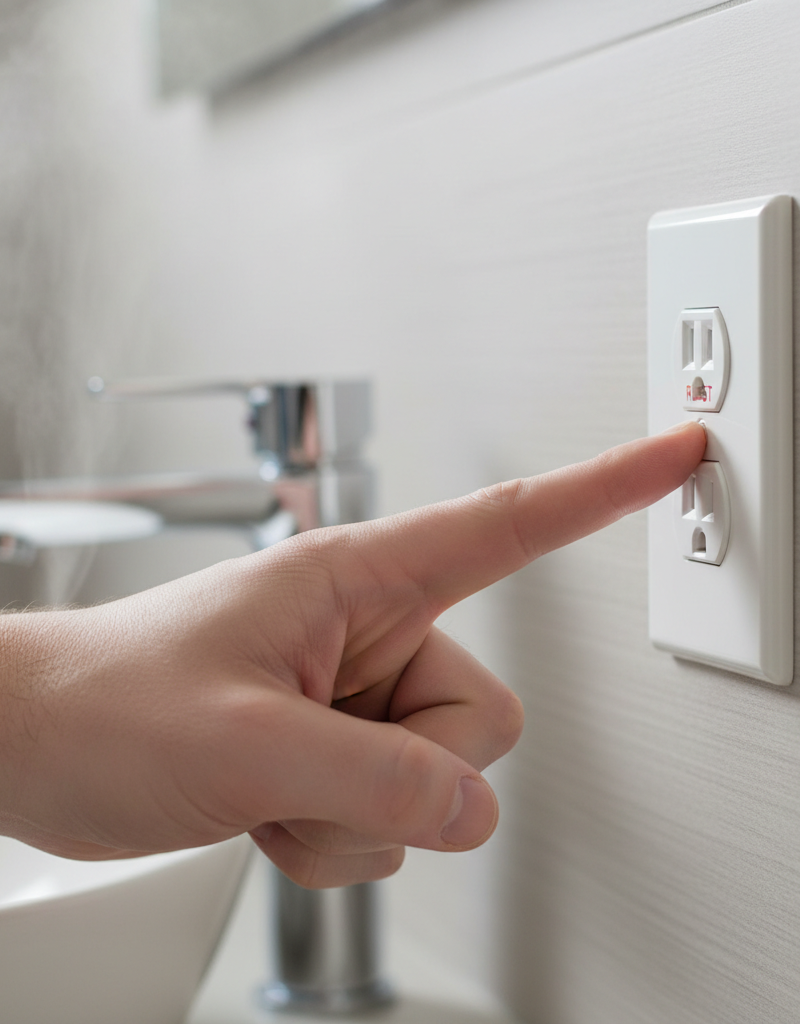
- Regular Testing: Press the 'TEST' button on all GFCIs monthly. The outlet should trip, cutting power. Then press 'RESET' to restore power. If it doesn't trip, the GFCI is faulty and needs replacement.
- Protect from Moisture: Ensure outdoor GFCIs have proper weather-resistant covers. In bathrooms and kitchens, keep water away from outlets.
- Don't Overload Circuits: Be mindful of the number of high-wattage appliances you plug into a single circuit, especially those protected by GFCIs. Spreading out loads can prevent breaker trips.
- Inspect Appliances: Periodically inspect appliance cords and plugs for damage or frayed wires, which can cause ground faults.
- Understand Your Circuits: Label your electrical panel clearly so you know which breaker controls which outlets, making troubleshooting much faster.
- Replace Old GFCIs: If your GFCIs are more than 10-15 years old, consider replacing them as a preventative measure. They do wear out over time.
When to Call a Professional
While many GFCI reset issues can be resolved with DIY troubleshooting, there are clear instances when you should immediately call a licensed electrician. If the GFCI trips immediately after resetting, even with all devices unplugged and the breaker confirmed 'ON,' it indicates a persistent and potentially dangerous ground fault or short circuit within your home's wiring. If you notice any burnt smells, smoke, scorching marks around an outlet, or hear sizzling sounds, cut power to the circuit immediately and call a professional. Never attempt to diagnose or repair damaged internal wiring, or work on a circuit that continues to trip its breaker repeatedly. Any situation involving standing water near electrical components or if you feel uncomfortable or unsure about any step requires the expertise of a qualified electrician to ensure your safety and correct diagnosis of the problem.
Related Articles
Keep troubleshooting with these hand-picked guides from FixlyGuide:
- The Hidden Reason Your GFCI Won't Reset (And It's Not Always a Short) — Discover the often-overlooked culprits behind a GFCI outlet that refuses to reset and learn how to safely diagnose and fix the issue yourse…
- The Hidden Reason Your GFCI Won't Reset (And It's Not Always a Short) — Uncover the mysterious reasons your GFCI outlet refuses to reset and learn the exact steps to diagnose and fix the problem safely, preventi…
- The 7 Head-Scratching Reasons Your Outlet Died (Even With The Breaker On) — Discover the surprising reasons why an electrical outlet might stop working even when its circuit breaker is fully engaged, and how to safe…
- The Hidden Reason Your Circuit Breaker Keeps Tripping (It's Not Always an Overload) — Discover the often-overlooked causes behind a frequently tripping circuit breaker and learn how to diagnose and fix them safely.
- The Hidden Reason Your Extension Cord Keeps Tripping the Breaker (and What to Do) — Discover why your extension cord might be tripping a circuit breaker and learn how to diagnose and fix common electrical issues safely.
- The Hidden Reason Your GFCI Trips (It’s Not Always a Bad Outlet) — A tripping GFCI outlet is a safety mechanism doing its job, often indicating a problem like moisture, a faulty appliance, or a wiring issue…
Should you do this yourself?
Answer five quick questions before you start. Safety outranks savings every time.
Your experience with work like this
How high do you have to work?
Does the job involve any of these?
Will it need a permit?
Specialty tools
Free and instant. Educational guidance only — not a quote, inspection, or professional diagnosis.
What should this project cost?
Enter your project details for a realistic cost range before you call anyone.
Outlet and switch work usually $150–$400; panel upgrades commonly $1,800–$4,200.
- Regional adjustment
- National average
- Labor share (typical)
- ~$709
- Quotes to collect
- 3 written estimates
Educational estimate based on national averages — not a binding quote. Always confirm with written local estimates.
Fixly Project Decision Box
- DIY difficulty
- Professional Recommended
- Estimated time
- Diagnosis 1–2 hours
- Cost level
- Moderate
Main tools / materials
- Non-contact voltage tester
- Outlet tester
- Flashlight
When to stop and call a pro
- Burning smell, scorch marks, or a warm outlet or switch plate
- A breaker that trips again right after being reset
- Any work inside the service panel
- Aluminum wiring or cloth-insulated wiring
Need professional help?
Talk to a Licensed ElectricianFrequently asked questions
What does it mean when a GFCI won't reset?+
When a GFCI won't reset, it typically means it's detecting a ground fault somewhere in the circuit, indicating an electrical imbalance that could lead to shock. It could also mean a tripped circuit breaker, a faulty appliance, or a defective GFCI outlet itself.
Can a GFCI go bad?+
Yes, GFCI outlets can, and do, go bad over time. They have internal components that can wear out or be damaged by power surges. Their typical lifespan is about 10-15 years, after which they may fail to trip or reset properly.
Why does my GFCI keep tripping immediately?+
If your GFCI trips immediately, even after unplugging devices and checking the breaker, it strongly suggests a persistent ground fault in the wiring or a severe short circuit. This is a sign to stop troubleshooting and call a licensed electrician to diagnose and fix the issue safely.
Should I replace a GFCI that won't reset?+
Only after you've ruled out other common causes like a tripped circuit breaker or a faulty appliance. If, after thorough troubleshooting, the GFCI still won't reset, replacing it is often the next logical step, assuming you're comfortable with basic electrical work and have confirmed the power is off.
Discussion
Loading comments…