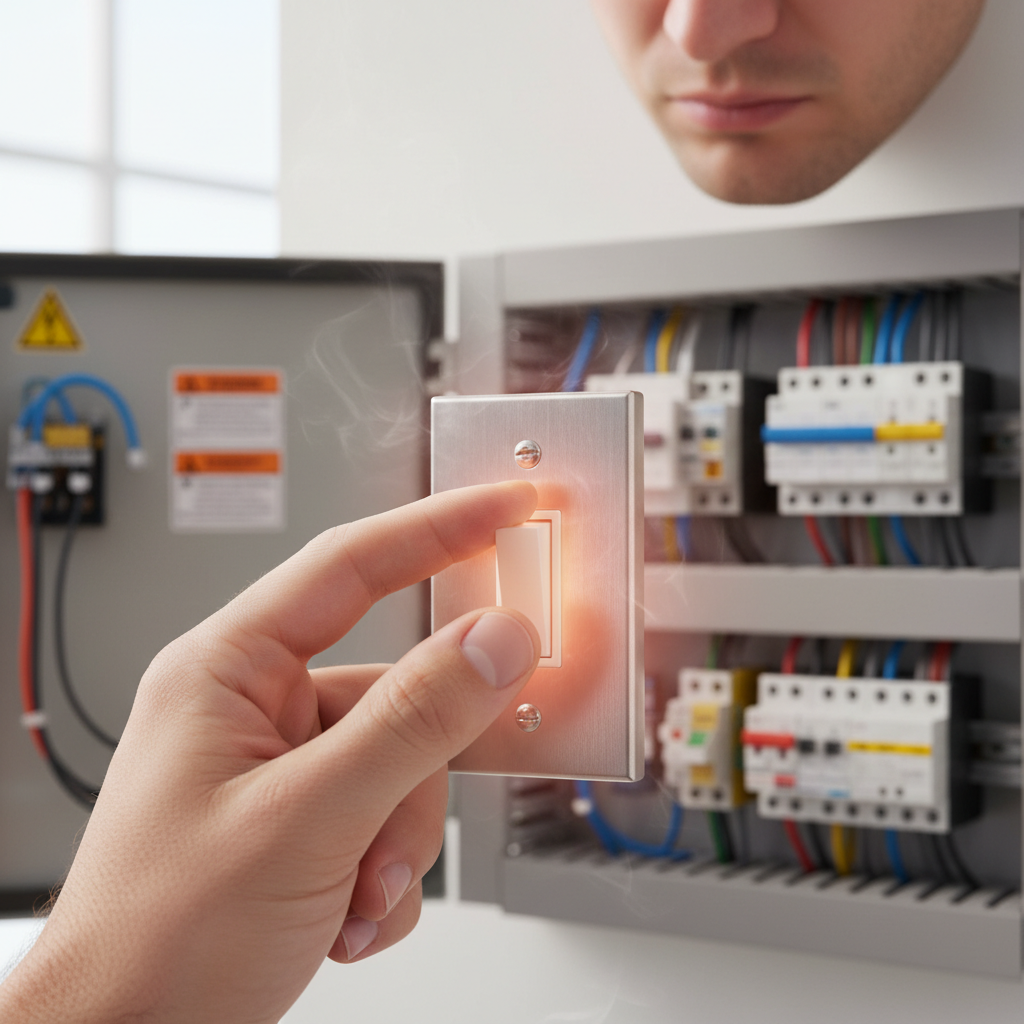
- Identify the Circuit – Locate the specific circuit breaker or fuse that supplies power to the hot light switch. It might be labeled, or you may need to flip breakers one by one while someone observes the lights controlled by the switch.
- If you're unsure which breaker controls the switch, turn off the main breaker to your entire home to ensure safety.
- Use a circuit breaker finder for accurate identification if available.
Electrical · Panel or service upgrade
| Project category | Electrical |
|---|---|
| Problem type | Panel or service upgrade |
| Trade required | Electrical |
| Urgency | Planned project |
| Safety risk | High safety risk |
| DIY suitability | Licensed pro only |
| Cost category | High cost |
| Typical timeline | Permit plus utility scheduling, commonly 2–6 weeks |
| Contractor type | Licensed electrician |
Repair option
Add a subpanel when the main service is adequate.
Replacement option
Full service upgrade with utility coordination and permits.
Common causes
- Obsolete or recalled panel brands
- Service capacity too small for added loads
- No room for required AFCI/GFCI breakers
Relevant tools:project cost estimatorcompare quotes
Published May 24, 2026Last updated August 17, 2026
Tools & materials you'll need
Affiliate linksAs an Amazon Associate FixlyGuide earns from qualifying purchases — at no extra cost to you. Prices and availability are accurate as of publication and subject to change.
Quick Answer
A light switch that's hot to the touch is a serious warning sign of an electrical problem. The most common culprits include an overloaded circuit, loose wire connections within the switch box, a faulty switch mechanism, or incompatible light fixtures. Addressing this heat immediately is crucial, as sustained heat can degrade wire insulation, melt plastic components, and significantly increase the risk of an electrical fire. Carefully assess the situation and prepare to troubleshoot and replace faulty components or call a professional electrician.
The Problem
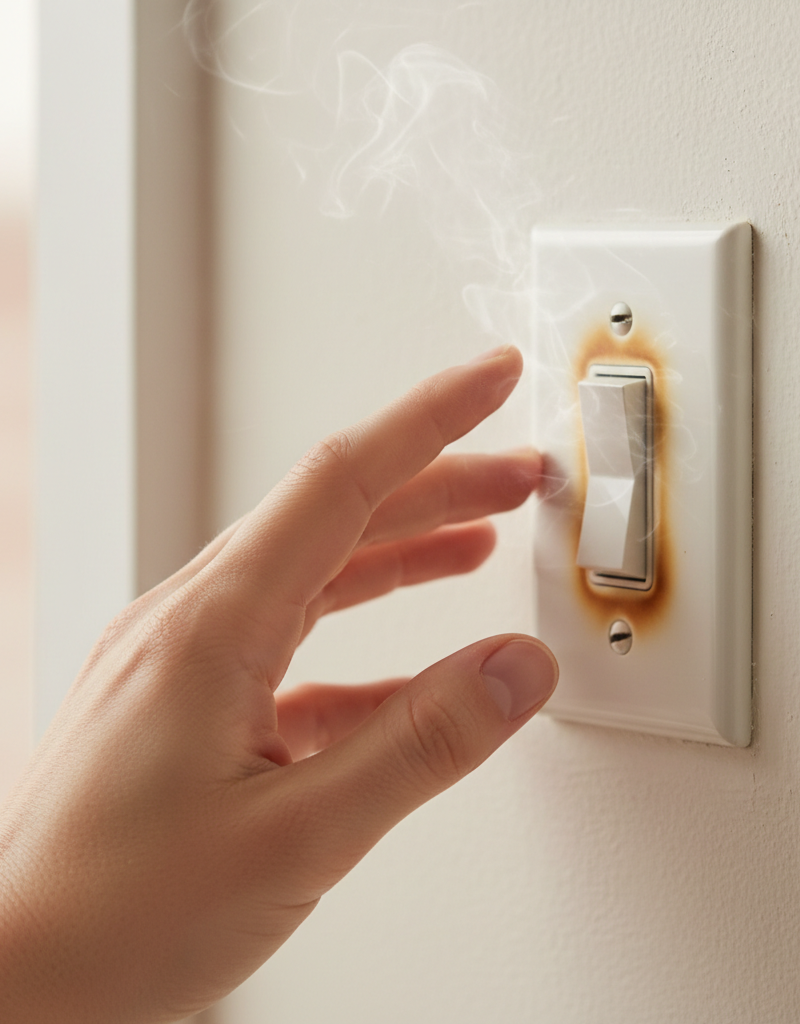
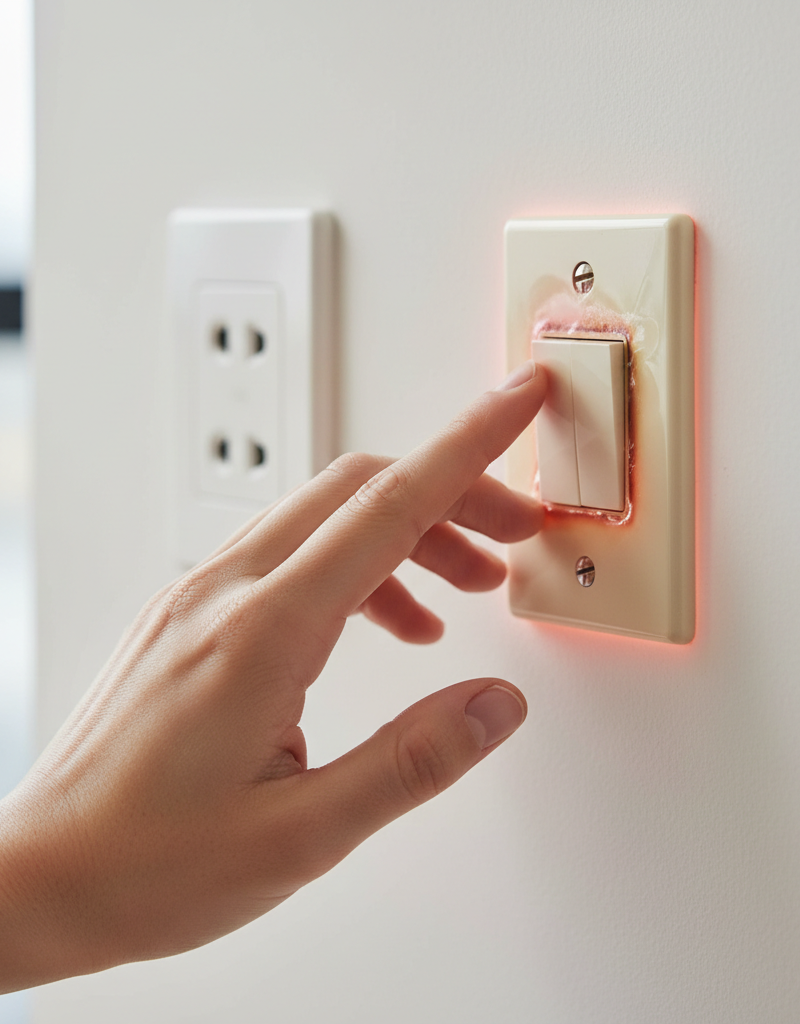
You reach for the light switch, perhaps in your living room or bathroom, and notice it's uncomfortably warm, or even hot. This isn't just a minor annoyance; it's your home's electrical system screaming for attention. Electrical components are designed to operate within specific temperature ranges, and excessive heat is a tell-tale sign that something is amiss. Ignoring a hot light switch can lead to more than just a melted switch cover; it can escalate into damaged wiring, short circuits, and, most dangerously, an electrical fire that could threaten your home and family.
Many homeowners might dismiss a slightly warm switch, attributing it to heavy use or a high-wattage bulb. While a very slight warmth might be normal for dimmers or switches controlling many lights, a switch that is noticeably hot – hot enough to make you pull your hand away – is a clear indication of a fault. This problem isn't always immediately obvious, sometimes only presenting after the lights have been on for an extended period. Understanding the underlying causes is the first step toward a safe and lasting solution.
How It Works
To understand why a light switch gets hot, it helps to grasp how it functions. A light switch is essentially a simple mechanical device that completes or breaks an electrical circuit, allowing or stopping the flow of electricity to a light fixture. When you flip a switch to the 'on' position, metal contacts inside the switch connect, creating a path for current to flow from your home's electrical panel, through the wiring to the switch, then to the light fixture, and finally back to the panel via the neutral wire.
Electricity generates heat when it encounters resistance. In a properly functioning circuit, resistance is minimized in components designed to carry current, like wires and switches, and maximized in components designed to produce light or heat, like the filament in an incandescent bulb. When something goes wrong – like a loose connection, an undersized wire, or an overloaded circuit – resistance increases in places it shouldn't, leading to excessive heat generation. This heat can build up within the confined space of the electrical box, transferring to the switch's plastic components and making it hot to the touch. This localized heat can cause the plastic housing of the switch to warp or melt, and critically, it can degrade the PVC insulation on the electrical wires, leaving them exposed and vulnerable to short circuits or arcing, which are direct precursors to electrical fires.
Step-by-Step Fix
SAFETY FIRST: Before performing any electrical work, ALWAYS turn off the power to the affected circuit at your home's main electrical panel. Use a voltage tester to confirm the power is off before touching any wires.
-
Identify the Circuit – Locate the specific circuit breaker or fuse that supplies power to the hot light switch. It might be labeled, or you may need to flip breakers one by one while someone observes the lights controlled by the switch.
- If you're unsure which breaker controls the switch, turn off the main breaker to your entire home to ensure safety.
- Use a circuit breaker finder for accurate identification if available.
-
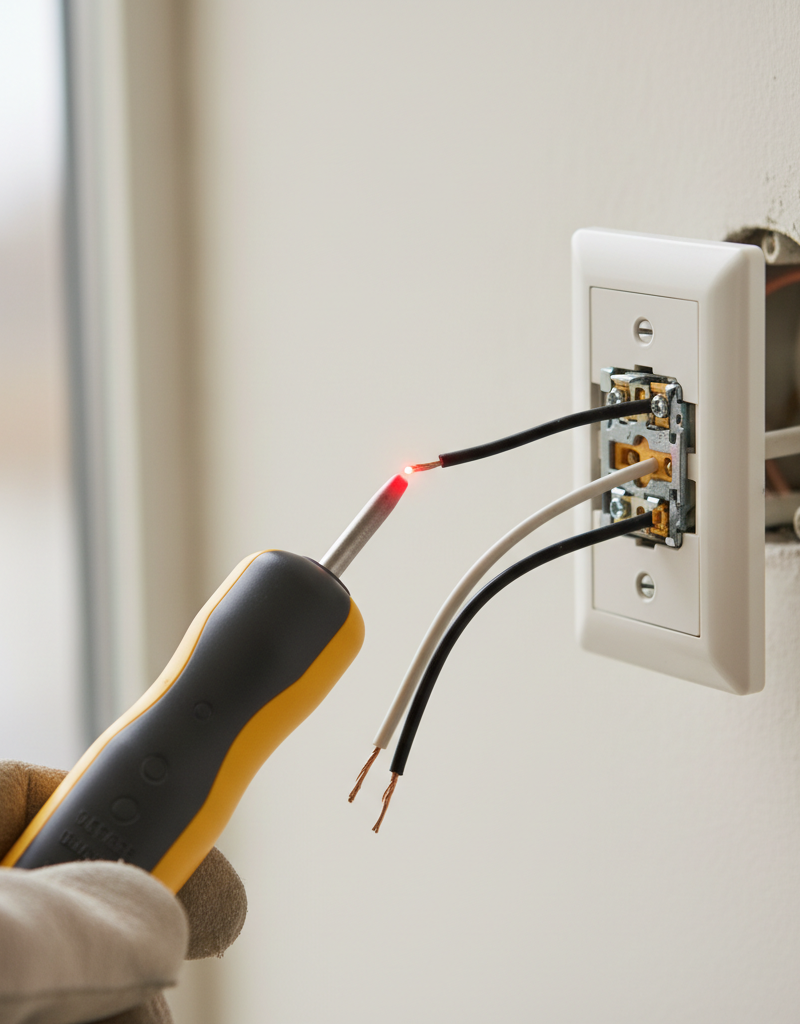
Turn Off Power and Verify – Go to your electrical panel and switch the identified breaker to the 'OFF' position. Return to the light switch and attempt to turn the light on – it should not illuminate. Use a non-contact voltage tester to confirm there is no power in the switch box (test both sides of the switch and any exposed wires).
- Always double-check with a reliable voltage tester.
- Maintain a clear workspace around your electrical panel.
-
Remove the Switch Plate – Carefully unscrew and remove the cover plate for the light switch. Place the screws in a safe place where they won't get lost.
-
Carefully Pull Out the Switch – Gently pull the switch out from the electrical box. It will still be connected by wires. Do not yank or pull forcefully on the wires.
- Observe how the wires are connected before disconnecting any.
- Note the positioning of wires on screw terminals if present.
-
Inspect for Loose Connections – Examine all wire connections to the switch. Look for wires that appear loose, frayed, or discolored. Tighten any screw terminals firmly with a screwdriver. For switches connected with push-in terminals (backstab connections), these are notorious for coming loose and creating resistance. It's best practice to move these wires to the more secure screw terminals if available.
- If wires are severely discolored or insulation is melted, the wire may need to be cut back and re-stripped, or replaced entirely. If unsure, call a pro.
- Ensure electrical tape isn't covering poorly connected wires; secure connections properly.
-
Check for Overload – Count the number of fixtures and bulbs controlled by this switch and note their wattage. If the total wattage exceeds the switch's rating (typically 15 amps for a standard switch, equivalent to about 1800 watts on a 120V circuit) or the circuit's capacity, this could be the cause of overheating. Consider reducing the load by using lower wattage bulbs, especially LEDs, or redistributing fixtures to another circuit.
- If the switch controls many high-wattage lights, consider splitting it onto two switches/circuits or upgrading to a heavy-duty switch if appropriate for the load.
- Never exceed the amperage rating of your switch or circuit breaker.
-
Examine the Switch Itself – Look for any signs of damage on the switch body, such as melting, charring, cracks, or a burnt smell. If the switch shows any damage, it's faulty and must be replaced. Even if no visible damage, an internal fault can cause overheating. If previous steps don't resolve the issue, replacing the switch is a logical next step.
- Purchase a new switch with the same amperage and voltage rating.
- Consider upgrading to a newer, higher-quality switch for better longevity.
-
Replace the Switch (If Necessary) – If you determined the switch is faulty, carefully disconnect the wires from the old switch, noting which wire goes to which terminal (line/load). Connect the wires to the new switch in the exact same configuration. Ensure all connections are tight and secure. Gently push the new switch back into the electrical box.
- Use wire nuts for any pigtail connections if necessary.
- Ensure no bare wire is exposed outside the terminals. Trim insulation if needed.
-
Replace Cover Plate and Restore Power – Once all wires are securely connected and the switch is neatly pushed back into the box, reattach the cover plate. Return to your electrical panel and carefully flip the breaker back to the 'ON' position. Test the light switch.
- Listen for any unusual sounds (buzzing, crackling) upon restoring power.
- Monitor the switch for warmth over the next few hours or days. If it still gets hot, turn off the power immediately and call a professional electrician.
Common Causes
- Loose Wire Connections: This is by far the most frequent culprit. Wires connected to the switch terminals, especially back-stab connections (where the wire is pushed into a hole instead of wrapped around a screw), can loosen over time. A loose connection creates increased resistance, generating heat. This is a primary source of dangerous arcing.
- Overloaded Circuit/Switch: If the switch is controlling too many lights or high-wattage fixtures, it can draw more current than the switch or the circuit is designed to handle. This excessive current flow causes the switch to overheat. This is especially common when incandescent bulbs are replaced with different types or when new fixtures are added without checking the circuit's capacity.
- Faulty Switch: The internal components of the switch itself can degrade or become damaged over time. The contact points inside the switch can wear out, causing increased resistance and heat. This can happen due to age, manufacturing defects, or repeated arcing if the switch has been under strain.
- Incorrectly Rated Switch: Using a switch rated for lower amperage than the circuit demands will cause it to overheat. For example, installing a 15-amp switch on a 20-amp circuit with a heavy load is dangerous.
- Short Circuit: While usually leading to an immediate breaker trip, a partial or intermittent short circuit within the switch or the fixture it controls can generate significant heat before the breaker trips, especially if the fault current isn't high enough to trip it instantly.
- Aluminum Wiring: If your home has older aluminum wiring (common in homes built between 1965 and 1975), its inherent properties make it prone to expansion and contraction with heat cycles, leading to loose connections and overheating at connection points like switches and outlets. This requires specialized connectors and techniques, and is best handled by an electrician.
Common Mistakes
- Ignoring the Heat: The biggest mistake is dismissing a hot switch. It's a critical safety warning. Don't assume it's
Related Articles
Keep troubleshooting with these hand-picked guides from FixlyGuide:
- Why Your Wall Switch Feels Hot: The Hidden Danger Most Homeowners Miss — A hot light switch isn't just uncomfortable; it's a critical warning sign of potential electrical hazards that demand immediate attention.
- Why is Your Light Switch Hot? (The Hidden Danger Most Homeowners Miss) — A hot light switch isn't just uncomfortable; it's a critical warning sign of electrical issues that should never be ignored due to fire ris…
- Why is Your Light Switch Hot? The 3 Hidden Overload Risks Explanations — A hot light switch isn't just uncomfortable; it signals potential electrical problems like overloading, loose wiring, or a failing switch.
- Why is My Light Switch Hot? (The Hidden Danger Most Homeowners Miss) — A hot light switch isn't just uncomfortable; it signals a potentially dangerous electrical issue that needs immediate attention from homeow…
- Why Does Only One Room Have Flickering Lights? The Real Culprit — Flickering lights in a single room often point to a localized electrical issue, frequently a loose connection in a light fixture or switch.
- The Hidden Reason Your GFCI Trips — And Why Most Homeowners Get It Wrong — A continuously tripping GFCI outlet is a safety warning, often indicating a problem like moisture, a faulty appliance, or a wiring issue th…
What should this project cost?
Enter your project details for a realistic cost range before you call anyone.
Outlet and switch work usually $150–$400; panel upgrades commonly $1,800–$4,200.
- Regional adjustment
- National average
- Labor share (typical)
- ~$709
- Quotes to collect
- 3 written estimates
Educational estimate based on national averages — not a binding quote. Always confirm with written local estimates.
Fixly Project Decision Box
- DIY difficulty
- Advanced
- Estimated time
- Homeowner checks 20–30 minutes
- Cost level
- Moderate
Main tools / materials
- Clean air filter
- Garden hose for condenser coils
- Shop vac for the condensate line
When to stop and call a pro
- Burning smell, smoke, or a tripping breaker
- Refrigerant lines iced over or hissing
- Any work inside the sealed refrigerant circuit (EPA-licensed only)
- Gas smell near a furnace — leave and call the utility
Need professional help?
Find an HVAC Pro Near YouGet the print-ready PDF of this guide
A clean, ad-free, printable version you can keep on your phone or pin to the workshop wall. Free with a FixlyGuide account.
- Print-optimized layout
- Tools, materials & every step included
- Saved to your account
Frequently asked questions
How hot is too hot for a light switch?+
A light switch should not be noticeably warm or hot to the touch. While some dimmers or heavily used switches might feel slightly warm, anything beyond that, or hot enough to be uncomfortable, indicates a problem. If it feels significantly warmer than the surrounding wall, it's too hot.
Can a hot light switch cause a fire?+
Yes, absolutely. A hot light switch is a major fire hazard. The heat can melt wire insulation, lead to arcing, short circuits, and ignite nearby combustible materials within the wall, potentially causing a house fire.
Why would only one light switch be hot?+
If only one switch is hot, it likely points to a localized issue with that specific switch or its immediate wiring. This could be a loose connection on that switch, an overloaded fixture directly connected to it, or a faulty switch mechanism.
Is it normal for a dimmer switch to get warm?+
Yes, it is normal for dimmer switches to feel slightly warm, especially when operating at high loads or for extended periods. Dimmers dissipate excess power as heat. However, a dimmer that feels uncomfortably hot or emits a burning smell still indicates a problem and should be checked immediately.
What tools do I need to fix a hot light switch?+
You'll need a Phillips head screwdriver, a flathead screwdriver, a non-contact voltage tester, a new light switch (if replacement is needed), and potentially wire strippers and wire nuts. Always ensure safety glasses are worn when working with electrical components.
Discussion
Loading comments…