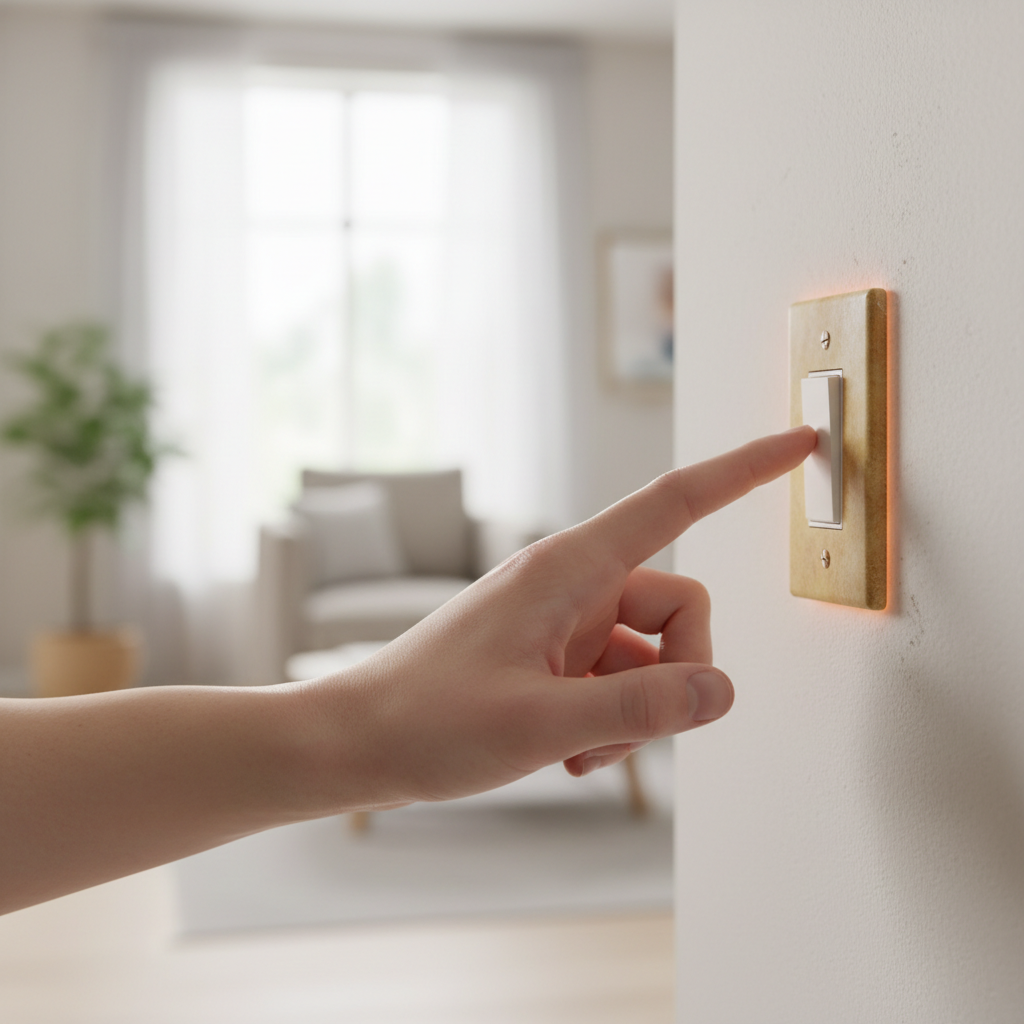
- Breaker Box Location – Know where your main electrical panel is located. Identify the specific circuit breaker for the room or area where the hot switch is.
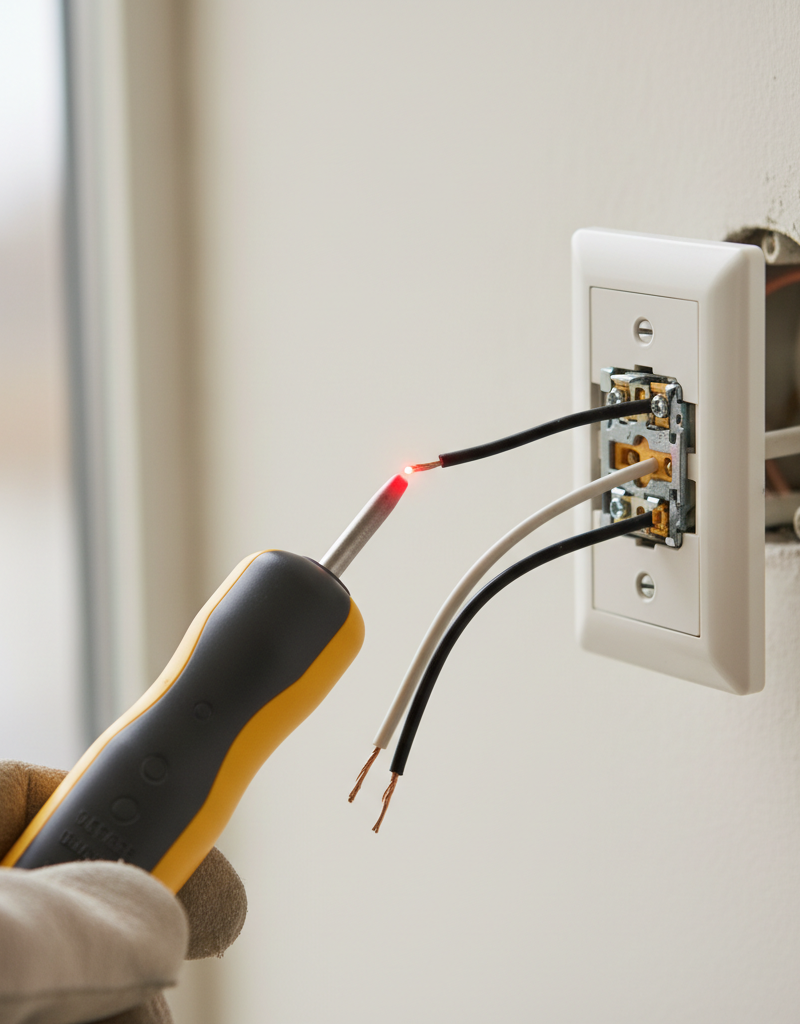
- Verify Power Off – Use a non-contact voltage tester to confirm no power is flowing to the switch before touching any wires.
- Labeling Issues – If your panel isn't clearly labeled, you may need to flip breakers one by one until the lights connected to the hot switch turn off. Consider labeling your panel accurately once you've identified the circuit.
- Special Screws – Some older plates might have paint-filled screw heads; use a screwdriver that fits snugly to avoid stripping.
- Working Space – Wires are often stiff. Take care not to pull too hard or damage the wire insulation. You're looking for slack, not trying to detach anything yet.
Electrical · Panel or service upgrade
| Project category | Electrical |
|---|---|
| Problem type | Panel or service upgrade |
| Trade required | Electrical |
| Urgency | Planned project |
| Safety risk | High safety risk |
| DIY suitability | Licensed pro only |
| Cost category | High cost |
| Typical timeline | Permit plus utility scheduling, commonly 2–6 weeks |
| Contractor type | Licensed electrician |
Repair option
Add a subpanel when the main service is adequate.
Replacement option
Full service upgrade with utility coordination and permits.
Common causes
- Obsolete or recalled panel brands
- Service capacity too small for added loads
- No room for required AFCI/GFCI breakers
Relevant tools:project cost estimatorcompare quotes
Published June 12, 2026Last updated August 17, 2026
Tools & materials you'll need
Affiliate linksAs an Amazon Associate FixlyGuide earns from qualifying purchases — at no extra cost to you. Prices and availability are accurate as of publication and subject to change.
Quick Answer
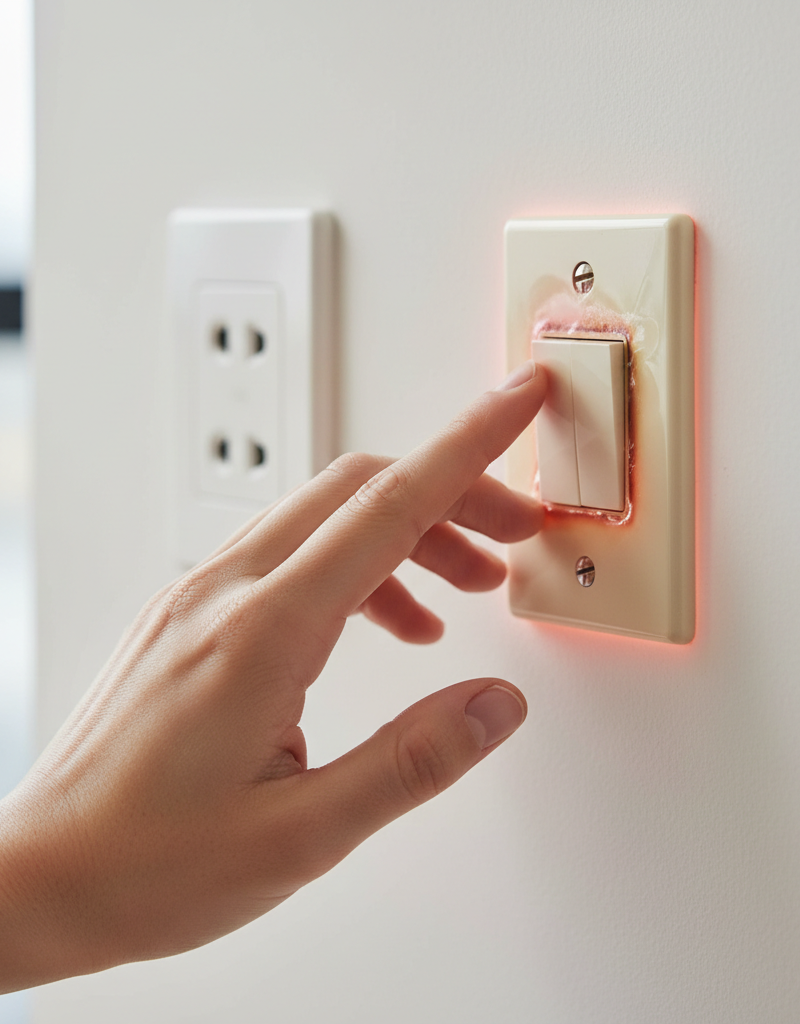
If your light switch is hot to the touch, it's a clear indicator of an underlying electrical issue that needs immediate attention. The most common culprits are loose wire connections within the switch or the electrical box, or an overloaded circuit drawing too much current through the switch. Less frequently, it could be a faulty switch mechanism itself or an incompatible dimmer. You can often diagnose and fix loose connections with basic tools. However, for any persistent heat, flickering lights, or burning smells, it's crucial to call a qualified electrician.
The Problem
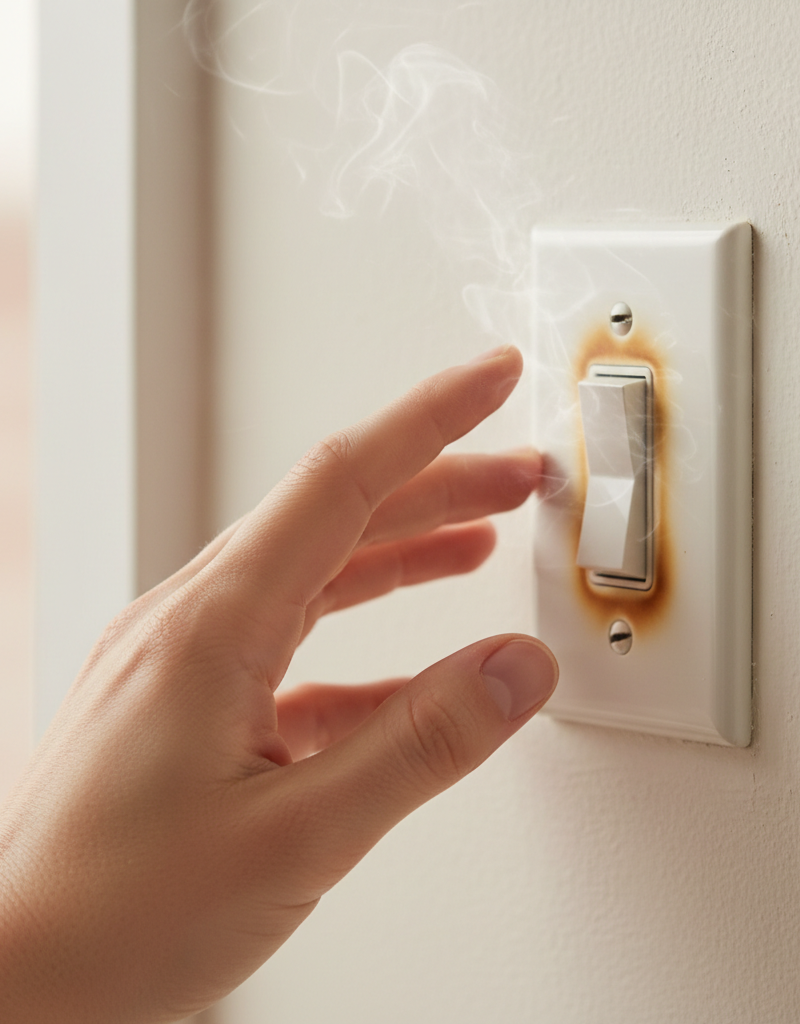
Imagine flipping on your living room lights, and as your fingers brush the switch plate, you feel a distinct warmth, or even heat. This isn't just uncomfortable; it's a serious red flag. Electrical heat is generated when current flows through a resistance. When a light switch becomes hot, it means there's abnormal resistance, often at a loose connection point, causing electricity to convert into heat energy instead of flowing smoothly. This excess heat can degrade wire insulation, melt plastic components, and, in severe cases, ignite surrounding building materials, leading to a house fire. Ignoring a hot light switch is akin to ignoring a smoke detector beep – it's a direct warning that your home's electrical system is compromised and potentially dangerous. The urgency here cannot be overstated; prompt investigation and remedy are essential for your safety.
How It Works
To understand why a light switch gets hot, it helps to grasp how it functions in your home's electrical circuit. A light switch acts as an intermediary, completing or breaking a continuous path (the circuit) for electricity to flow from your home's electrical panel, through the switch, to the light fixture, and back to the panel.
Inside a standard toggle or rocker light switch, two terminal screws are typically used: one for the incoming 'hot' wire (often black) from the power source and one for the 'switched hot' wire that goes to the light fixture. These terminals secure the bare copper ends of the wires, establishing a solid electrical connection. When you flip the switch 'on,' a conductive bridge is made internally, allowing current to flow. When you flip it 'off,' the bridge is broken, stopping the flow.
Heat generation in a switch primarily occurs due to resistance. In an ideal circuit, wires and connections have very low resistance, allowing current to pass with minimal heat. However, if a wire connection to a terminal screw is loose, the contact area between the wire and the screw becomes smaller, significantly increasing resistance at that point. This increased resistance causes a substantial amount of electrical energy to convert into heat. The same principle applies if the switch itself is faulty internally, with degraded contacts or a weakened spring mechanism that doesn't create a firm connection.
Furthermore, an overloaded circuit can also cause a switch to heat up. If too many light fixtures or other electrical devices are drawing power from the same circuit, the total current flowing through the switch can exceed its rated capacity. While the switch might not have a loose connection, the sheer volume of current passing through its internal components can generate excessive heat. Dimmers are particularly susceptible to overheating if the total wattage of the connected lights exceeds the dimmer's maximum rating, or if they are used with incompatible bulb types like non-dimmable LEDs. The heat must dissipate, and if it can't, the temperature continues to rise, posing a significant risk.
Step-by-Step Fix
Safety First – Always cut power at the breaker box before working with electricity.
- Breaker Box Location – Know where your main electrical panel is located. Identify the specific circuit breaker for the room or area where the hot switch is.
- Verify Power Off – Use a non-contact voltage tester to confirm no power is flowing to the switch before touching any wires.
1. Identify the Affected Circuit – Locate and switch off the corresponding circuit breaker in your electrical panel.
- Labeling Issues – If your panel isn't clearly labeled, you may need to flip breakers one by one until the lights connected to the hot switch turn off. Consider labeling your panel accurately once you've identified the circuit.
2. Remove the Switch Plate – Carefully unscrew and remove the decorative cover plate from the hot light switch.
- Special Screws – Some older plates might have paint-filled screw heads; use a screwdriver that fits snugly to avoid stripping.
3. Pull the Switch from the Box – Gently pull the switch mounting screws to slide the switch assembly out of the electrical box.
- Working Space – Wires are often stiff. Take care not to pull too hard or damage the wire insulation. You're looking for slack, not trying to detach anything yet.
4. Inspect for Loose Connections – Visually examine all wire connections to the switch terminals. Look for wires that appear charred, discolored, or that easily pull away from the screw terminals.
- Common Culprits – Focus on the 'hot' (black) wire terminals and the 'switched hot' wire going to the fixture. Ground (bare copper or green) and neutral (white) wires are less likely to cause heat at the switch but should still be secure.
5. Tighten Existing Connections – Using an appropriate screwdriver, firmly tighten all terminal screws on the switch.
- Don't Overtighten – Tighten until snug, but don't strip the screws or damage the switch. A good connection shouldn't feel loose or wobbly.
- Rewire if Damaged – If a wire end is frayed, corroded, or looks burnt, carefully clip off the damaged section with wire cutters and strip about 5/8 inch of new insulation, then reattach it securely under the terminal screw. Always bend the wire into a 'J' shape to hook clockwise around the screw so tightening pulls it in.
6. Check for Overloaded Circuits (if heat persists) – If tightening connections doesn't resolve the heat issue, consider if too many high-wattage lights or other devices are on that specific circuit.
- Wattage Calculation – Add up the total wattage of all bulbs connected to that switch and circuit. Ensure it does not exceed the switch's rating (usually 600W for standard switches) or the dimmer's rating.
- LED Compatibility – If using LED bulbs with a dimmer, ensure both are compatible. Incompatible LED-dimmer combinations are a common source of heat and flickering.
7. Inspect the Switch Itself – If connections are sound and the load isn't excessive, the switch mechanism might be failing.
- Replacement – A new switch costs $5-$30 and is a straightforward replacement for a DIYer. Match the new switch to the old one's type (single-pole, 3-way, etc.) and amperage rating.
8. Reinstall the Switch and Test – Once connections are secure (or the switch is replaced), carefully push the switch back into the electrical box, taking care not to pinch wires. Reinstall the mounting screws and the cover plate. Restore power at the breaker and test the switch.
- Post-Test – After a few minutes of operation, feel the switch again. It should remain cool or only slightly warm, especially if it's a dimmer. Continued heat warrants professional inspection.
Common Causes
- Loose Wire Connections: This is by far the most frequent culprit. Over time, due to vibrations, expansion/contraction, or improper initial installation, the screws holding wires to the switch terminals can loosen. This creates increased electrical resistance, leading to heat generation.
- Overloaded Circuit/Switch: If the total wattage of the lights or other devices controlled by the switch exceeds its rated capacity (e.g., a standard switch rated for 15 amps controlling too many heavy-load fixtures), it will draw excessive current, causing the switch to heat up.
- Faulty Switch Mechanism: Internal components of the switch can wear out or become damaged, leading to poor internal contact and increased resistance. This is more common in older switches or those that are used very frequently.
- Incompatible Dimmer Switch: Using a dimmer switch with non-dimmable light bulbs, or exceeding the dimmer's maximum wattage rating for LED or incandescent bulbs, can cause significant overheating and potential damage.
- Old or Deteriorated Wiring: In older homes, wiring insulation can degrade, and the wires themselves might not be up to modern electrical codes, contributing to resistance and heat buildup.
- Backstab Connections: Some cheaper or older switches use
Related Articles
Keep troubleshooting with these hand-picked guides from FixlyGuide:
- Why Your Wall Switch Feels Hot: The Hidden Danger Most Homeowners Miss — A hot light switch isn't just uncomfortable; it's a critical warning sign of potential electrical hazards that demand immediate attention.
- Why is Your Light Switch Hot? (The Hidden Danger Most Homeowners Miss) — A hot light switch isn't just uncomfortable; it's a critical warning sign of electrical issues that should never be ignored due to fire ris…
- Why is Your Light Switch Hot? The 3 Hidden Overload Risks Explanations — A hot light switch isn't just uncomfortable; it signals potential electrical problems like overloading, loose wiring, or a failing switch.
- Why is My Light Switch Hot? (The Hidden Danger Most Homeowners Miss) — A hot light switch isn't just uncomfortable; it signals a potentially dangerous electrical issue that needs immediate attention from homeow…
- That One Warm Breaker Is Trying to Tell You Something — A single warm circuit breaker is not normal; it's a critical warning sign of an electrical issue, often an overload or a dangerous loose co…
- The Hidden Reason Your Light Switch Is Warm to the Touch — Ever noticed your light switch is warm to the touch? While it's often a normal function of a dimmer, it can also signal a dangerous electri…
Should you do this yourself?
Answer five quick questions before you start. Safety outranks savings every time.
Your experience with work like this
How high do you have to work?
Does the job involve any of these?
Will it need a permit?
Specialty tools
Free and instant. Educational guidance only — not a quote, inspection, or professional diagnosis.
What should this project cost?
Enter your project details for a realistic cost range before you call anyone.
Outlet and switch work usually $150–$400; panel upgrades commonly $1,800–$4,200.
- Regional adjustment
- National average
- Labor share (typical)
- ~$709
- Quotes to collect
- 3 written estimates
Educational estimate based on national averages — not a binding quote. Always confirm with written local estimates.
Fixly Project Decision Box
- DIY difficulty
- Advanced
- Estimated time
- Homeowner checks 20–30 minutes
- Cost level
- Moderate
Main tools / materials
- Clean air filter
- Garden hose for condenser coils
- Shop vac for the condensate line
When to stop and call a pro
- Burning smell, smoke, or a tripping breaker
- Refrigerant lines iced over or hissing
- Any work inside the sealed refrigerant circuit (EPA-licensed only)
- Gas smell near a furnace — leave and call the utility
Need professional help?
Find an HVAC Pro Near YouBefore you start
Check the difficulty, permits, and safety risk — then decide whether to call a pro.
- Estimate this projectGet a cost range for your scope and ZIP before you call anyone.Open
- Get local estimatesSend one request and compare written estimates from vetted pros.Open
Free, no signup required. Estimates are educational guidance, not a quote or an inspection.
Frequently asked questions
How hot is too hot for a light switch?+
A light switch should generally feel cool to the touch. If it's noticeably warm or hot, it's a sign of a problem and needs immediate investigation. Any heat that causes discomfort to your touch is too hot.
Can a hot light switch cause a fire?+
Yes, absolutely. Excessive heat from a light switch is often caused by high electrical resistance, which can melt wire insulation, warp plastic components, and eventually ignite flammable materials within the wall, leading to an electrical fire.
Why is my dimmer switch getting hot?+
Dimmer switches naturally generate some heat as part of their operation, but excessive heat usually points to an overload (too many watts on the circuit), incompatible bulbs (especially with LEDs), or a faulty dimmer unit. Check the dimmer's maximum wattage rating and ensure your bulbs are dimmable and suitable for the dimmer type.
Discussion
Loading comments…