- Time-based Schedules: This is the usual suspect. The thermostat’s set to run different temperatures at different times, like 68°F while you’re at work and 72°F when you’re home.
- Remote Sensors: Small wireless sensors in other rooms send back their own readings, and the system may average them or give one room priority.
- "Smart" Learning/Eco Modes: The thermostat learns your habits or uses geofencing, which means it watches your phone’s location and adjusts automatically to save energy.
- Utility Demand Response: During peak usage, your power company may get permission to bump the thermostat up a few degrees to ease grid strain, usually in exchange for a rebate.
HVAC · High energy usage
| Project category | HVAC |
|---|---|
| Problem type | High energy usage |
| Trade required | HVAC |
| Urgency | Planned project |
| Safety risk | Low safety risk |
| DIY suitability | DIY for experienced homeowners |
| Cost category | High cost |
| Typical timeline | Assessment within weeks; replacement planned off-season |
| Contractor type | Licensed HVAC technician |
Repair option
Duct sealing, insulation, and a tune-up before touching the equipment.
Replacement option
High-efficiency replacement sized by a load calculation, not a rule of thumb.
Common causes
- Aging, low-efficiency equipment
- Leaking ducts losing conditioned air
- Insufficient attic insulation
- Oversized system short-cycling
Relevant tools:project cost estimatorrepair or replace
Published October 2, 2026Last updated October 2, 2026
Tools & materials you'll need
Affiliate linksNo materials required.
As an Amazon Associate FixlyGuide earns from qualifying purchases — at no extra cost to you. Prices and availability are accurate as of publication and subject to change.
The Problem
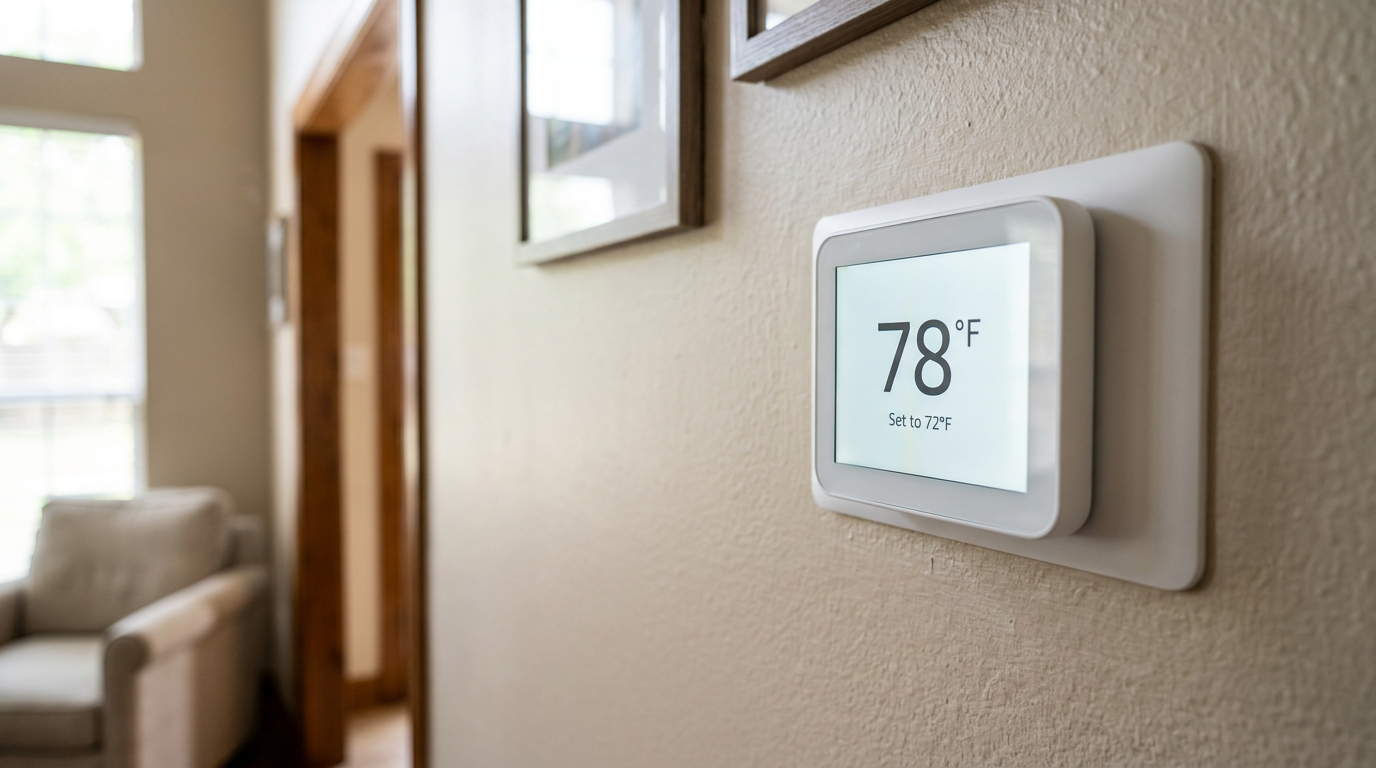
You set your thermostat to a nice, comfortable 72°F, then a few hours later you’re sweating because it’s reading 78°F. Or you bump the heat up on a cold morning, and by lunch the house is cold again because the setpoint dropped back down. A thermostat that seems to have a mind of its own is maddening, confusing, and yep — it can send your energy bills up, too.
It feels like the thing’s fighting you. You make one adjustment, and somehow it slides right back. That’s not just a small headache; it keeps you from keeping the house comfortable and makes you wonder if your HVAC system’s acting up. Before you decide the thermostat is bad or the whole system is toast, here’s the deal: most of the time, the thermostat’s just doing exactly what it was told by a setting you didn’t even know was there.
How It Works
Modern thermostats aren’t just simple on/off switches anymore. They’re little computers with a lot going on, and they’re trying to juggle comfort and energy use at the same time. The main problem is usually a tug-of-war between your manual adjustment and an automated command.
At the core, a thermostat uses a temperature sensor, called a thermistor, to read the air around it. Once that temperature hits your setpoint, a low-voltage circuit, usually 24 volts, closes a relay. That sends the signal to the furnace or air handler to kick on. When the room gets back to the setpoint, the circuit opens and the system shuts down.
Programmable and smart thermostats stack more stuff on top of that basic setup. They’ve got a clock, memory, and software that can store a whole week of temperature changes. A "smart" thermostat adds Wi-Fi, so now it’s talking to apps, voice assistants, and sometimes even your utility company. Those automated commands can come from a few places:
- Time-based Schedules: This is the usual suspect. The thermostat’s set to run different temperatures at different times, like 68°F while you’re at work and 72°F when you’re home.
- Remote Sensors: Small wireless sensors in other rooms send back their own readings, and the system may average them or give one room priority.
- "Smart" Learning/Eco Modes: The thermostat learns your habits or uses geofencing, which means it watches your phone’s location and adjusts automatically to save energy.
- Utility Demand Response: During peak usage, your power company may get permission to bump the thermostat up a few degrees to ease grid strain, usually in exchange for a rebate.
When you change the temperature manually on one of these setups, you’re usually just creating a "temporary hold." The thermostat listens for a while, then the next scheduled change comes along and takes the wheel. Nine times out of ten, the fix is buried in those settings underneath.
Step-by-Step Fix
Let’s walk through how I’d track down a thermostat that keeps changing on its own, starting with the easy stuff and working up from there.
1. Check for a Temporary Hold
- What to do: Look at the screen after you change the temperature. A lot of models will show something like "Hold Until 7:00 PM," "Temporary Hold," or "Following Schedule." If you see that, bingo — an automated schedule is in charge. Your change only sticks for a little while.
- The Fix: If you want the change to stay put, you need the "Permanent Hold" or plain old "Hold" feature. Usually that’s a button labeled "Hold" or tapping the temporary hold message and picking the permanent option. That overrides the schedule until you cancel it yourself.
2. Review and Disable the Schedule
- What to do: If the schedule’s the issue, you’ve gotta get into the settings and either change it or wipe it out. Brand names vary — Nest, Ecobee, Honeywell, all that — but you’re usually hunting for "Schedule," "Routines," or a calendar icon.
- The Fix: Check each day of the week. Look for temperatures you didn’t set or ones that fight what you actually want. Maybe there’s a "Sleep" setting at 10:00 PM that drops the house to 65°F, even though you wanted to keep it at 70°F. You can delete the setpoints and turn it into a basic thermostat, or just edit them so they actually make sense.
3. Hunt for Smart Features and Eco Modes
- What to do: Smart thermostats like Nest and Ecobee have features that learn your routine or use algorithms to squeeze out energy savings. That can lead to weird changes you never asked for. Names change by brand — "Nest Sense," "Auto-Schedule," "Smart Home & Away," or Ecobee’s "Smart Recovery" and "Follow Me."
- The Fix: Open the app or dig through the thermostat settings. Find those features and shut them off. Nest’s Auto-Schedule can usually be disabled under
Settings > Nest Sense. Ecobee’s "Smart Home/Away" can be turned off in theSystemmenu. Once those are off, the thermostat stops freelancing and you’ve got manual control back.
4. Check for Active Remote Sensors
- What to do: If you’ve got remote sensors in other rooms, the thermostat might be averaging them or relying on one sensor in a room that’s actually occupied. If one sensor’s sitting in a sun-baked room, it might report 80°F and keep the system running longer even though the area around the wall thermostat feels fine.
- The Fix: Open the app — this part’s almost always managed there. Look for a "Sensors" menu. You’ll see which ones are active and what they’re reading. You can usually turn off the sensors you don’t want used for a certain comfort setting, like ignoring that hot upstairs bedroom during your "Home" mode.
5. Investigate Utility Company Programs
- What to do: If you signed up for a "demand response" or energy-saving program with your electric company to get a rebate, you gave them permission to nudge your thermostat during peak hours. That usually means hot summer afternoons, around 3-7 PM.
- The Fix: It’s an opt-in setup. You can usually opt out by calling the utility or, sometimes, by using their online portal. Some thermostat apps also have a "Utility Programs" section where you can see if one’s active and shut it off. Just know this: if you opt out, you might lose that annual rebate.
6. Review Advanced Settings: Temperature Swing (Differential)
- What to do: This one’s a little more technical. The "swing" or "differential" tells the system how far the temperature has to drift before the HVAC kicks on. A tight swing of 0.5°F makes it cycle more often for shorter bursts. A wider swing of 2°F lets the temperature wander more before the system reacts.
- How it feels: If the swing’s too wide, say 3°F, you might set the thermostat to 72°F but not see the AC kick on until the room hits 75°F. Feels like it’s ignoring you, right? But it’s just working inside the buffer it was given.
- The Fix: You’ll usually find this under "Installer Settings" or "Advanced Settings." On a lot of Honeywell models, you press and hold the menu button for 5-10 seconds to get in. Be careful in there — don’t start changing settings you don’t understand. Look for "Swing," "Differential," or "Cycle Rate" and tighten it up, maybe to 1°F, if you want the system to respond more precisely.
7. Rule Out a Wiring or Power Issue
- What to do: In rare cases, a flickering display or random resets come from a loose wire or an intermittent power supply. One common culprit is a clogged AC drain line that trips a float switch, which cuts power to the thermostat through the R-wire to keep water from causing damage. Once the water drains slowly, power comes back and the thermostat reboots to its default schedule.
- The Fix: Check the air handler drain pan for standing water. If you see water in there, the condensate line’s clogged. Shut off power to the HVAC system at the breaker and use a wet/dry vac to clear the clog from the outdoor drain line termination. If the wiring behind the thermostat itself is loose, kill the power, pull the faceplate, and make sure every wire’s seated tight in its terminal.
Common Causes
Here’s the short version of why your thermostat keeps changing by itself. Most of the time, it’s one of these.
- Active Programmable Schedule: This is the big one. You set a manual temp, but it’s only a temporary hold until the next scheduled change — like "Sleep" or "Away" — takes over.
- Learning/Eco Features: Smart thermostats try to be helpful, adjusting based on when you’re home, what you’ve done before, or to shave off a few cents on the bill. That "help" is usually what’s messing with you.
- Remote Sensors: A sensor in another room — hotter or colder than where you’re standing — is telling the thermostat what to do based on its reading, not the one at the wall unit.
- Utility Demand Response Events: You signed up for a savings program with your electric company, so now they can adjust your thermostat a few degrees when the grid’s loaded up.
- Geofencing Activation: Your thermostat’s tied to your phone’s location. Once you leave a certain radius around the house, it flips into an "Away" mode with a more economical setpoint.
- Someone Else is Changing It: Don’t overlook the simple stuff. Another family member or a guest may be changing it from the wall unit or through a shared app on their phone.
Common Mistakes
When folks try to fix this, they make the same mistakes over and over. Skip these and you’ll save yourself a pile of frustration.
- Fighting the Schedule with Manual Adjustments: You keep turning the temp back every few hours without shutting off the schedule behind it. You’re treating the symptom, not the cause, and the thermostat will win every time.
- Setting a "Permanent Hold" and Forgetting It: You override the schedule to keep the place cool for a party, then leave it locked for weeks. That kills the whole point of having a programmable thermostat and throws away the energy savings.
- Ignoring Remote Sensor Placement: Putting a sensor in a lousy spot, like direct afternoon sun, a drafty hallway, or right above a hot TV. Bad data in means bad behavior out.
- Deleting App Access Instead of Fixing Settings: Getting annoyed and just wiping the app off your phone. That doesn’t actually solve anything. I pulled a thermostat in Frisco last month that had exactly this kind of issue — the homeowner had deleted the app, but the schedule was still buried in the account, so the system kept doing its thing. No dice.
Related Articles
Keep troubleshooting with these hand-picked guides from FixlyGuide:
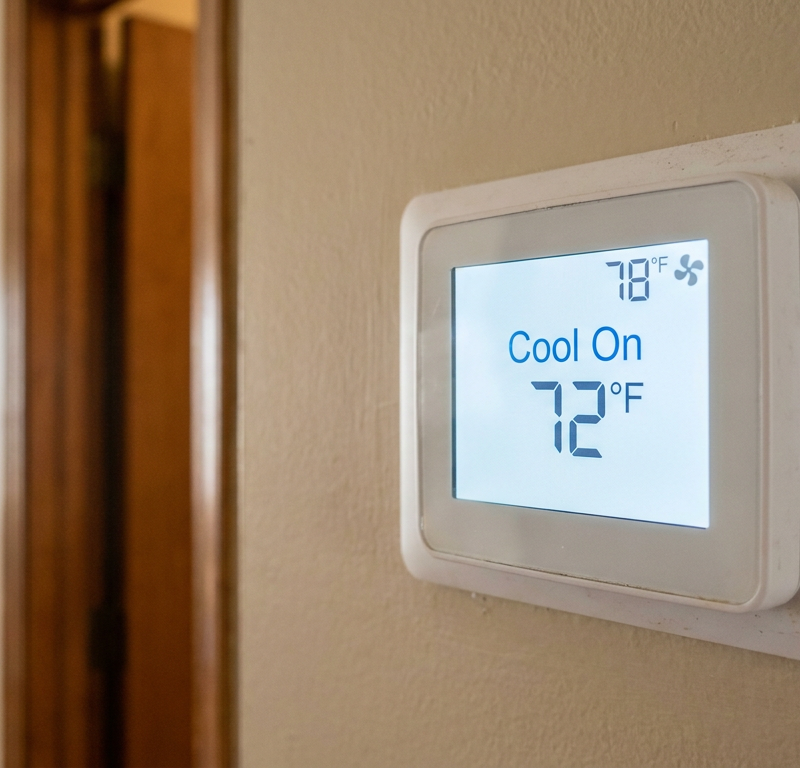
- Thermostat Says "Cool On" But Nothing Happens? 8 Causes and What to Check — Your thermostat is calling for cool, the screen says "Cool On," but your AC isn't running — here are the most common reasons why and the si…
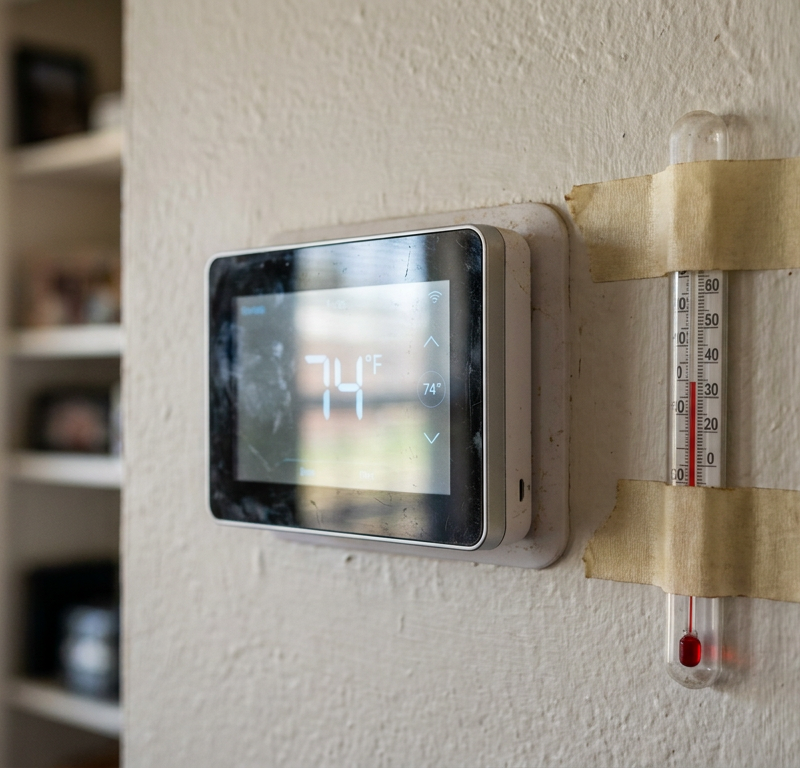
- Thermostat Reading Wrong Temperature? 9 Reasons and How to Recalibrate — Your thermostat says it's 75°F, but it feels like 80°F. Here are the most common causes for a thermostat reading the wrong temperature and…
- The Secret Reason Your Furnace Turns On and Off So Much (It's Not What You Think) — Short cycling strains your furnace and wastes energy. Learn the most common surprising causes and how to fix them to restore efficient heat…
- The Hidden Reason Your AC Freezes — And Why Most Homeowners Get It Wrong — Discover the surprising truth behind why your outdoor AC unit is freezing and learn the most common mistake homeowners make when trying to…
- Thermostat Short Cycling? 7 Reasons Your AC or Furnace Shuts Off Too Soon — If your HVAC system turns on and off every few minutes, it's likely short cycling; this guide explains the common causes, from a dirty air…
- Your shower's cold? 3 sneaky reasons your hot water vanishes — Tired of your hot shower turning lukewarm unexpectedly? We uncover the three most common culprits, from a hidden part in your water heater…
What should this project cost?
Enter your project details for a realistic cost range before you call anyone.
Service calls and common repairs run $150–$900; full system replacement typically $6,000–$12,000.
- Regional adjustment
- National average
- Labor share (typical)
- ~$1,935
- Quotes to collect
- 3 written estimates
Educational estimate based on national averages — not a binding quote. Always confirm with written local estimates.
Fixly Project Decision Box
- DIY difficulty
- Advanced
- Estimated time
- Homeowner checks 20–30 minutes
- Cost level
- Moderate
Main tools / materials
- Clean air filter
- Garden hose for condenser coils
- Shop vac for the condensate line
When to stop and call a pro
- Burning smell, smoke, or a tripping breaker
- Refrigerant lines iced over or hissing
- Any work inside the sealed refrigerant circuit (EPA-licensed only)
- Gas smell near a furnace — leave and call the utility
Need professional help?
Find an HVAC Pro Near YouFrequently asked questions
Why does my Nest thermostat keep changing the temperature?+
Your Nest thermostat is likely changing the temperature due to its learning features, like Auto-Schedule or Home/Away Assist. It learns your habits and tries to create a schedule automatically. You can disable these features in the 'Nest Sense' section of the settings to gain full manual control.
Can the electric company really change my thermostat?+
Yes, if you've enrolled in a 'demand response' or energy-saving program. This gives your utility provider permission to make small, temporary adjustments (usually 1-4 degrees) during peak hours to conserve energy on the grid. You can opt out of these programs by contacting your provider.
How do I make my thermostat stay at one temperature?+
To keep your thermostat at a single temperature, you need to use the 'Hold' or 'Permanent Hold' function. This overrides any existing schedules. If you don't see a hold button, you may need to go into the schedule settings and delete all the different time-based setpoints.
What does 'Hold Until' mean on my thermostat?+
'Hold Until' or 'Temporary Hold' means your manual temperature adjustment will only last until the next pre-programmed schedule change. For example, if you set it to 70°F at 3 PM, but the schedule has a 75°F setpoint for 5 PM, it will revert to 75°F at that time.
Could a power flicker cause my thermostat to change its settings?+
Yes, a brief power interruption can cause some thermostats to reset and revert to their default factory schedule. This can also happen if a condensate overflow switch temporarily cuts power to the unit, a sign your AC drain line may be clogged.
Why does my thermostat setting change from 'Cool' to 'Heat' on its own?+
Many modern thermostats have an 'Auto' mode that will switch between heating and cooling to maintain a specific temperature range. If it gets colder than your low setpoint, it will turn on the heat; if it gets hotter than your high setpoint, it will turn on the AC. Change the mode to 'Cool' or 'Heat' to prevent this.
My thermostat changes temperature even with the schedule off. What's wrong?+
If the main schedule is off, check for other smart features like Ecobee's 'Smart Recovery' or Nest's 'Home/Away Assist.' Also, check for active remote sensors or utility programs. In rare cases, a faulty unit or intermittent wiring issue could be the cause.
What is the ideal temperature swing setting for a thermostat?+
A common default swing setting is 1°F, which provides a good balance of comfort and efficiency. A tighter swing (0.5°F) offers more precise control but runs your system more often, while a wider swing (2-3°F) saves energy but allows for noticeable temperature drifts before the system activates.
Discussion
Loading comments…