- Defective or Failing Switch: Like any mechanical device, switches can wear out. Internal contacts can degrade, or components can break, leading to internal resistance and heat generation. This is especially common with older switches.
- Incorrect Switch Type: Using a standard single-pole switch for an application that requires a dimmer for low-voltage lighting, or a switch not rated for inductive loads (like a motor), can cause overheating.
- Short Circuit (Intermittent): A less common but more serious cause could be an intermittent short circuit within the switch or wiring. This creates very high current flow and thus intense heat.
- Poorly Installed Wiring: Wires that are not adequately stripped or are improperly twisted can lead to insufficient contact area, causing resistance and heat.
Electrical · Panel or service upgrade
| Project category | Electrical |
|---|---|
| Problem type | Panel or service upgrade |
| Trade required | Electrical |
| Urgency | Planned project |
| Safety risk | High safety risk |
| DIY suitability | Licensed pro only |
| Cost category | High cost |
| Typical timeline | Permit plus utility scheduling, commonly 2–6 weeks |
| Contractor type | Licensed electrician |
Repair option
Add a subpanel when the main service is adequate.
Replacement option
Full service upgrade with utility coordination and permits.
Common causes
- Obsolete or recalled panel brands
- Service capacity too small for added loads
- No room for required AFCI/GFCI breakers
Relevant tools:project cost estimatorcompare quotes
Published June 19, 2026Last updated August 17, 2026
Tools & materials you'll need
Affiliate linksAs an Amazon Associate FixlyGuide earns from qualifying purchases — at no extra cost to you. Prices and availability are accurate as of publication and subject to change.
Quick Answer
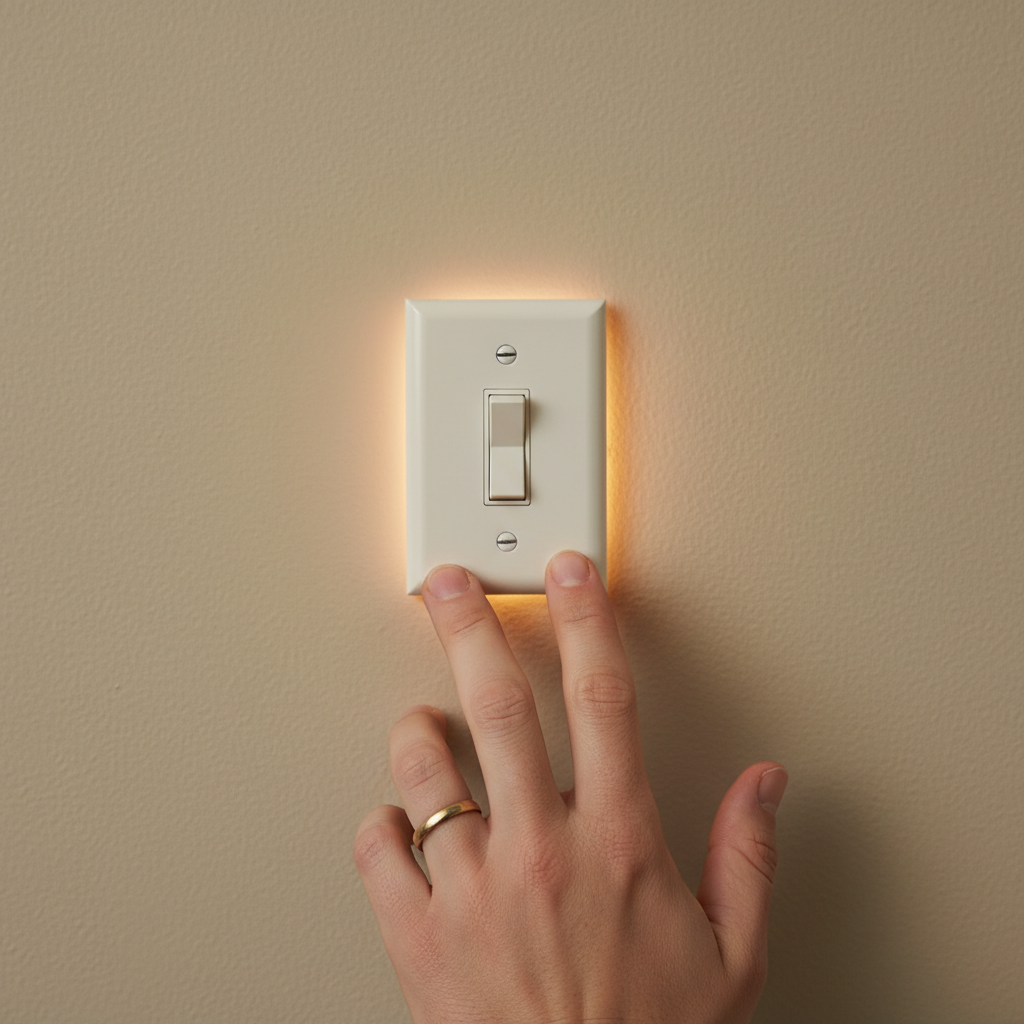
A A light switch that is hot to the touch is a serious warning sign of an underlying electrical problem. The most common culprits are an overloaded circuit, loose wire connections within the switch box, or a defective switch itself. Less often, it could be due to a short circuit or an improperly rated switch for the connected load. Ignoring a hot light switch can lead to overheating, melted insulation, and ultimately, an electrical fire. Always turn off the power at the breaker before investigating and call a licensed electrician if you're unsure or uncomfortable with diagnosis and repair.
The Problem
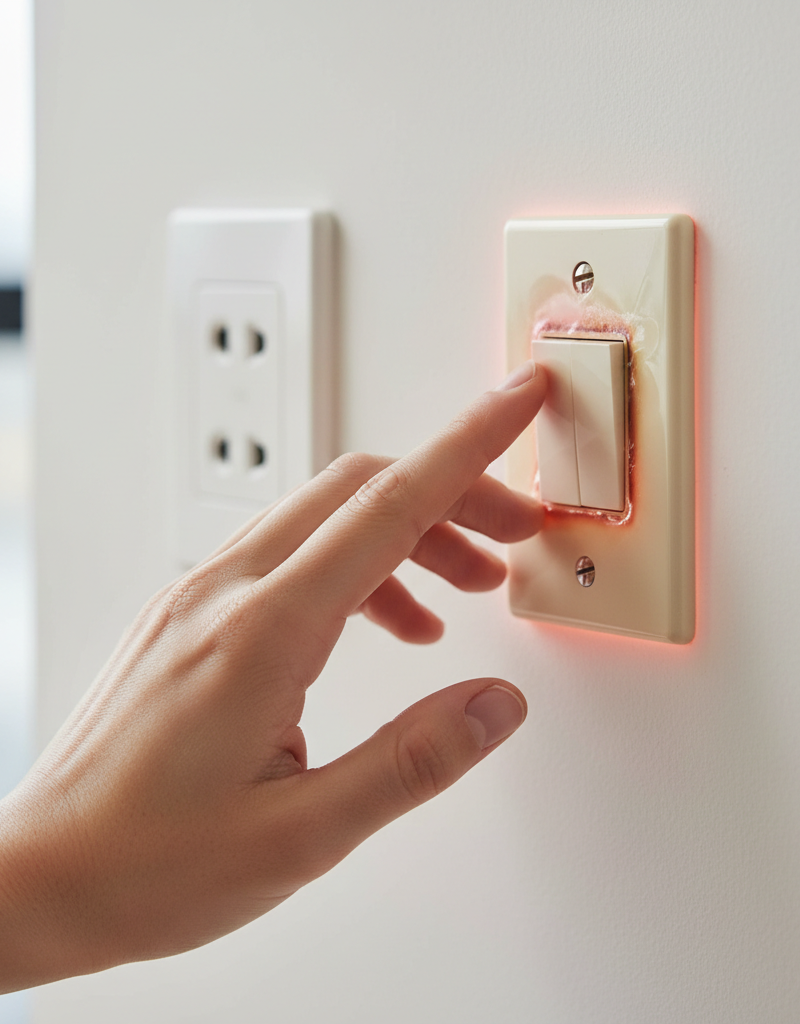
You've noticed it – the innocuous light switch you use every day feels unusually warm, sometimes even hot, to the touch. This isn't just a minor inconvenience; it's a critical indicator that something is amiss within your home's electrical system. Unlike a light bulb that's designed to generate heat and light, a light switch should remain cool or just slightly warm during normal operation. A switch that is consistently hot signals excessive electrical resistance, which translates directly into heat. This heat can degrade wire insulation, melt plastic components of the switch or outlet box, and create an arc fault, drastically increasing the risk of an electrical fire. Identifying the cause of this heat immediately and rectifying it is paramount to the safety of your home and its occupants.
How It Works
To understand why a light switch gets hot, it helps to understand its basic function. A light switch is essentially a simple mechanical device designed to complete or break an electrical circuit, allowing current to flow to a light fixture or other load, or stopping it. Inside the switch, conductive metal components bridge the connection between incoming and outgoing wires. When you flip the switch, these contacts either connect, allowing electricity to flow, or disconnect, stopping the flow. Electricity flowing through a conductor always generates some amount of heat due to resistance. This is normal and usually negligible in a properly functioning switch. However, when there's an issue, the resistance can increase significantly. For example, a loose wire connection creates a smaller contact area for the current to flow through, intensifying the resistance at that point. Similarly, if a switch is controlling too many lights or high-wattage fixtures, it might be drawing more current than its design rating, causing its internal components to overheat. A faulty switch can also develop internal resistance due to worn-out contacts or damaged components, leading to localized heating. The heat then dissipates through the switch body, making it feel hot to the touch on the outside. Understanding this interplay between current, resistance, and heat is key to diagnosing and fixing a hot light switch.
Step-by-Step Fix
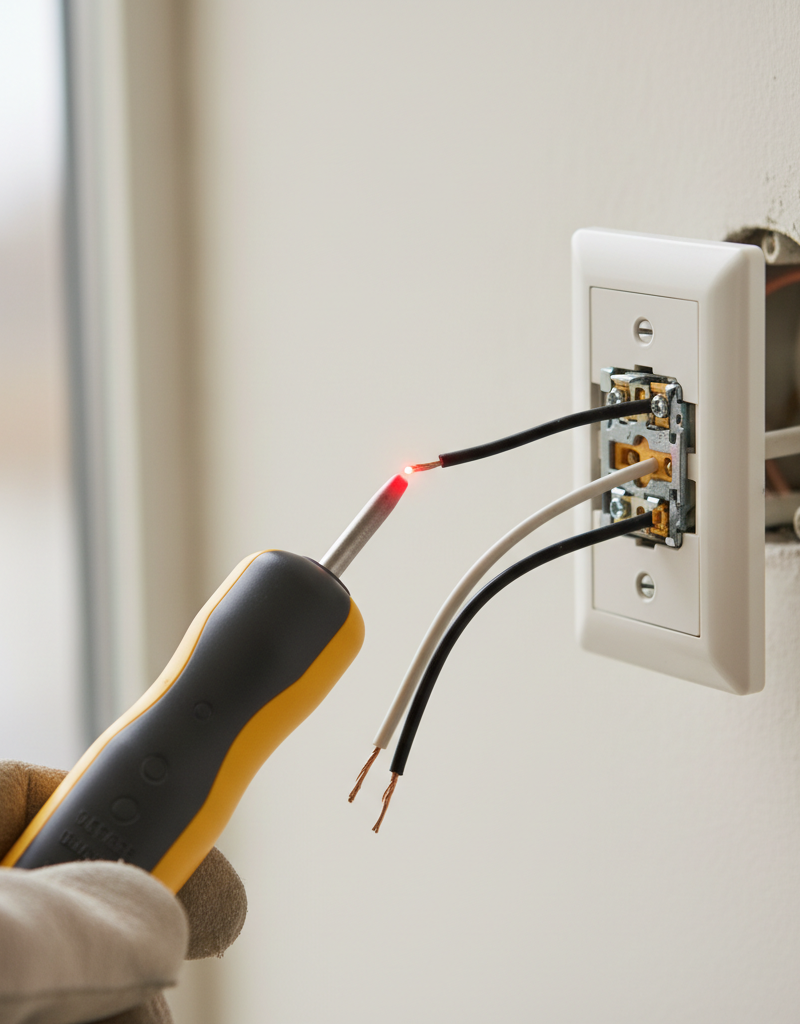
Safety First – Always begin by cutting power to the affected circuit at your home's main electrical panel. Verify the power is off using a non-contact voltage tester before touching any wires.
1. Investigate the Load – Check for high-wattage bulbs or too many fixtures on the circuit. * Identify all lights connected to the hot switch. Are there many? Are they high wattage (e.g., old incandescent floodlights)? * If this doesn't work: Consider swapping out high-wattage bulbs for lower-wattage LEDs to reduce the electrical load.
2. Turn Off Power at the Breaker – Locate your electrical panel and switch off the breaker controlling the affected room or switch. * Label your breakers if you haven't already. This saves time and ensures safety. * Safety Note: Always double-check with a non-contact voltage tester on the switch itself to confirm power is off before proceeding.
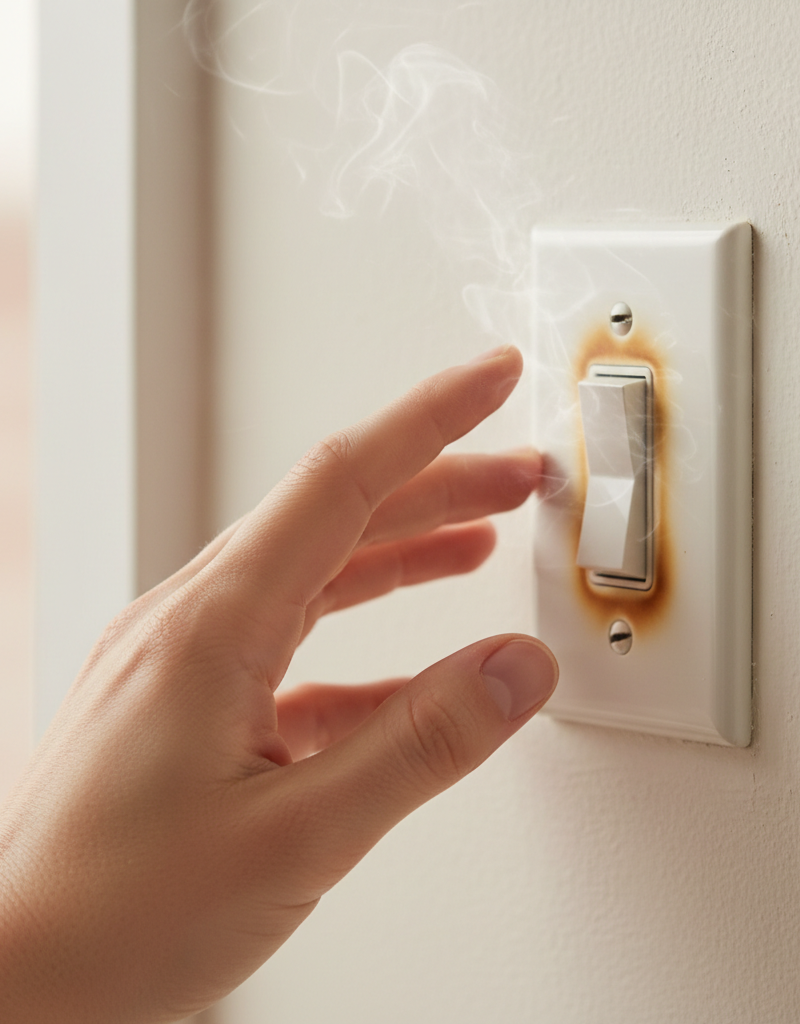
3. Remove the Switch Plate – Carefully unscrew and remove the cover plate from the hot light switch. * Use a flathead screwdriver for most cover plate screws. * Inspect the plate for any signs of melting or discoloration, which indicates significant heat.
4. Pull the Switch from the Box – Gently unmount the switch from the electrical box. * Loosen the two screws holding the switch yoke to the electrical box. * Carefully pull the switch forward, exposing the wiring behind it. Do not disconnect any wires yet.
5. Inspect Wiring Connections – Look for loose, corroded, or burnt wires. * Tighten Screw Terminals: Using a Phillips head or flathead screwdriver (depending on the screw type), gently snug up each wire connected to the switch's screw terminals. Do not overtighten. * Check Push-In Connections: If your switch uses back-stab or push-in connections (small holes where wires are inserted), these are notorious for loosening and causing heat. It's highly recommended to move these wires to the screw terminals if possible, or replace the switch. * Inspect Wire Nuts: If wires are connected with wire nuts, twist them gently to ensure they are secure and the wires inside are twisted together tightly.
6. Inspect the Switch Itself – Look for signs of damage or defect. * Examine the plastic body of the switch for discoloration, melting, cracks, or a burning smell. * If signs of damage are present: The switch is likely faulty and needs replacement.
7. Check for Overload – While the switch is exposed, assess the wire gauge and connections. * Are multiple high-power devices (e.g., many recessed lights, a powerful ceiling fan, or even an exhaust fan) controlled by this single switch? * If you suspect overload: You might need to redistribute loads or upgrade to a higher-rated switch (e.g., a 20-amp switch if the circuit is 20-amp and current draw is high), but this should only be done by a professional electrician.
8. Replace a Faulty Switch (If Necessary) – If the switch is damaged or suspected to be faulty, replace it. * Tools: New switch (matching the original type and amperage), wire stripper, screwdrivers. * Process: Disconnect wires one by one from the old switch and connect them to the corresponding terminals on the new switch. Ensure all connections are tight and secure. Wrap terminal screws with electrical tape to prevent accidental shorts inside the box. * Safety Note: Always ensure the new switch's amperage rating is appropriate for the circuit and load.
9. Reassemble and Test – Carefully push the wires and switch back into the electrical box, reattach the switch, and install the cover plate. * Turn the power back on at the breaker. * Test the switch. Monitor for any heat. If it gets hot again, immediately turn off the power and call a licensed electrician.
Common Causes
- Loose Wire Connections: This is the most frequent culprit. Over time, screw terminals or push-in connections can loosen, creating increased resistance at the contact point. This resistance generates heat as electricity struggles to flow through the poor connection.
- Overloaded Circuit/Switch: The switch may be controlling too many lights or fixtures that draw more current (amperage) than the switch is designed to handle. Switches have amperage ratings (e.g., 15A or 20A), and exceeding this rating causes the switch to overheat.
- Defective or Failing Switch: Like any mechanical device, switches can wear out. Internal contacts can degrade, or components can break, leading to internal resistance and heat generation. This is especially common with older switches.
- Incorrect Switch Type: Using a standard single-pole switch for an application that requires a dimmer for low-voltage lighting, or a switch not rated for inductive loads (like a motor), can cause overheating.
- Short Circuit (Intermittent): A less common but more serious cause could be an intermittent short circuit within the switch or wiring. This creates very high current flow and thus intense heat.
- Poorly Installed Wiring: Wires that are not adequately stripped or are improperly twisted can lead to insufficient contact area, causing resistance and heat.
Common Mistakes
- Ignoring the Heat: The biggest mistake is assuming a hot switch is
Related Articles
Keep troubleshooting with these hand-picked guides from FixlyGuide:
- Why Your Wall Switch Feels Hot: The Hidden Danger Most Homeowners Miss — A hot light switch isn't just uncomfortable; it's a critical warning sign of potential electrical hazards that demand immediate attention.
- Why is Your Light Switch Hot? (The Hidden Danger Most Homeowners Miss) — A hot light switch isn't just uncomfortable; it's a critical warning sign of electrical issues that should never be ignored due to fire ris…
- Why is Your Light Switch Hot? The 3 Hidden Overload Risks Explanations — A hot light switch isn't just uncomfortable; it signals potential electrical problems like overloading, loose wiring, or a failing switch.
- Why is My Light Switch Hot? (The Hidden Danger Most Homeowners Miss) — A hot light switch isn't just uncomfortable; it signals a potentially dangerous electrical issue that needs immediate attention from homeow…
- The 3 Hidden Reasons Your Ceiling Fan Wobbles (And the Easy Fixes) — A wobbling ceiling fan isn't just annoying; it can be a sign of underlying issues that are simple to fix with the right approach.
- The Hidden Reason Your GFCI Trips — And Why Most Homeowners Get It Wrong — A continuously tripping GFCI outlet is a safety warning, often indicating a problem like moisture, a faulty appliance, or a wiring issue th…
What should this project cost?
Enter your project details for a realistic cost range before you call anyone.
Outlet and switch work usually $150–$400; panel upgrades commonly $1,800–$4,200.
- Regional adjustment
- National average
- Labor share (typical)
- ~$709
- Quotes to collect
- 3 written estimates
Educational estimate based on national averages — not a binding quote. Always confirm with written local estimates.
Fixly Project Decision Box
- DIY difficulty
- Advanced
- Estimated time
- Homeowner checks 20–30 minutes
- Cost level
- Moderate
Main tools / materials
- Clean air filter
- Garden hose for condenser coils
- Shop vac for the condensate line
When to stop and call a pro
- Burning smell, smoke, or a tripping breaker
- Refrigerant lines iced over or hissing
- Any work inside the sealed refrigerant circuit (EPA-licensed only)
- Gas smell near a furnace — leave and call the utility
Need professional help?
Find an HVAC Pro Near YouFrequently asked questions
How hot is too hot for a light switch?+
A light switch should generally feel cool to the touch. If it feels noticeably warm or hot, it's too hot and indicates a problem. Immediately turn off the power and investigate.
Can a hot light switch cause a fire?+
Yes, absolutely. A hot light switch is a serious fire hazard. The heat can melt wire insulation, ignite surrounding materials, and lead to an electrical fire if not addressed promptly.
How long does a light switch last?+
Most quality light switches are designed to last for many years, often 15-20 years or more, under normal use. However, factors like frequent use, overloading, or poor installation can significantly shorten their lifespan.
Should I replace all hot light switches?+
If a light switch is consistently hot, it's a strong indication of a problem. While tightening connections might resolve it, if the switch itself shows signs of damage or continues to heat up after troubleshooting, replacement is the safest course of action.
Discussion
Loading comments…