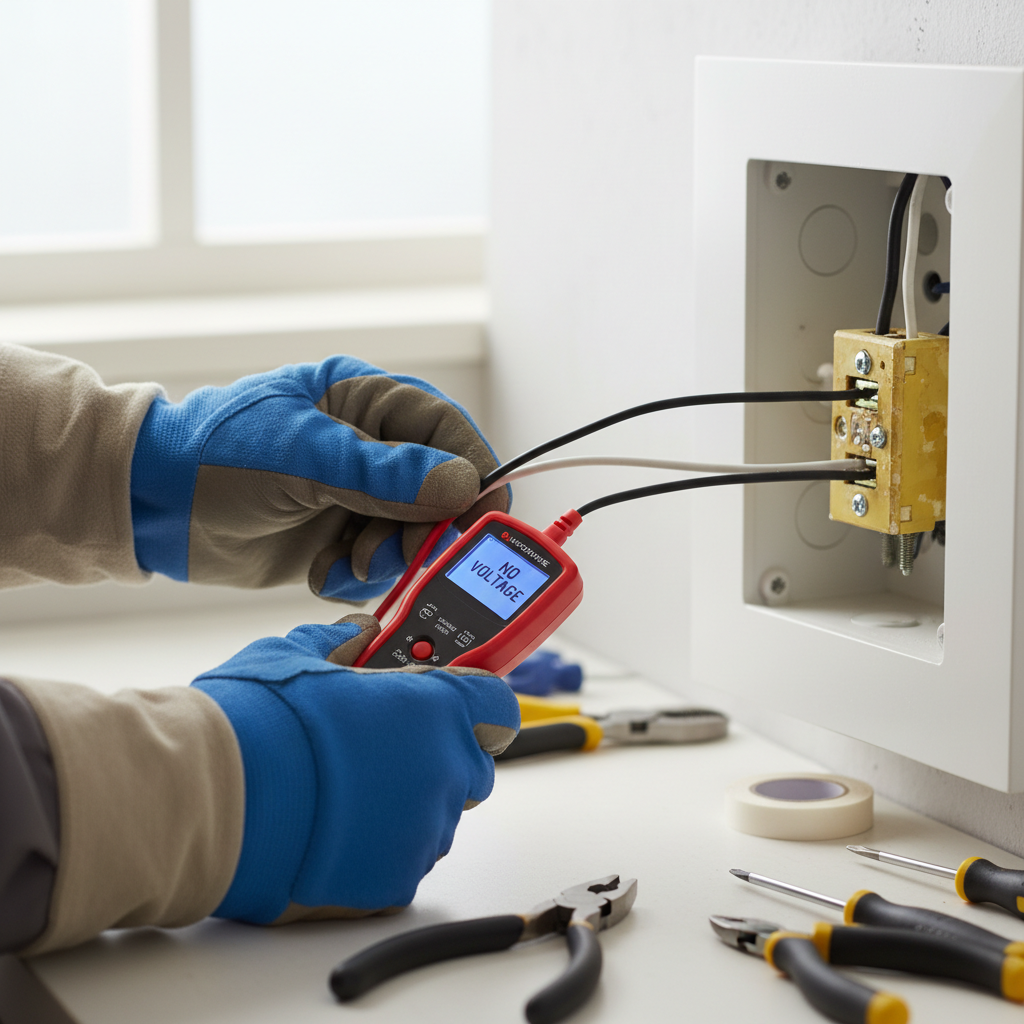
- Gently push the switch back: Carefully fold the wires into the electrical box, pushing the new switch flush with the wall. Be gentle to avoid bending or loosening connections.
- Screw the switch into the box: Use the two small screws removed earlier to secure the switch to the electrical box. Do not overtighten.
- Reinstall the cover plate: Place the cover plate back over the switch and secure it with its screws. Do not overtighten, as this can crack the plate.
- Restore power: Go back to your electrical panel and flip the circuit breaker back to the 'ON' position.
- Test the switch: Return to the light switch and test its functionality. It should now smoothly turn the light on and off.
Electrical · Panel or service upgrade
| Project category | Electrical |
|---|---|
| Problem type | Panel or service upgrade |
| Trade required | Electrical |
| Urgency | Planned project |
| Safety risk | High safety risk |
| DIY suitability | Licensed pro only |
| Cost category | High cost |
| Typical timeline | Permit plus utility scheduling, commonly 2–6 weeks |
| Contractor type | Licensed electrician |
Repair option
Add a subpanel when the main service is adequate.
Replacement option
Full service upgrade with utility coordination and permits.
Common causes
- Obsolete or recalled panel brands
- Service capacity too small for added loads
- No room for required AFCI/GFCI breakers
Relevant tools:project cost estimatorcompare quotes
Published June 25, 2026Last updated August 17, 2026
Tools & materials you'll need
Affiliate linksAs an Amazon Associate FixlyGuide earns from qualifying purchases — at no extra cost to you. Prices and availability are accurate as of publication and subject to change.
Quick Answer
A A dead light switch can often be revived by safely replacing the switch itself. This process typically involves a few key steps: first, cutting power to the circuit at your home's electrical panel; second, carefully exposing and disconnecting the old, faulty switch; and finally, wiring in a new, functional switch, ensuring all connections are secure and correct. Always prioritize safety by verifying the power is off using a non-contact voltage tester before touching any wires.
The Problem
You flip a light switch, but nothing happens. No reassuring click, no illumination, just silence and darkness. This common household problem can be frustrating, especially if it affects a heavily used fixture in your living room, bathroom, or kitchen. It's more than just an inconvenience; an unreliable light switch can disrupt daily routines, create tripping hazards in unlit areas, and even suggest underlying electrical issues if not addressed. While a burned-out bulb is the easiest culprit to rule out, a truly 'dead' switch often points to a problem with the switch's internal mechanism, its wiring, or a tripped circuit breaker. Ignoring a dead switch means living with unnecessary darkness and potentially overlooking a minor issue before it escalates. The good news is that replacing a standard light switch is a DIY task well within the capabilities of most homeowners, provided they follow proper safety protocols and understand the basic wiring involved.
How It Works
At its core, a light switch is a simple device designed to interrupt or complete an electrical circuit, thereby turning a light fixture on or off. When you flip the switch, a small internal mechanism moves a metal contact, either closing the circuit (allowing electricity to flow to the light) or opening it (stopping the flow).
Household electrical wiring typically consists of three main wires: the hot wire (black or sometimes red), the neutral wire (white), and the ground wire (bare copper or green). For a standard single-pole switch, the hot wire from your electrical panel runs to one of the switch's terminal screws. Another hot wire (often called the 'switched hot' or 'load' wire) then runs from the other terminal screw on the switch to the light fixture. When the switch is in the 'on' position, it creates a continuous path for electricity to flow from the panel, through the switch, to the light fixture, and back to the panel via the neutral wire, completing the circuit. The ground wire provides a critical safety path, diverting electricity to the earth in the event of a fault, preventing shocks and fires.
Over time, the internal components of a light switch can wear out. The spring mechanism might weaken, the metal contacts can corrode or pit from electrical arcing (the spark that occurs when a circuit is broken), or the wire connections to the switch terminals can loosen. Any of these issues can prevent the switch from effectively completing the circuit, leading to a 'dead' switch that no longer activates the connected light. Understanding this basic flow helps in diagnosing the problem and ensuring the new switch is wired correctly.
Step-by-Step Fix
1. Prioritize Safety — Ensure the power is OFF before starting any work.
-
Locate your electrical panel: This is usually in your basement, garage, or a utility closet. It's a metal box with a main breaker and several smaller circuit breakers.
-
Identify the correct breaker: If you know which breaker controls the light, incredible. If not, start flipping breakers one by one, checking the light (or outlet nearby) until it goes completely dead. It's often labeled, but if not, an educated guess is better than randomly shutting down your entire home. For bedrooms or bathrooms, it's usually 15 or 20 amps.
-
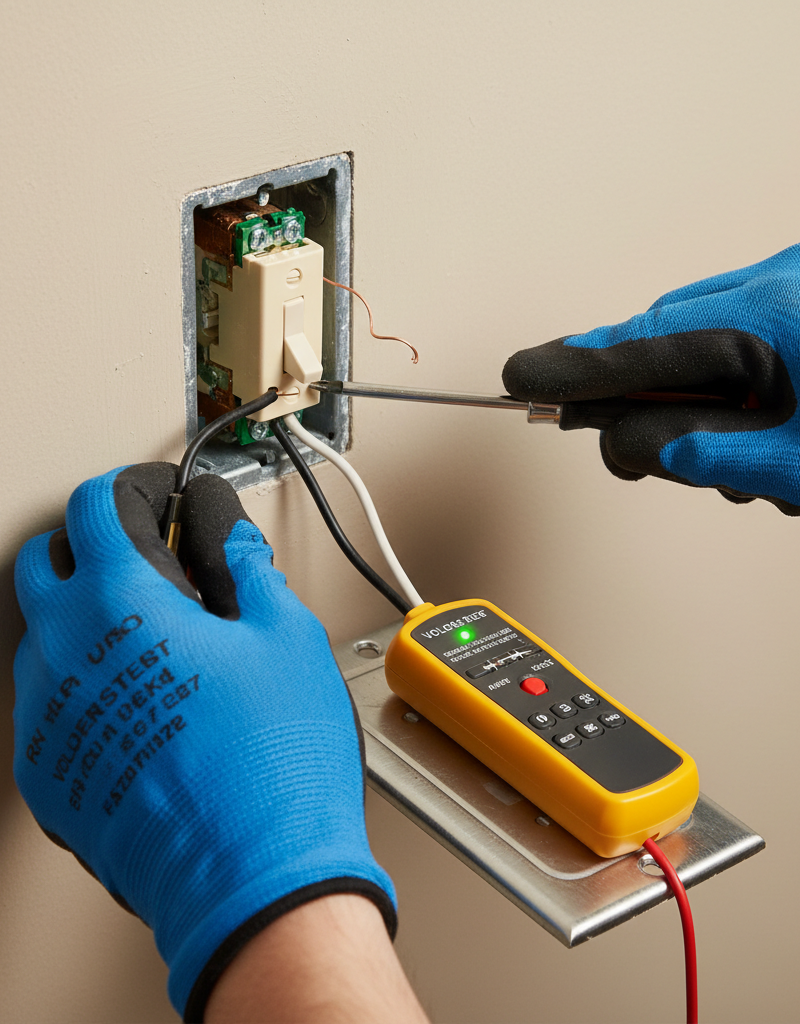
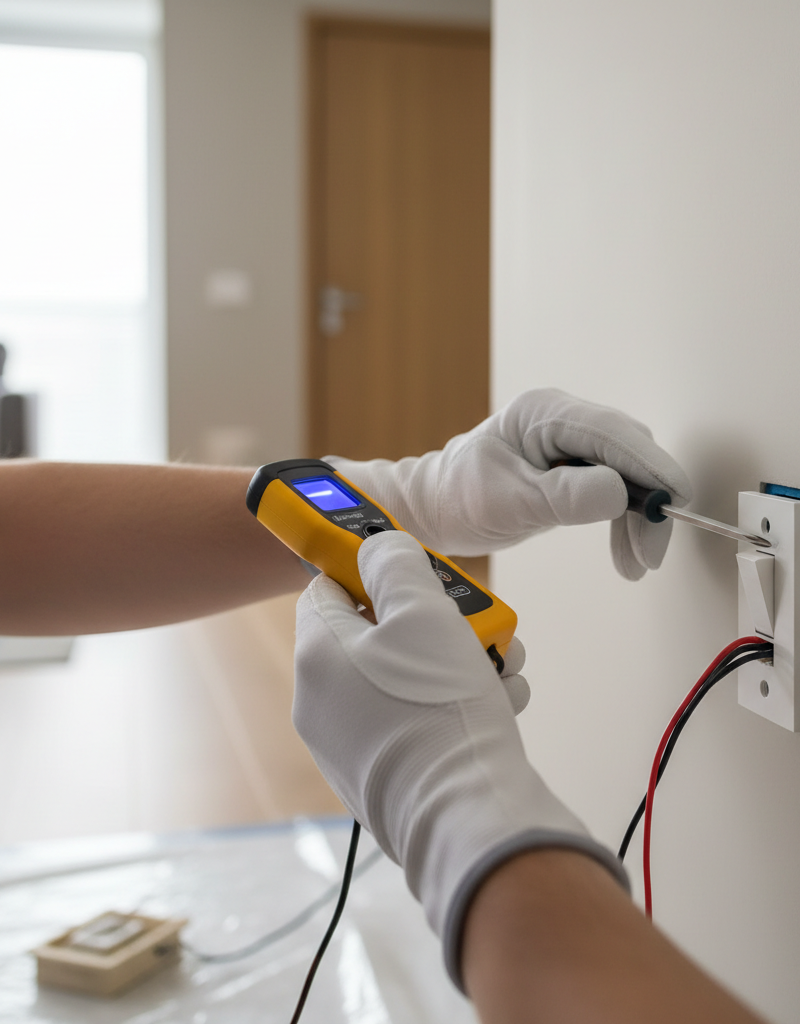
Verify with a non-contact voltage tester: After flipping the breaker, use a non-contact voltage tester to confirm it's truly off. Press the tester against the switch plate (if still in place) and then, after removing the plate, against each wire terminal and exposed wire. A tester that lights up or beeps indicates live power – DO NOT PROCEED. Re-check the breaker. It's a good practice to tape the tripped breaker in the OFF position to prevent accidental re-energization by someone else.
- Safety Note: Never assume the power is off without verifying it with a voltage tester. Even if the light doesn't work, there could still be residual power or an incorrectly wired circuit.
2. Remove the Old Switch — Carefully expose and disconnect the faulty switch.
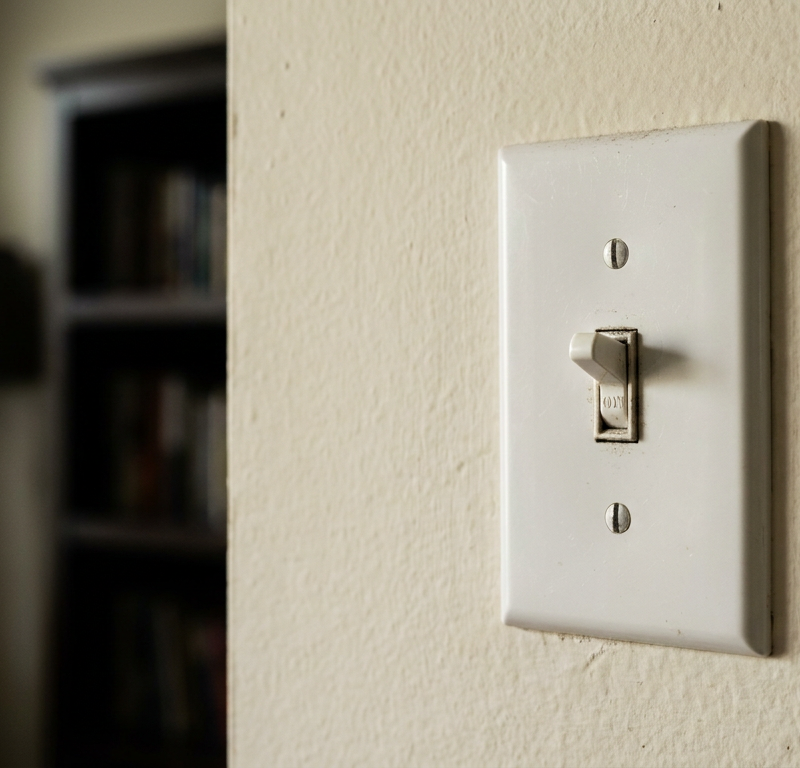
- Remove the cover plate: Use a flathead screwdriver to gently pry off the two screws holding the cover plate in place. Set these screws and the plate aside.
- Unscrew the switch from the box: With the cover plate removed, you'll see two small screws (usually Phillips head) holding the switch itself to the electrical box. Unscrew these and carefully pull the switch straight out from the wall. Do not yank it; the wires are still attached.
- Examine the wiring: Note how the wires are connected to the old switch. Typically, a single-pole switch will have two insulated wires connected to screw terminals (often brass or silver) and one bare copper or green wire connected to a green grounding screw. Some switches might also have wires pushed into 'stab-in' holes on the back – these are less secure and should be replaced with screw terminal connections on the new switch.
- Disconnect the wires: Using a Phillips or flathead screwdriver (depending on the terminal type), loosen the screws holding the wires. Gently unhook the 'J' shaped ends of the wires from the terminals. For stab-in connections, insert a small flathead screwdriver into the slot next to the wire and gently pry it out. KEEP TRACK of which wire was attached to which terminal, especially the 'line' (incoming power) and 'load' (to the light fixture) wires on a single-pole switch, if distinguishable. If they look identical, mark one with electrical tape to avoid confusion. The ground wire is usually obvious.
3. Install the New Switch — Connect the replacement switch securely.
- Prepare the new switch: Ensure it's the correct type (e.g., single-pole, 3-way, dimmer). Standard toggle or rocker switches for a single light are usually single-pole.
- Connect the ground wire: Take the bare copper or green insulated ground wire from the electrical box and connect it to the green grounding screw on the new switch. Wrap the wire clockwise around the screw and tighten securely. This is a critical safety connection.
- Connect the hot wires: Connect the incoming hot wire (if you identified it) to one of the brass screw terminals. Connect the load wire (leading to the light fixture) to the other brass screw terminal. If you didn't distinguish them and it's a single-pole switch, the orientation usually doesn't matter for basic function, but following the previous setup is best practice. Wrap the wires clockwise around the screws for a tight connection and tighten firmly. Make sure no bare wire is exposed beyond the terminal screw.
- If this doesn't work: If the light still doesn't turn on after connecting and turning the power back on, try reversing the two brass wire connections. Sometimes, polarity can cause issues with specific fixtures or dimmers, although less common with basic toggle switches.
- Connect the neutral wire (if present but rare for basic switches): Some smart switches or older wiring might have a neutral white wire. If so, connect it to the designated neutral terminal, usually silver. Most basic single-pole switches do not use a neutral wire directly on the switch itself, but rather splice it through the box.
4. Secure and Test — Mount the switch and confirm functionality.
- Gently push the switch back: Carefully fold the wires into the electrical box, pushing the new switch flush with the wall. Be gentle to avoid bending or loosening connections.
- Screw the switch into the box: Use the two small screws removed earlier to secure the switch to the electrical box. Do not overtighten.
- Reinstall the cover plate: Place the cover plate back over the switch and secure it with its screws. Do not overtighten, as this can crack the plate.
- Restore power: Go back to your electrical panel and flip the circuit breaker back to the 'ON' position.
- Test the switch: Return to the light switch and test its functionality. It should now smoothly turn the light on and off.
Common Causes
- Worn-out internal contacts: The most frequent cause. Over thousands of cycles, the metal contacts inside the switch can wear down, corrode, or get pitted from arcing, making them unable to complete the circuit reliably.
- Loose wire connections: Vibrations or improper installation can cause wires to loosen from the screw terminals or push-in connectors, leading to intermittent power or no power at all.
- Faulty wiring in the switch body: Less common, but internal wiring within the switch itself can break or short circuit.
- Tripped circuit breaker/blown fuse: While not directly a switch problem, a dead switch can be a symptom of a tripped breaker supplying power to that circuit. Always check your electrical panel.
- Incorrect wire gauge or type: Using wires that are too thin for the electrical load can lead to overheating and failure, though this is rare for an existing installation and more common with DIY mistakes.
Common Mistakes
- Failing to turn off the power: The most dangerous mistake. Always verify power is off with a non-contact voltage tester before touching any wires or terminals.
- Leaving loose wire connections: Wires not securely wrapped around screw terminals or not tightened properly can cause arcing, overheating, and eventual failure, posing a fire hazard.
- Exposing too much bare wire: Only the insulated portion of the wire should be visible when connected to the terminal. Too much exposed bare copper can lead to accidental shorts to the electrical box or other wires.
- Connecting ground wire incorrectly (or not at all): The green or bare copper ground wire is a critical safety feature. Failing to connect it, or connecting it to a hot terminal, is extremely dangerous.
- Using push-in (back-stab) connections: While convenient, these are less secure and more prone to loosening and overheating than wrapping wires around screw terminals. Always use the screw terminals if available on the new switch.
- Misidentifying switch type: Attempting to replace a 3-way or 4-way switch with a single-pole switch will result in improper function. Always ensure your replacement switch matches the original's function.
Cost & Time Breakdown
| Task | DIY Cost | Pro Cost | Time |
|---|---|---|---|
| New Light Switch (basic) | $2–$10 | Included in labor | 5–10 minutes |
| Voltage Tester | $15–$30 (one-time) | – | – |
| Screwdrivers | $0–$15 (if needed) | Included in labor | – |
| Total | $2–$30 | $75–$200 | 20–30 minutes |
Tips & Prevention
- Periodic Tightening: If you experience flickering lights or intermittent switch function, try turning off the power and gently tightening the terminal screws on your existing switches. Loose connections are a common culprit.
- Upgrade Old Switches: If you have very old, brittle switches, consider upgrading them to newer, more robust models, especially if you're experiencing frequent failures.
- Avoid Overloading Circuits: Ensure that light fixtures and bulbs are within the wattage limits for the circuit and the switch itself to prevent overheating and premature wear.
- Use Quality Components: When replacing a switch, opt for a reputable brand. Quality switches tend to have better internal mechanisms and more secure terminals.
- Regular Inspections: During other home maintenance tasks, briefly check your switch plates for signs of discoloration, warmth to the touch, or unusual noises, all of which could indicate an issue.
When to Call a Professional
While replacing a standard light switch is a common DIY task, there are specific situations where calling a licensed electrician is not just recommended, but essential for safety and proper function. If, after turning off the corresponding circuit breaker, your non-contact voltage tester still indicates live power at the switch box, immediately stop work and call an electrician. This suggests complex or incorrect wiring that could be dangerous to a DIYer. Similarly, if you encounter no ground wire, aluminum wiring, or any wiring that appears scorched, frayed, or otherwise damaged, a professional should assess and repair it. Persistent issues after replacement, such as flickering lights on other fixtures, blown breakers, or the new switch becoming unusually warm, also warrant professional investigation. Any uncertainty regarding proper wire identification, particularly with 3-way or 4-way switches, is another clear signal to defer to an expert to ensure safe and compliant electrical work.
Related Articles
Keep troubleshooting with these hand-picked guides from FixlyGuide:
- The #1 Mistake Homeowners Make Replacing a Light Switch (And How to Avoid It) — Avoid the most common — and dangerous — DIY light switch replacement mistake with this step-by-step guide.
- The 7 Head-Scratching Reasons Your Outlet Died (Even With The Breaker On) — Discover the surprising reasons why an electrical outlet might stop working even when its circuit breaker is fully engaged, and how to safe…
- The Single Most Common Reason Half Your Outlet Dies (and How to Fix It in 15 Minutes) — Before you call an electrician for a half-dead outlet, check this common culprit that's often a simple DIY fix.
- Why is Your Light Switch Hot? (The Hidden Danger Most Homeowners Miss) — A hot light switch isn't just uncomfortable; it's a critical warning sign of electrical issues that should never be ignored due to fire ris…
- Why Your Outlet Died (Even If the Breaker's On) — Discover the hidden reasons an electrical outlet stops working, even when the circuit breaker appears to be on, and learn simple diagnostic…
- The #1 Mistake Homeowners Make After Finding Missing Shingles (And How to Fix It Right) — Discover the crucial steps to take after a storm rips shingles from your roof, ensuring a proper, lasting repair and preventing costly futu…
Should you do this yourself?
Answer five quick questions before you start. Safety outranks savings every time.
Your experience with work like this
How high do you have to work?
Does the job involve any of these?
Will it need a permit?
Specialty tools
Free and instant. Educational guidance only — not a quote, inspection, or professional diagnosis.
What should this project cost?
Enter your project details for a realistic cost range before you call anyone.
Outlet and switch work usually $150–$400; panel upgrades commonly $1,800–$4,200.
- Regional adjustment
- National average
- Labor share (typical)
- ~$709
- Quotes to collect
- 3 written estimates
Educational estimate based on national averages — not a binding quote. Always confirm with written local estimates.
Fixly Project Decision Box
- DIY difficulty
- Professional Recommended
- Estimated time
- Diagnosis 1–2 hours
- Cost level
- Moderate
Main tools / materials
- Non-contact voltage tester
- Outlet tester
- Flashlight
When to stop and call a pro
- Burning smell, scorch marks, or a warm outlet or switch plate
- A breaker that trips again right after being reset
- Any work inside the service panel
- Aluminum wiring or cloth-insulated wiring
Need professional help?
Talk to a Licensed ElectricianFrequently asked questions
How do I know if my light switch is bad?+
The most common sign of a bad light switch is that the light fixture it controls doesn't turn on or off, even with a new bulb. Other signs include flickering lights, a switch that feels loose, makes crackling or buzzing sounds, or gets warm to the touch. Always confirm the circuit breaker isn't tripped first.
Can I replace a light switch myself?+
Yes, replacing a standard single-pole light switch is a common and relatively easy DIY task for homeowners, provided you follow strict safety precautions, especially ensuring the power to the circuit is completely off and verified with a voltage tester before starting work. If you're dealing with 3-way, 4-way, or smart switches, or complex wiring, it's often best to consult a professional.
What tools do I need to replace a light switch?+
You'll primarily need a non-contact voltage tester (essential for safety), a Phillips head screwdriver, a flathead screwdriver, and the new replacement light switch. Pliers or wire strippers might also be useful if wires need to be trimmed or reshaped.
Discussion
Loading comments…