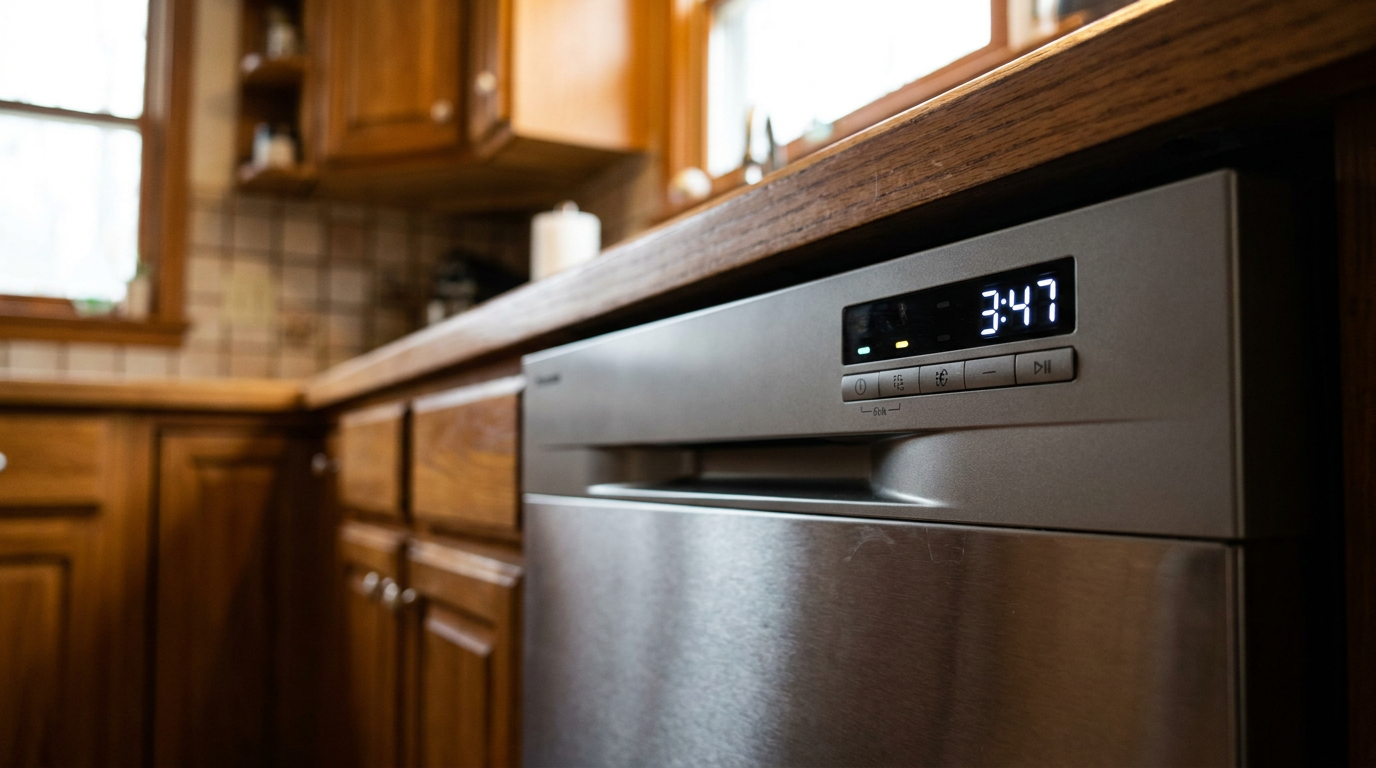
- Wrong Cycle Selected: Heavy-duty, pots-and-pans, or sanitizing cycles are supposed to be long. The "Auto" setting can stretch things too if it senses a dirty load.
- Low Inlet Water Temperature: If your water heater is set below 120°F, the dishwasher has to spend extra time heating water on its own.
- Clogged Filter or Spray Arms: A dirty filter limits circulation, and clogged spray arm jets cut cleaning power. Both can fool the sensors into adding more time.
- Dirty Turbidity Sensor: A greasy film or hard water scale on the sensor lens makes it think the water’s still dirty, so it keeps repeating wash and rinse steps.
- Slow Fill Rate: A clogged inlet valve screen or a kinked supply line can make the dishwasher fill too slowly, and that throws the cycle off right from the beginning.
Plumbing · Clog
| Project category | Plumbing |
|---|---|
| Problem type | Clog |
| Trade required | Plumbing |
| Urgency | Soon — within weeks |
| Safety risk | Low safety risk |
| DIY suitability | DIY friendly |
| Cost category | Low cost |
| Typical timeline | Same-day DIY attempt; pro visit within a day or two |
| Contractor type | Licensed plumber |
Repair option
Plunger, hand auger, or trap cleanout before chemicals.
Replacement option
Line replacement when clogs return in the same spot repeatedly.
Common causes
- Hair and soap buildup in the trap
- Grease cooling in the branch line
- Flushed wipes or foreign objects
Relevant tools:diy difficultydiy or hire a pro
Published October 7, 2026Last updated October 7, 2026
Tools & materials you'll need
Affiliate links- AmazonSoft brush or old toothbrush1 · For cleaning the filter and sensors
- AmazonToothpick or thin wire1 · For clearing spray arm holes
- AmazonMeat or candy thermometer1 · To check hot water temperature at the sink
- AmazonPliers1 · For removing the inlet valve screen, if needed
- AmazonScrewdriver set1 · May be needed to access lower panels
As an Amazon Associate FixlyGuide earns from qualifying purchases — at no extra cost to you. Prices and availability are accurate as of publication and subject to change.
The Problem
You hit "Start" on the dishwasher expecting clean plates in a couple hours, then you come back three, four, maybe five hours later and the thing's still humming away. That'll make anybody crazy. Your cycle time looks like it doubled, the utility bill keeps creeping up, and now you're wondering if the machine’s on its way out.
A dishwasher that drags on forever is common, and it’s a real pain. It ties up your dishes, burns extra water and power, and throws off the whole rhythm of the kitchen.
For most modern dishwashers, a "Normal" cycle ought to run around 2 to 2.5 hours. An "Express" or "Quick Wash" cycle might be 60-90 minutes. Once a standard load starts creeping into the 3- to 5-hour range, something’s off. The good news? It usually isn’t some catastrophic failure. Most of the time, it’s a sensor acting up, a water flow problem, or a setting that’s making the machine’s brain keep adding time.
How It Works
Your dishwasher doesn’t just run on a dumb timer. It’s a pretty clever little appliance. The control board in the middle of all this uses a bunch of sensors to decide what happens next during the cycle. It’s not just counting minutes — it’s trying to hit targets for water temperature, water cleanliness, and drying.
When you start a cycle, the machine fills with water first. A flow meter or a simple float switch tells the control board when there’s enough. Then the heating element under the tub kicks on. A small but important sensor called a thermistor keeps an eye on the water temp. The dishwasher’s programmed to wait until the water gets to a target range — usually between 120°F and 140°F — before it really moves into the main wash. If the incoming water’s cold, the machine just sits there and heats longer. That’s one of the biggest reasons a cycle drags.
As things keep moving, another sensor steps in: the turbidity sensor. Fancy name, simple job. It shoots infrared light through the wash water to see how cloudy it is. If the water’s loaded up with food bits, the control board gets told to drain it and pull in fresh water. That can stretch the cycle real fast. The dishwasher keeps going until that sensor says the water’s clean enough. During dry time, some models even use a humidity sensor so they’re not just running a fan for a fixed chunk of time. If any of those sensors get dirty or start failing, they feed bad info to the board, and the cycle gets stretched for no good reason.
I pulled a dishwasher in Frisco last month that had exactly this problem — the filter was packed solid, and the machine was acting like every load was a grease factory. Cleaned it out, and the cycle came right back down. No magic. Just grime.
Step-by-Step Fix
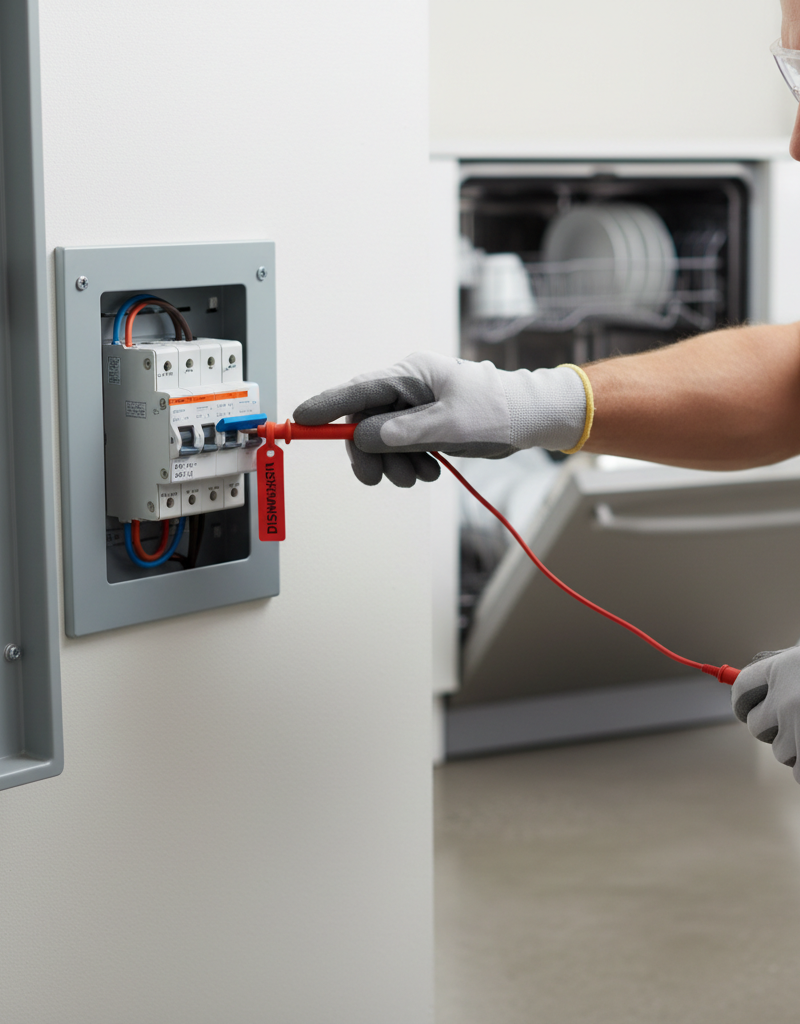
Before you start, shut off power to the dishwasher at the circuit breaker. Simple step. Non-negotiable.
-
Check the Cycle Selection — Sounds too easy, right? Still, start here. A lot of dishwashers have "Heavy," "Pots & Pans," or "Sanitize" cycles that are built to run 3.5 to 4 hours on purpose. The "Auto" setting can stretch things too if it thinks the dishes are filthy. If you want a faster run, make sure you’ve actually picked "Normal" or "Quick Wash."
-
Clean the Filter — This is the #1 culprit, and I mean that. The filter usually sits on the floor of the tub as a cylindrical mesh-and-plastic piece. Twist it counter-clockwise — there are usually arrows — and lift it out, along with the flat mesh screen underneath. Wash both pieces in the sink with a soft brush and hot, soapy water. Grease and hard water scale can coat that thing and choke water flow. Don’t put it off. Do it now.
-
Inspect the Spray Arms — The spray arms are what actually blast the dishes clean. They’ve got tiny holes that love to clog with food scraps and mineral buildup. Most upper and lower arms come off without much fuss. The bottom one often just lifts out, and the middle one might be held by a plastic nut or clip. Pull them off and clear the holes with a toothpick or a small piece of wire. When water can’t spray properly, the dishwasher can’t clean worth a damn, and the turbidity sensor may keep extending the cycle.
-
Check Your Hot Water Temperature — This one matters. The dishwasher depends on hot water from your home’s water heater. If the water comes in too cool, the machine’s little heater has to work overtime to get it up to the 120°F minimum. Go to the nearest sink and run the hot water until it’s as hot as it’ll get. Check it with a meat or candy thermometer. If it’s below 120°F, bump your water heater thermostat up a bit. Safety Note: Don't set it above 140°F to avoid scalding risks.
-
Run Hot Water Before Starting — Easy trick, big payoff. Before you hit "Start" on the dishwasher, run the hot water at your kitchen sink for 30-60 seconds until it feels good and hot. That clears the cold water out of the pipe between the heater and the dishwasher. Then when the machine calls for water, it gets hot water right away instead of starting with a cold slug. Saves a lot of heater time.
-
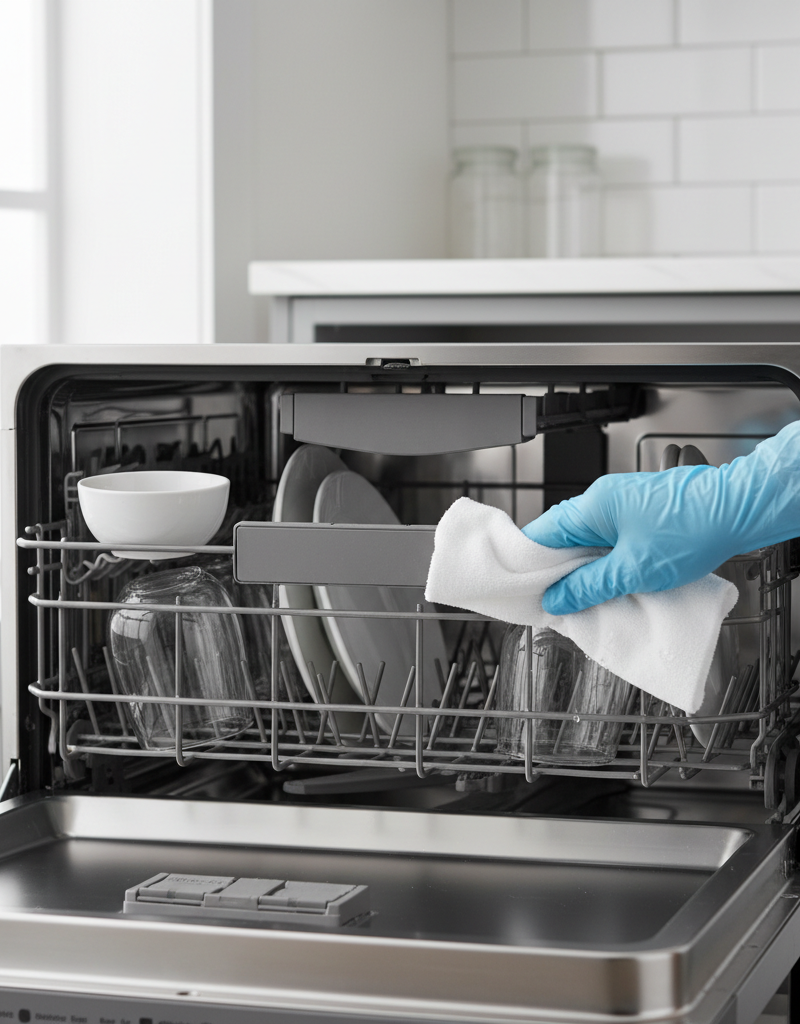
Clean the Turbidity Sensor — You’ll usually find the turbidity sensor near the sump at the bottom of the tub, close to the filter. It looks like a small plastic lens or a little grid. Over time, grease and hard water haze can film over it, and then the machine thinks the water’s always dirty. Unplug the dishwasher or flip the breaker off. Gently scrub the lens with a soft toothbrush and a bit of vinegar or a mild degreaser. Wipe it with a damp cloth. Clean sensor, honest reading. That’s what you want.
-
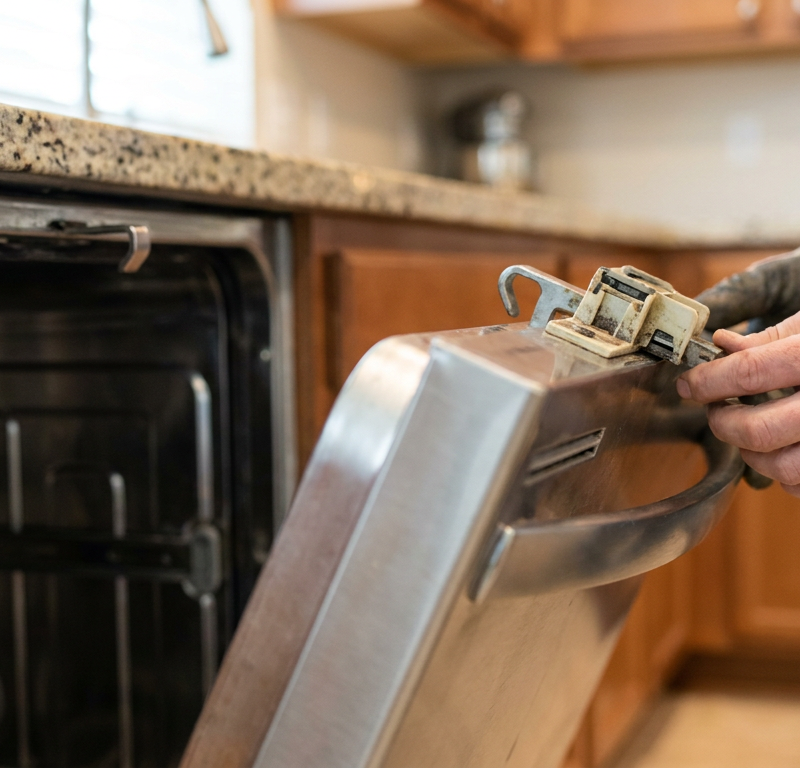
Inspect the Water Inlet Valve — This is where the home water supply feeds the dishwasher. Inside the valve, there’s usually a small filter screen that can clog with sediment and scale, and that slows the fill rate right down. To check it, shut off the water under the sink, disconnect the water line from the valve (keep a towel handy for drips!), and pull the dishwasher out a few inches. Use needle-nose pliers to gently remove the little screen at the inlet port. Clean it and put it back. If the machine fills too slowly, the whole cycle gets thrown off from the jump.
-
Check the Drain Hose for Kinks — A partly blocked or kinked drain hose can mess with draining. If the dishwasher can’t clear water fast enough, the turbidity sensor may think there’s still dirty water hanging around and keep the wash going. Pull the unit out and check the full run of the corrugated drain hose. Make sure it’s got a "high loop" — it should rise up under the countertop before it hooks to the sink drain or garbage disposal. That loop keeps dirty sink water from backing up into the dishwasher. Also look for any flattened spots or sharp bends. Those’ll cause trouble.
-
Test the Heating Element and Thermistor — This is where things get a little more advanced. If you’ve already knocked out the easy stuff and the cycle is still dragging, the heating element or the thermistor (temperature sensor) could be bad. You’ll need a multimeter to check them for continuity. A dead heating element means the dishwasher’s trying to wash with lukewarm water for hours. A bad thermistor can tell the control board the water never gets hot enough, and then the heater just keeps running. If you’re not comfortable with a multimeter or taking apart the base of the appliance, this is where I’d tell you to call a pro.
Common Causes
- Wrong Cycle Selected: Heavy-duty, pots-and-pans, or sanitizing cycles are supposed to be long. The "Auto" setting can stretch things too if it senses a dirty load.
- Low Inlet Water Temperature: If your water heater is set below 120°F, the dishwasher has to spend extra time heating water on its own.
- Clogged Filter or Spray Arms: A dirty filter limits circulation, and clogged spray arm jets cut cleaning power. Both can fool the sensors into adding more time.
- Dirty Turbidity Sensor: A greasy film or hard water scale on the sensor lens makes it think the water’s still dirty, so it keeps repeating wash and rinse steps.
- Slow Fill Rate: A clogged inlet valve screen or a kinked supply line can make the dishwasher fill too slowly, and that throws the cycle off right from the beginning.
- Faulty Components: A burned-out heating element, a bad thermistor (temperature sensor), or a busted main control board can all lead to ridiculously long cycles.
Common Mistakes
- Ignoring the Filter: You wouldn’t drive a truck for 100,000 miles without changing the oil. Same idea here. Folks ignore the dishwasher filter for years and then act surprised when the machine quits acting right. Clean it once a month.
- Pre-Rinsing Dishes Too Much: Modern dishwashers need a little food soil so the detergent has something to grab and the turbidity sensor can read the load correctly. If you put practically spotless dishes in there, the sensor can get mixed up and run a shorter, weaker cycle, or on some "smart" models, get stuck chasing its own tail. Scrape off the big stuff, but don’t rinse.
- Setting the Water Heater Too Low: Saving a couple bucks by dropping the water heater to 110°F usually backfires. Your dishwasher runs longer, uses more electricity to make up for it, and you don’t really save anything.
- Improper Loading: Jam too many dishes in there or block the spray arms, and water can’t reach everything. Food stays on the dishes, the turbidity sensor sees that, and the machine starts adding rinse time.
- Using the Wrong Detergent: Too much detergent can make too many suds, and suds kill spray power. Use detergent made for automatic dishwashers, and stick to the recommended amount.
Cost & Time Breakdown
Here’s a look at what you can expect to spend in time and money to fix a slow-running dishwasher.
| Task | DIY Cost | Pro Cost | Time |
|---|---|---|---|
| Clean Filter & Spray Arms | $0 | N/A | 20 minutes |
| Adjust Water Heater & Run Hot Water | $0 | N/A | 5 minutes |
| Clean Turbidity Sensor | $0-$10 (for a brush/cleaner) | $150–$250 | 30-45 minutes |
| Replace Water Inlet Valve | $20–$50 (part only) | $180–$300 | 1-2 hours |
| Replace Heating Element | $40–$80 (part only) | $250–$400 | 2-3 hours |
| Replace Thermistor | $15–$40 (part only) | $170–$280 | 1.5-2.5 hours |
Tips & Prevention
- Clean the filter monthly. Takes about five minutes, and it’s the best thing you can do for speed and reliability.
- Use a dishwasher cleaner every 1-3 months. Products like Affresh or Finish cleaning tablets are built to break down hard water scale and grease inside the machine, including the sensors and heating element. Around here in North Texas, with our hard water, that matters a lot.
- Run the hottest cycle (Sanitize or Heavy) with the machine empty once every couple of months. That helps flush out the gunk building up in the sump and hoses.
- Check the spray arm holes every few weeks. Just a quick look while you’re unloading dishes is usually enough to catch a clog before it turns into a headache.
- Don't ignore warning signs. If the machine starts slowing down, don’t wait for the 5-hour cycles to show up. A little maintenance goes a long way.
When to Call a Professional
If you’ve already done the DIY stuff — cleaned the filters, checked the water temp, cleared the spray arms — and the cycles are still taking forever, it’s time to bring in an appliance repair pro. That’s especially true if you suspect an electrical issue deeper in the machine. If you’re not comfortable using a multimeter to test parts like the heating element, thermistor, or main control board, don’t guess. Swapping the wrong part gets expensive fast, and poking around the wiring at the bottom of the dishwasher without knowing exactly what you’re doing is a bad move. A good pro can track down a bad sensor or board in minutes and get the right part the first time, which saves you the headache and keeps the problem from getting worse.
Related Articles
Keep troubleshooting with these hand-picked guides from FixlyGuide:
- The #1 Mistake Homeowners Make When Their Dryer Is Taking Too Long — Before you call a repairman, learn the most common, easily overlooked reason your dryer isn't drying clothes efficiently and how to fix it…
- The Surprising Reason Your Dishwasher Won't Start (It's Not Always the Door) — Don't rush to call a repairman when your dishwasher refuses to start; often, the culprit is a simple, overlooked issue you can fix yourself…
- The #1 Mistake Homeowners Make When Their Dryer Stops Drying (It's Not the Lint Trap) — A common, easily overlooked issue often causes dryers to take too long to dry clothes: a clogged dryer vent, restricting airflow and drying…
- The 3 Hidden Reasons Your Dryer Takes Forever – And the Easy Fixes — If your dryer is taking too long to dry clothes, the culprit is often reduced airflow, which can be easily resolved with a few simple check…
- The #1 Mistake Homeowners Make When Their Dryer Stops Drying (And How to Fix It Free) — If your dryer is taking too long to dry clothes, the most common culprit is a clogged vent, which can be easily fixed with simple tools.
- Why Your Garbage Disposal Just Died (And the One Thing You Should Check First) — Don't panic if your garbage disposal went silent. Often, it's a simple, overlooked electrical issue you can fix in minutes without a plumbe…
What should this project cost?
Enter your project details for a realistic cost range before you call anyone.
Cost depends heavily on which system turns out to be the source.
- Regional adjustment
- National average
- Labor share (typical)
- ~$1,620
- Quotes to collect
- 3 written estimates
Educational estimate based on national averages — not a binding quote. Always confirm with written local estimates.
Get the print-ready PDF of this guide
A clean, ad-free, printable version you can keep on your phone or pin to the workshop wall. Free with a FixlyGuide account.
- Print-optimized layout
- Tools, materials & every step included
- Saved to your account
Frequently asked questions
Why would a dishwasher suddenly start taking longer?+
The most common reason for a sudden increase in cycle time is a clogged filter. Food debris can build up quickly, restricting water flow and forcing the machine to work longer to get dishes clean. Check and clean the filter at the bottom of the tub first.
Is it normal for a dishwasher to run for 4 hours?+
It can be normal, but only if you've selected a special cycle like 'Sanitize' or 'Heavy Duty,' which are designed to use higher temperatures and run longer. If a 'Normal' cycle is taking 4 hours, there's an underlying issue like cold inlet water or a dirty sensor.
Does the 'Auto' setting make the dishwasher run longer?+
It can, yes. The 'Auto' setting uses a turbidity sensor to detect how dirty the dishes are. If you have a particularly soiled load, the dishwasher will automatically extend the wash and rinse times to ensure everything comes out clean.
Can hard water make a dishwasher cycle longer?+
Yes, indirectly. Hard water leaves mineral deposits (scale) on the heating element and sensors. A scaled-up heating element is less efficient, taking longer to heat the water, and a coated turbidity sensor may misread the water's cleanliness, adding unnecessary time to the cycle.
How long should a normal dishwasher cycle take?+
A 'Normal' cycle on a modern dishwasher typically takes between 2 and 2.5 hours. 'Express' or 'Quick' cycles are usually around 60-90 minutes, while 'Heavy' or 'Sanitize' cycles can last from 3 to 4 hours.
Will a new dishwasher take longer than an old one?+
Often, yes. Newer, Energy Star-rated dishwashers are designed to use less water and energy. To achieve the same cleaning results with less water, they extend the cycle time, relying on longer soaking periods and carefully managed temperatures instead of brute force spraying.
Can I do anything to speed up my dishwasher?+
Absolutely. The easiest way is to run the hot water at your kitchen sink for a minute before starting the cycle. This ensures the dishwasher fills with hot water (at least 120°F) from the start, significantly reducing the time it spends heating it internally.
Does rinse aid affect the wash time?+
Rinse aid primarily affects the drying cycle, not the wash time. It helps water sheet off dishes for faster, spot-free drying. While it may shorten the drying phase slightly on models with humidity sensors, its main impact isn't on the overall wash duration.
Discussion
Loading comments…